Digital Video Recorder User Manual
76
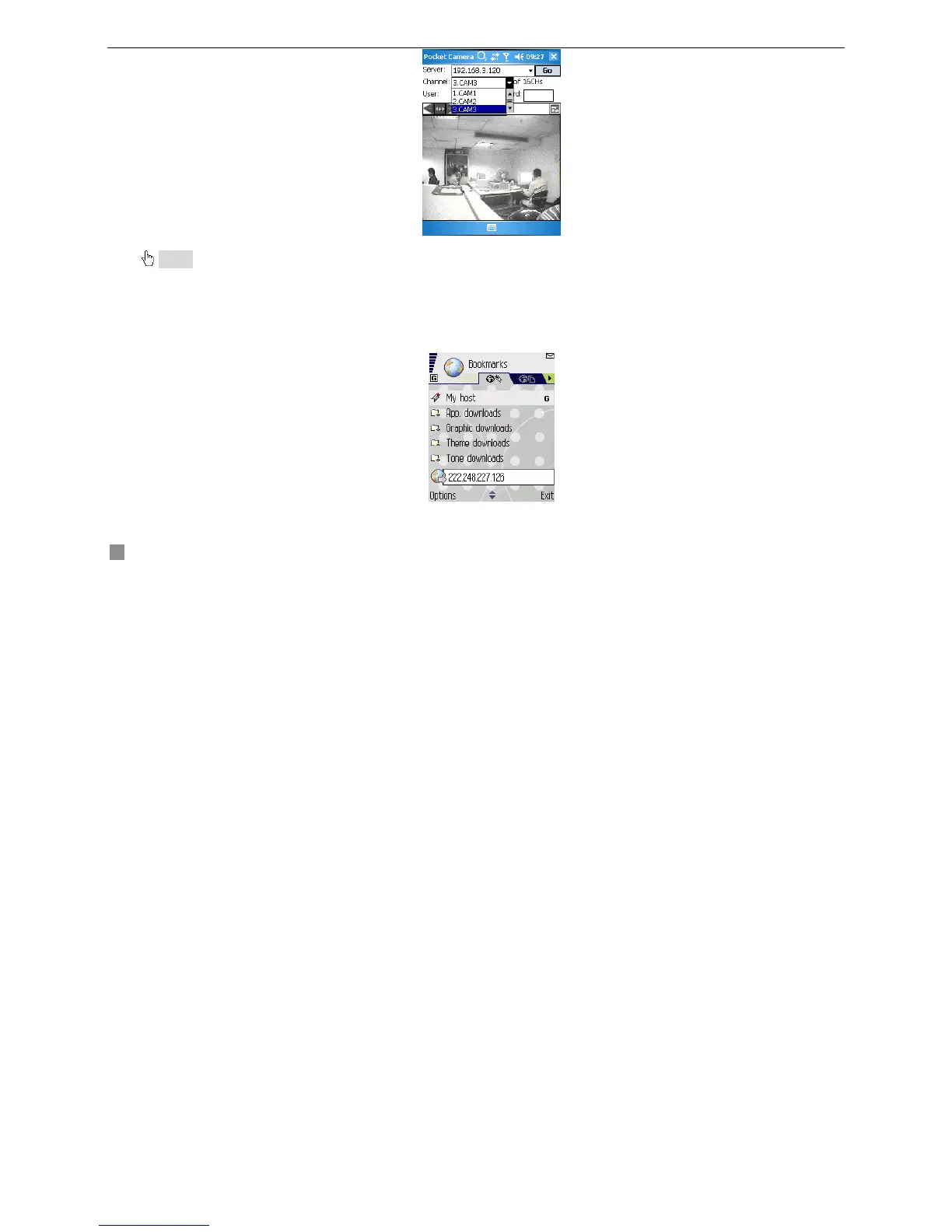
Notice: User name and password here are the same with that used on the DVR. The defaults are user name “admin” and password “123456”.
6.2 By Smart Phone with Symbian Operating System
Please use smart phones or PDAs with symbian version supported by this unit.
STEP1 Firstly, enable the network access on mobile phone, and then run Web browser.
STEP2 Input the DVR server’s IP address in a new-built bookmark. Click this bookmark to connect with the DVR.









 To Next Page