Digital Video Recorder User Manual
60
STEP6 Click "OK" button to confirm the operation in the Lock Event interface.
4.4 Remote DVR Configuration
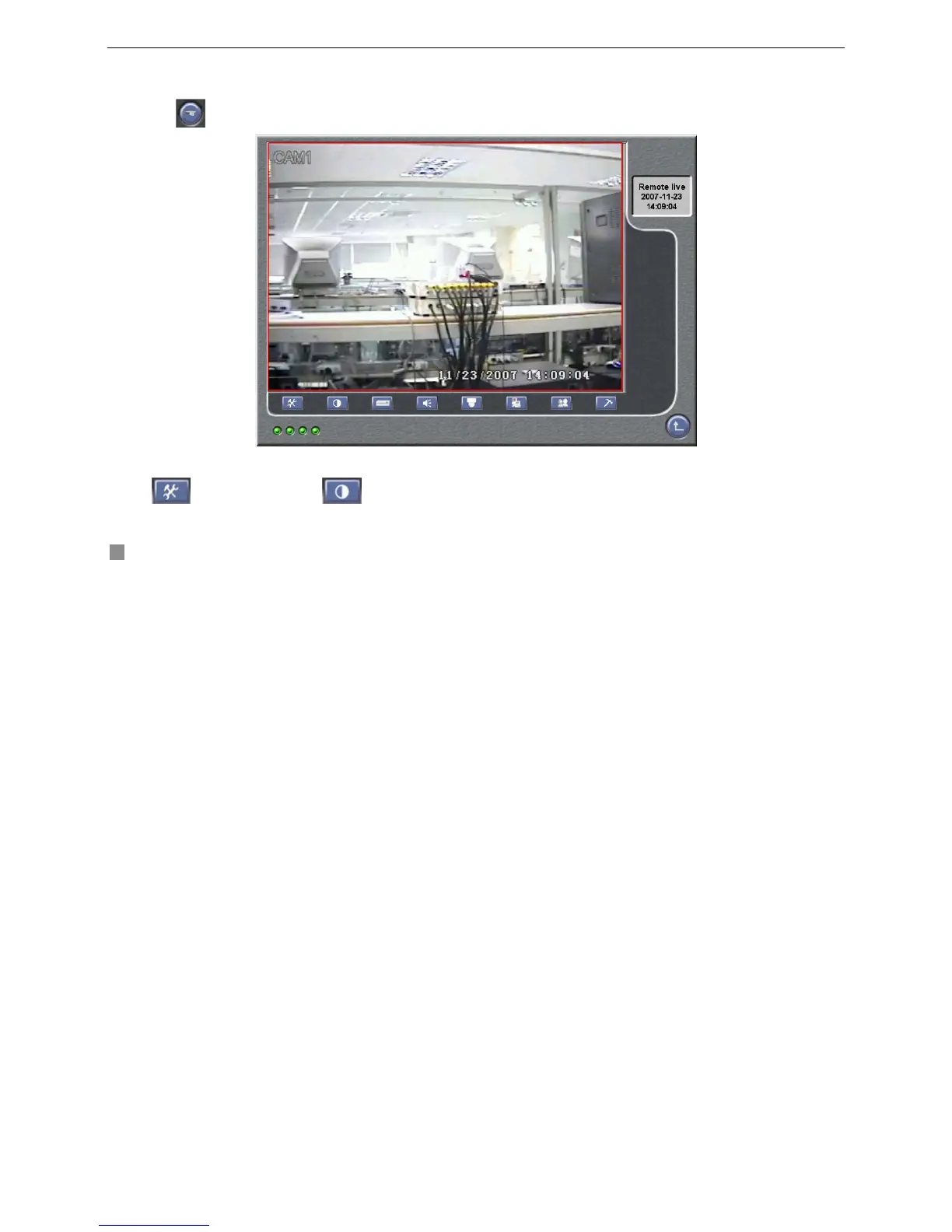
Click button in Main Interface to enter the following interface shown as Fig4.12 Remote DVR Configuration.
Fig4.12 Remote DVR Configuration
Definitions of buttons in Fig4.10 are as below:
System Configuration Live configuration









 To Next Page