Digital Video Recorder User Manual
59
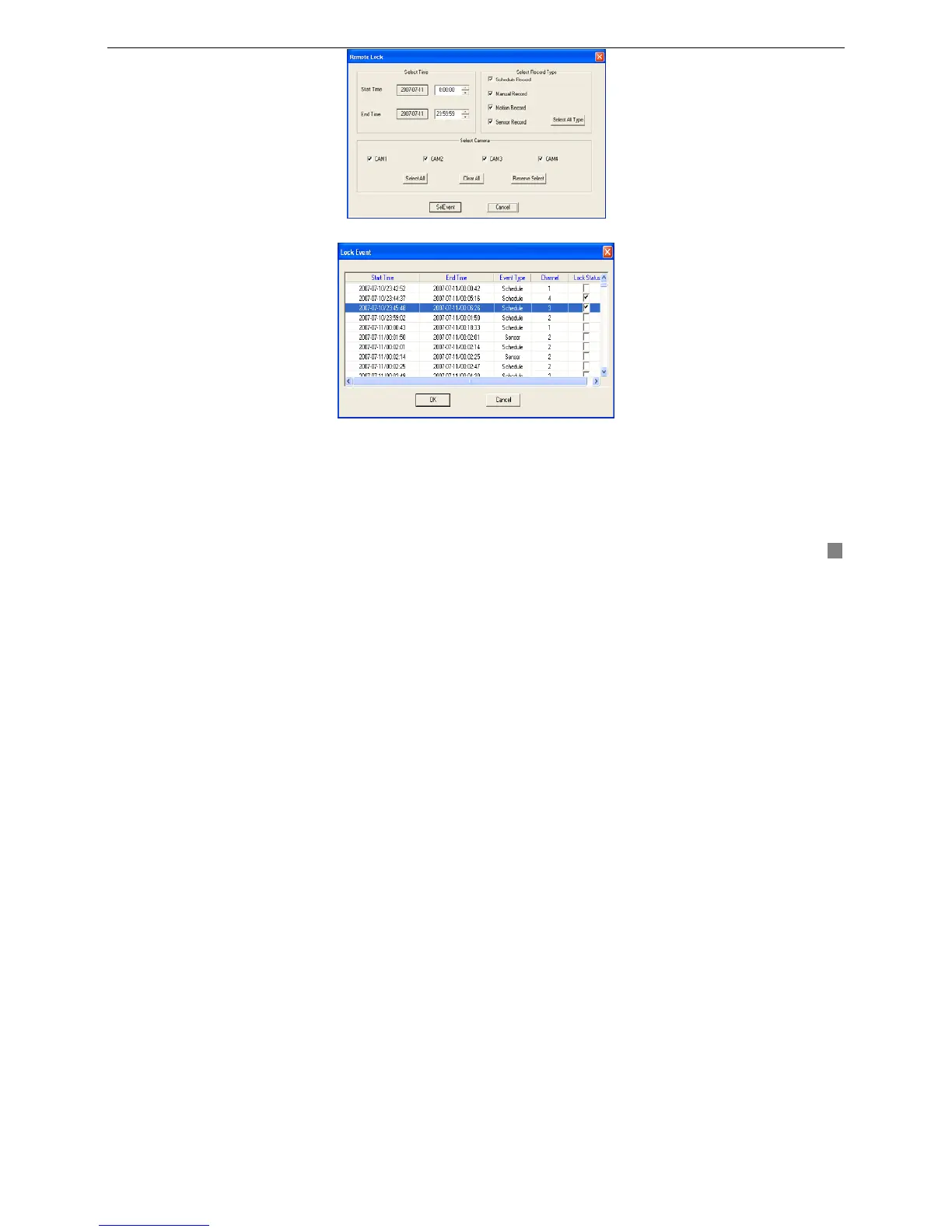
STEP2 Select time and record type.
STEP3 Select camera.
STEP4 Click "Select Event" button, system will find the corresponding event and pop up the LOCK EVENT window
shown as Fig4.11 Lock Event.
STEP5 Tick off the check box to change lock status.
Lock Status shows ‘√’ indicating that the event is locked, otherwise it means unlocked.
Fig4.10 Remote Lock
Fig4.11 Lock Event









 To Next Page