Digital Video Recorder User Manual
15
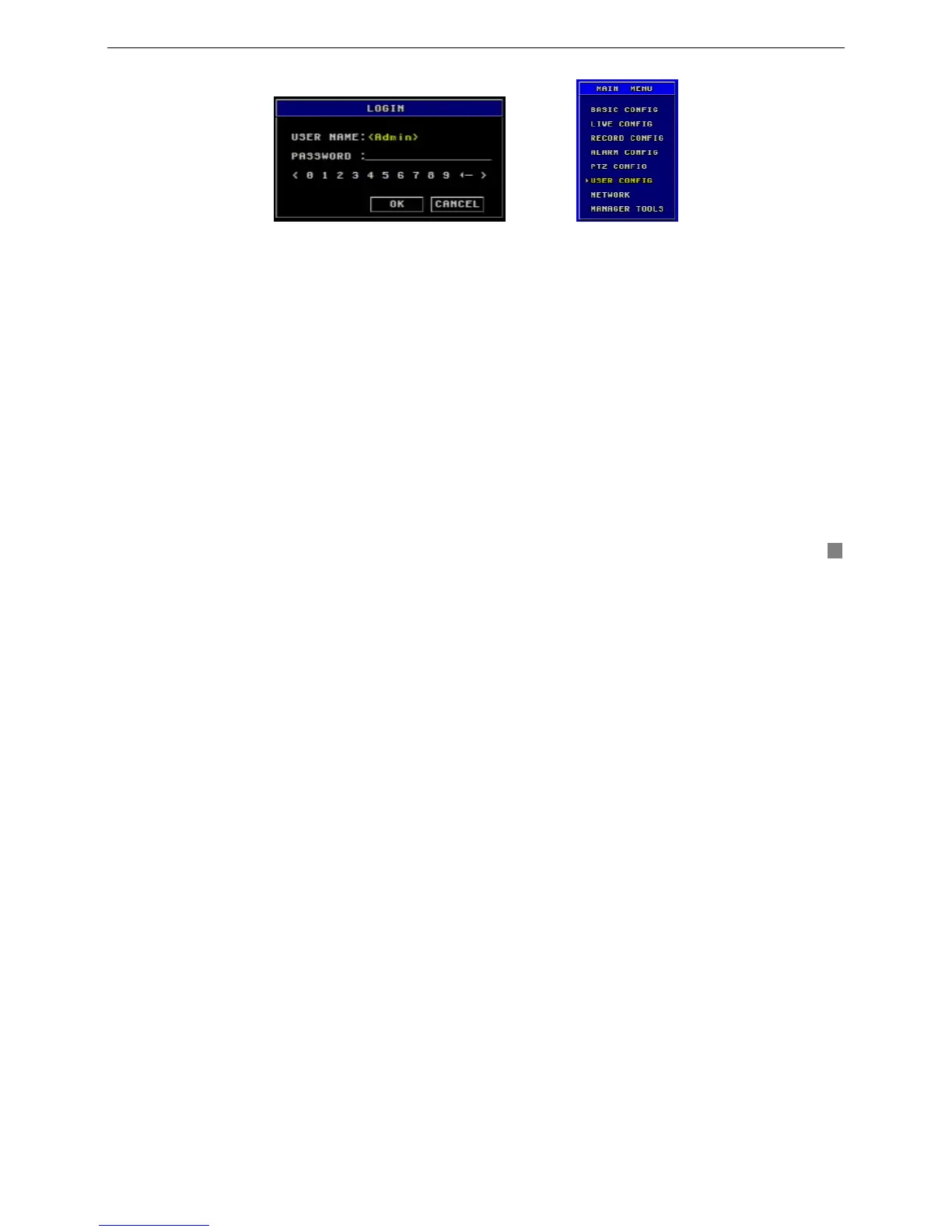
STEP1 Press "Menu" button, input username and password in the Login interface (as Fig. 3.1), and then you will see
the Main Menu (as Fig. 3.2).
STEP2 Move cursor, and the selected items will be highlighted by yellow
STEP3 Press "Enter" key to enter the sub-menu, and press "Menu" key to get back to Main Menu
The structure of the main menu is shown in Fig3.3.
Fig3.2 Main Menu Fig3.1 Login









 To Next Page