Digital Video Recorder User Manual
23
1. HOLD TIME
It denotes the continual recording time after alarmed. There are two options: 1 minute and 2 minutes. It also defines the
interval of motion detection. If the HOLD TIME is 1 minute, the motion detected will only trigger the alarm once in 1
minute.
2. CHANNEL
STEP1 Move the cursor to the item.
STEP2 Press "Enter" key to switch the channel and select.
3. DETECTION
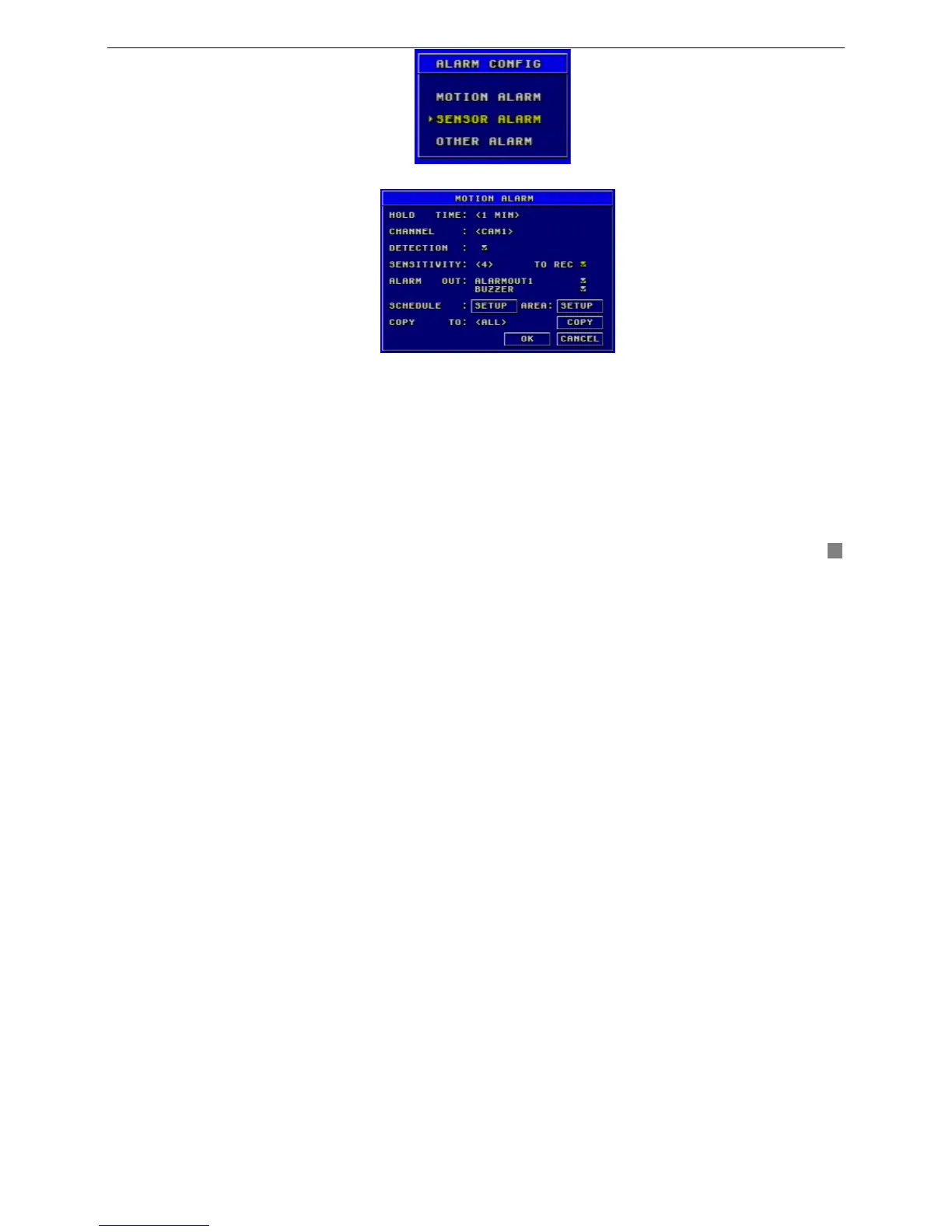
Fig3.9 Alarm Configuration
Fig3.10 Motion Alarm Configuration









 To Next Page