Digital Video Recorder User Manual
47
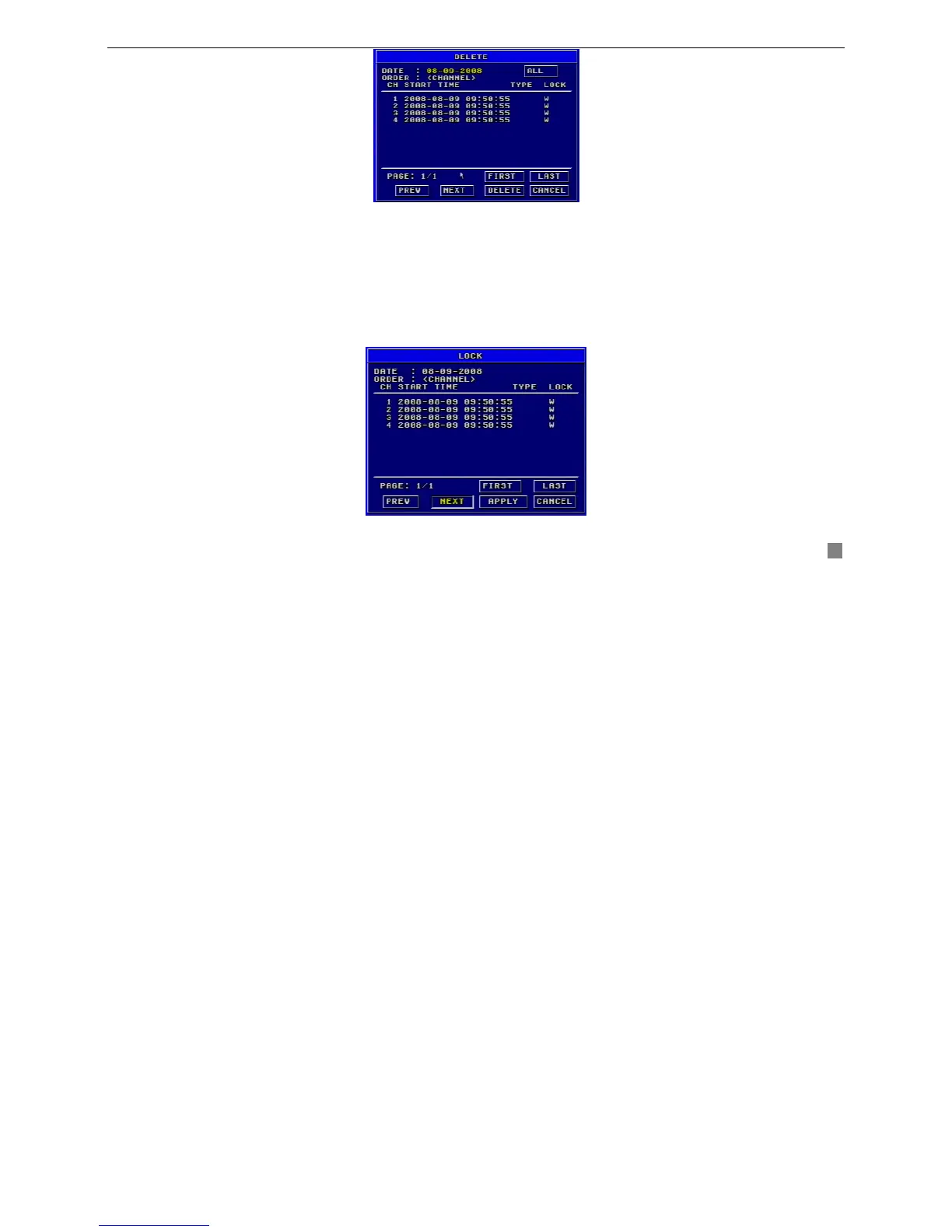
Fig3.42 Delete
STEP1 Press "Enter" key to enter the Delete submenu.
STEP2 Press "Enter" key to select the record.
STEP3 Move the cursor to "DELETE" button and press "Enter" key, information will be given as below:
‘SOME RECORDS WILL BE DELETED, CONTINUE?’
STEP4 Select "OK" button.
STEP5 Press "Enter" key to delete this record.
LOCK/UNLOCK
Lock submenu is shown as Fig. 3. 43. Its function is to lock or unlock the record.
Fig3.43 LOCK/UNLOCK









 To Next Page