Digital Video Recorder Quick Start Guide
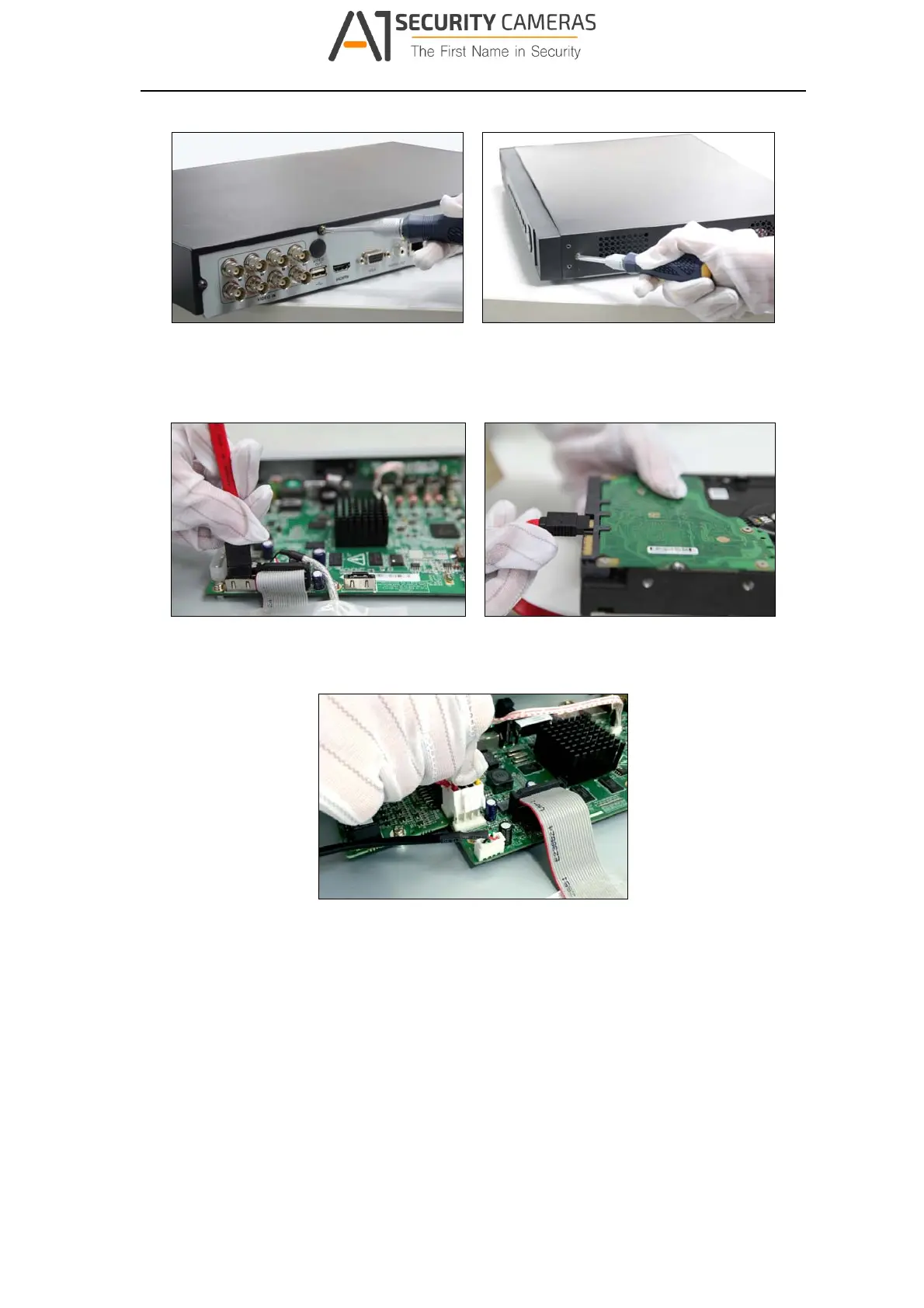
Figure 2‐1 Remove Cover
Step 2 Connect one end of the data cable to the motherboard of DVR and the other end
to the HDD.
Figure 2‐2 Connect Dat a Cable
Step 3 Connect the power cable to the HDD.
Figure 2‐3 Connect Power Cable
Step 4 Place the HDD on the bottom of the device and then fasten the screws on the
bottom to fix the HDD.
11
Available from A1 Security Cameras
www.a1securitycameras.com email: sales@a1securitycameras.com








 To Next Page