Digital Video Recorder Quick Start Guide
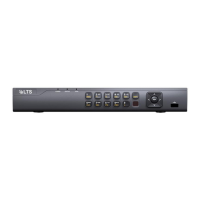
Step 2 Press the POWER button on the front panel. The Power LED should turn blue.
The unit will begin to start.
After the device starts up, the wizard will guide you through the initial settings,
including modifying password, date and time settings, network settings, HDD
initializing, and recording.
To shut down the DVR:
Step 1 Enter the Shutdown menu.
Menu > Shutdown
Figure 3‐2 Shut down
Step 2 Select the Shutdown button.
Step 3 Click the Yes button.
3.3 Activating Your Device
Purpose:
For the first‐time access, you need to activate the device by setting an admin password.
No operation is allowed before activation. You can also activate the device via Web
Browser, SADP or client software.
Step 1 Input the same password in the text field of Create New Password and Confirm
New Password.
Figure 3‐3 Set Admin Password
17
Available from A1 Security Cameras
www.a1securitycameras.com email: sales@a1securitycameras.com



 To Next Page