Lumenera Scientific Infinity Camera
Release 3.3 User’s Manual
Copyright 2004 Page 7
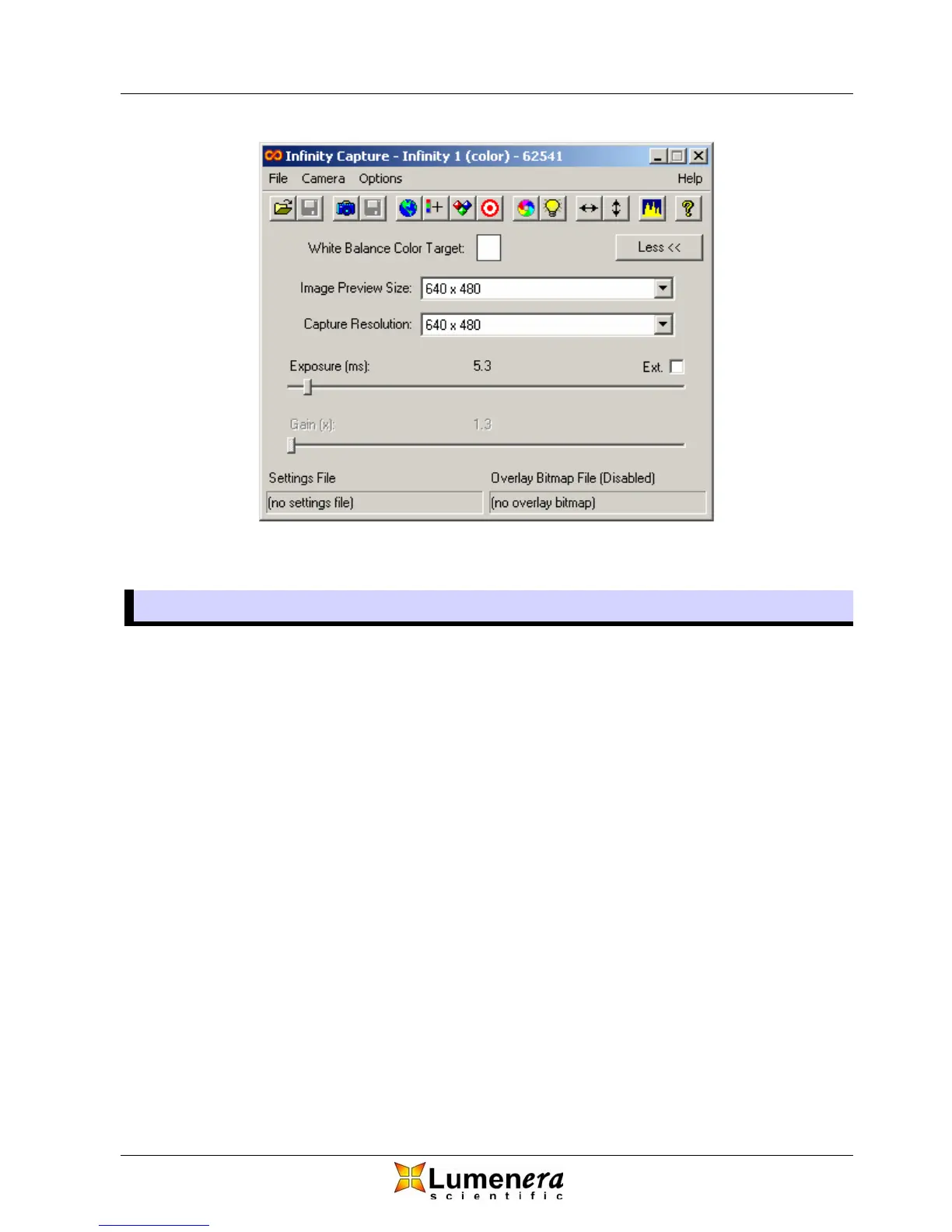
Figure 1 - Infinity Camera Main Window
3.3 Selecting Image Size
3.3.1 Image Preview Size
You may choose any one of the available resolution settings from the dropdown
list on the main window for video preview as depicted in Figure 2. Depending on
the camera model, the available selections will be different. The default
resolution on start up is 640 x 480. The video frame rate displayed on your
monitor will vary depending on the choice of preview resolution. With each step
down in resolution, you will utilize a smaller area of the camera’s sensor (smaller
field of view) resulting in less video data and increased frame rates. The
exception to this is the sub-sampled mode, which utilizes the entire area of the
sensor (full field of view) but skip rows and columns of pixels to reduce the
amount of image data. Using this mode results in a megapixel image area at
higher frame rates but with less detail.



 To Next Page