Lumenera Scientific Infinity Camera
User’s Manual Release 3.3
Page 16 Copyright 2004
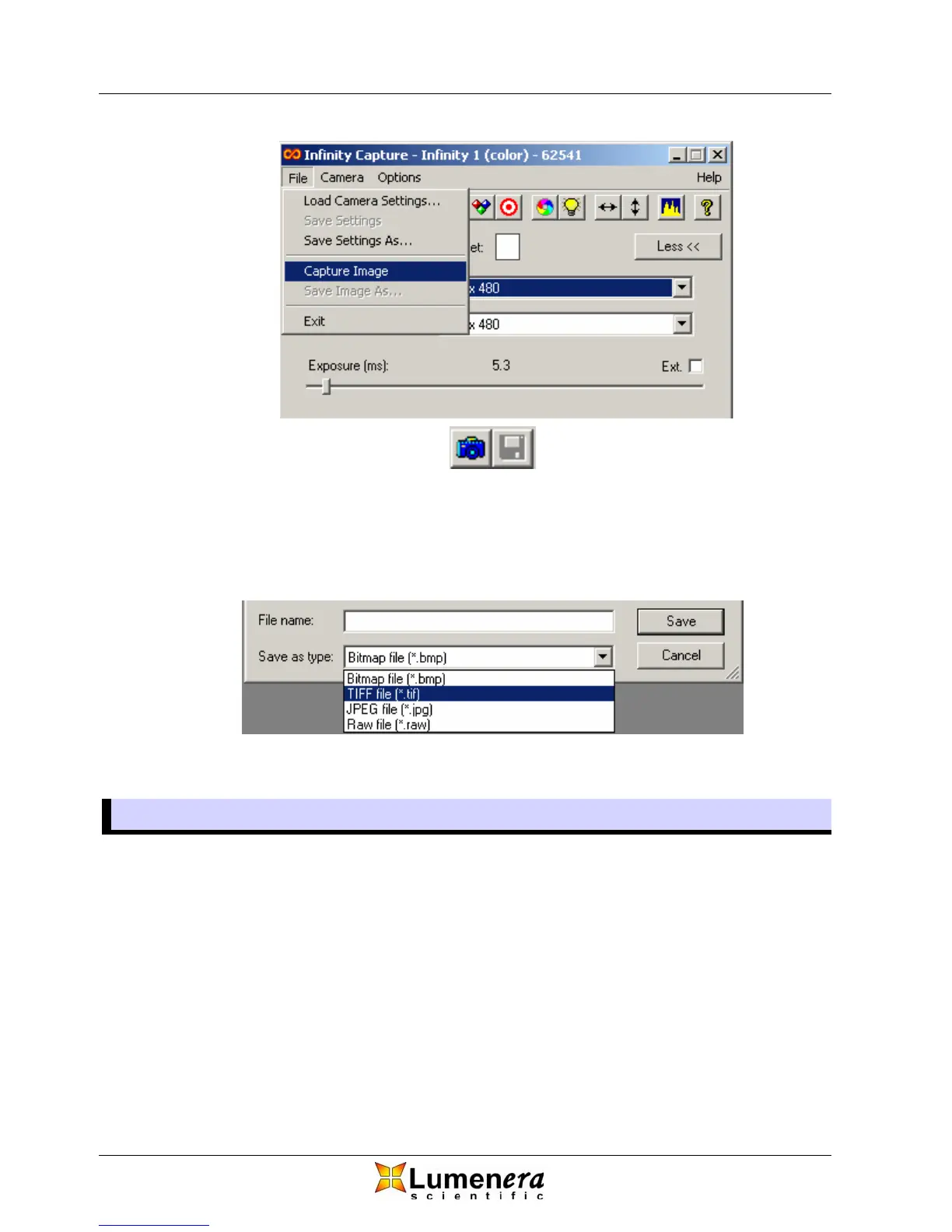
Figure 13 - Capture and Save Image
¾ You have a choice of four file types to select from when saving images.
Note that JPEG images are compressed and there will be some loss of
image detail with that format. All other formats are uncompressed with no
loss of image detail.
Figure 14 - Image Saving File Formats
3.6 Other Options
3.6.1 Light Source Frequency
The light source frequency settings simply limit the available exposures that can
be used in order to avoid the flickering or banding caused by lights operating on
AC power sources. When using DC powered lights, as most microscopes have,
the DC setting may be selected and there will be no restriction on the allowable
exposures.
3.6.2 Preview Quality
The video displayed in the preview window can be optimized for either image
quality or speed. The default setting is for image quality, which uses a higher
percentage of the CPU and may result in a slightly slower video rate on some



 To Next Page