Lumenera Scientific Infinity Camera
User’s Manual Release 3.3
Page 10 Copyright 2004
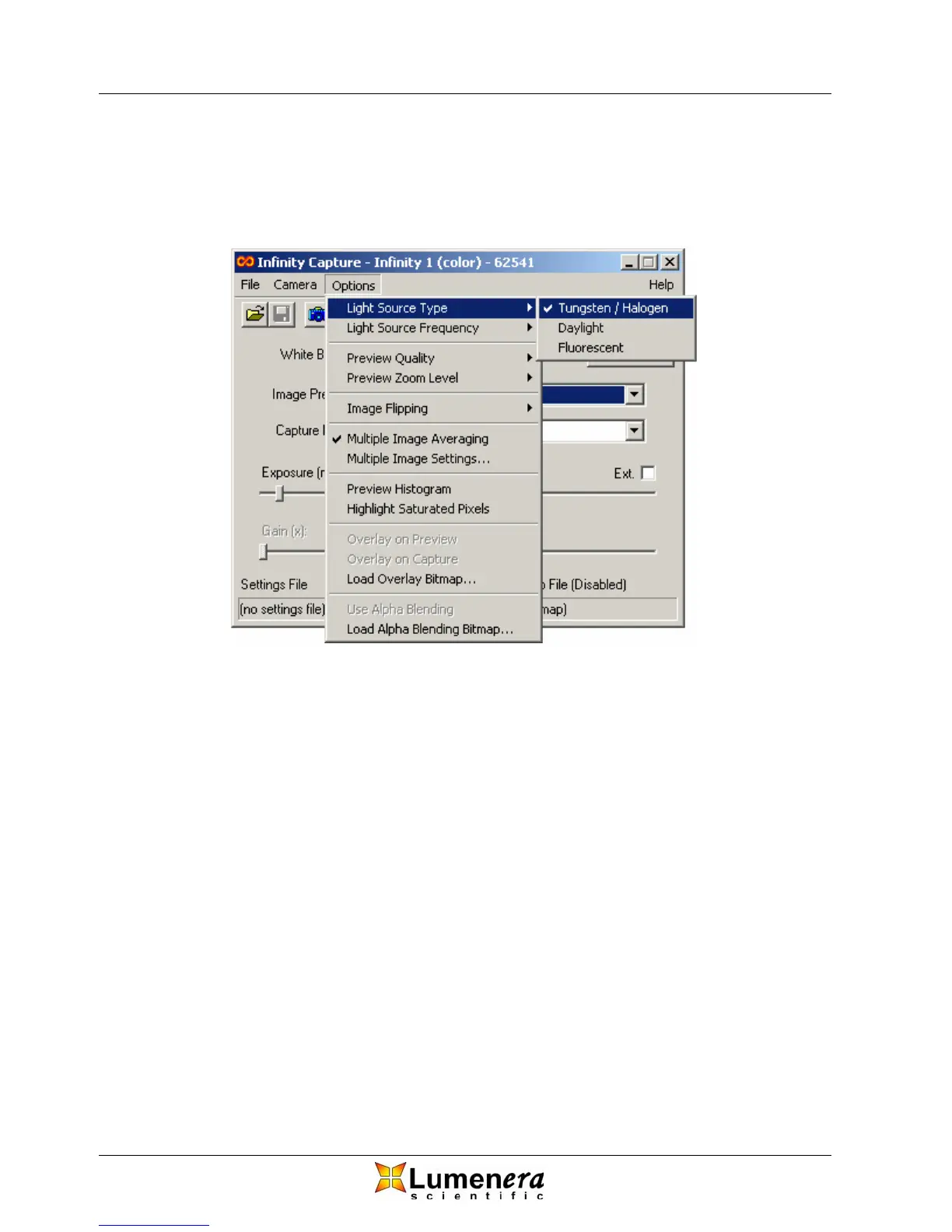
If you are using filters on the light source, you should choose the light source that
best matches the filter. For example, on a microscope with Tungsten lighting, if
you use the standard daylight filter, you should select Daylight as the light
source.
Figure 4 - Selecting the Light Source
3.4.4 White Balance Target
Your Infinity color camera has the ability to adjust the colors in your image based on the
current lighting conditions. In order to adjust and accurately represent the colors within
your image, you must first perform a white balance.
As a first step, select a light source that accurately represents your working conditions,
described above. Next, select a target color that most accurately represents the current
working conditions. For a microscopy application this will be the background color when
viewing a sample through the eyepieces.
The default target color on start-up is white and in most cases this is the desired choice.
However, when viewing an image with the microscope eyepiece, especially when color
filters are being used, the background color is sometimes non-white. If you want the
colors captured by the camera to be as close as possible to the colors you see down
the eyepiece you should select a color target from the Available White Balance Target
Colors that closely matches the background color. The target color dialog can be
accessed by selecting the “bull’s eye” icon from the toolbar or from the dropdown menu
as depicted in Figure 5.



 To Next Page