Lumenera Scientific Infinity Camera
User’s Manual Release 3.3
Page 8 Copyright 2004
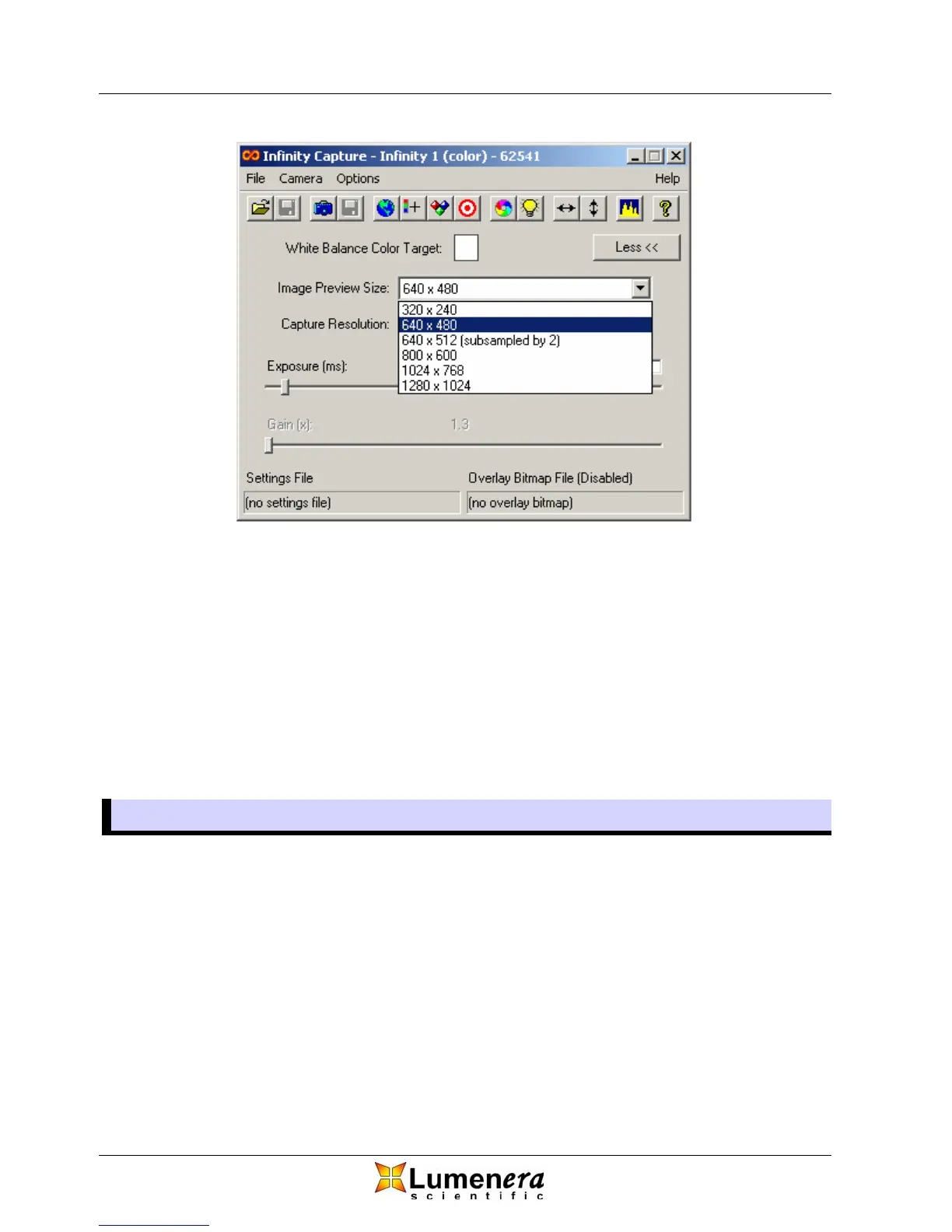
Figure 2 - Image Preview Size
3.3.2 Capture Resolution
Image capture resolution is selected through the drop down list in the main
window similarly to the Image Preview Size. Capture resolution is independent
of preview resolution. This represents the resolution of the image that is
captured.
The Infinity X camera has 3 different DeltaVU™ resolutions available for each
preview resolution in addition to the standard (Demosaic) method used by all
other cameras.
3.4 Image Optimization
3.4.1 Exposure
Optimizing the exposure of your Infinity camera is achieved through moving the
exposure slider, Figure 3. Based on the camera model, you have different
exposure ranges available. Fine exposure slider adjustments can be made using
the left and right arrow keys on your keyboard. As exposure is adjusted, the
frame rate is kept at the maximum possible.
Some cameras have an extended exposure range, indicated by an Ext. check
box on the right side of the exposure slider. When not in extended exposure
mode, the exposure is limited but has high granularity so that very precise
exposure settings can be made. When the option is selected, the exposure can
be increased to the maximum allowed by the camera, but with less granularity.



 To Next Page