lumenstudio
™
software user manual
lumenstudio
™
software user manual
24
25
It is important to know that matrix effects can only be used with Rects. It is not possible to drag this kind of effect onto a
regular xtures selection. Read the “Rects mode” chapter to see how to use Rects.
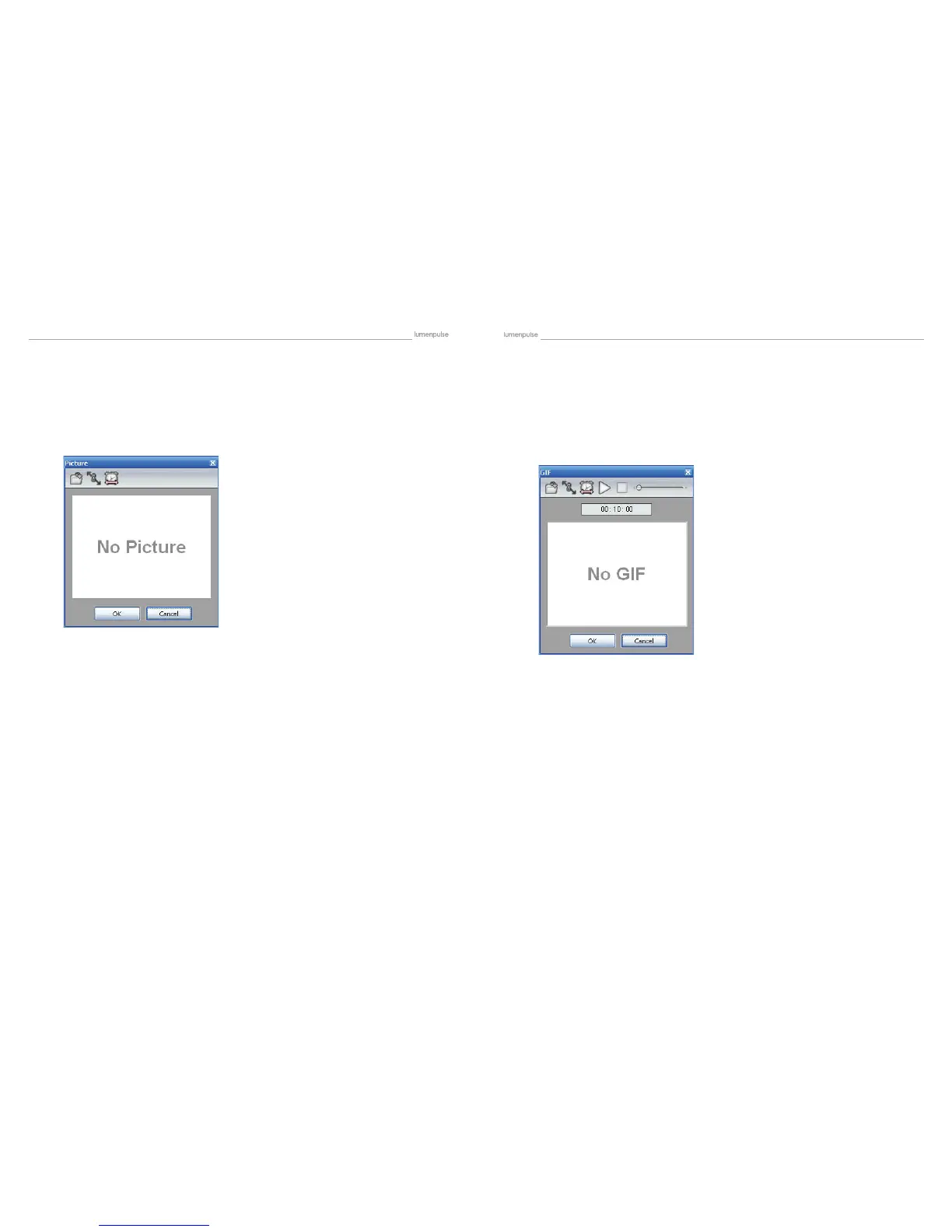
Once the Picture effect has been selected and dragged to the timeline, a window is opened and you will have to select
a picture (BMP, JPG or PNG) le to be displayed on the matrix.
It is important to select a picture with good dimensions. It is not possible to display a 100x100 picture on a 5x5 matrix
for example.
An animated GIF le can be displayed on the matrix.
It is important to know that matrix effects can only be used with Rects. It is not possible to drag this kind of effect onto a
regular xtures selection. Read the “Rects mode” chapter to see how to use Rects. Once the GIF effect has been selected
and dragged to the timeline, a window is opened and you will have to select a GIF le to be displayed on the matrix and
then press the playback button to visualize the animation.
It is important to select a picture with good dimensions. It is not possible to display a 100x100 picture on a 5x5 matrix
for example.
4.2.2.2.6. Picture 4.2.2.2.7. Gif


 To Next Page