lumenstudio
™
software user manual
lumenstudio
™
software user manual
38
39
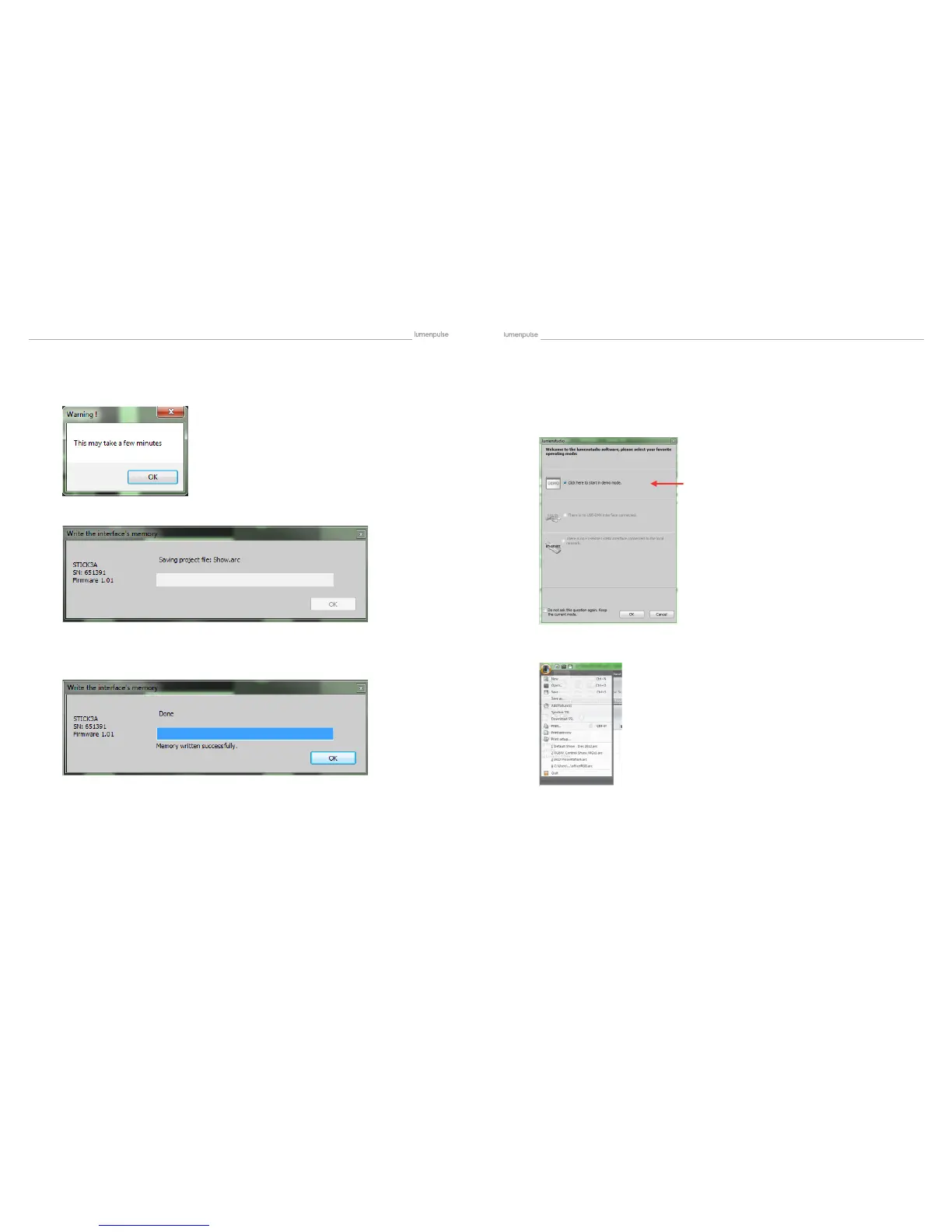
Select ‘OK’ on the following dialogues. Allow the program to load the show do not try to close the program or anything
while this is going on, as it may cause the show to not load properly to your Lumentouch.
Once completed you will see the following message: It will include the amount of memory has been used on your SD card.
You have now successfully loaded a show to your Lumentouch. Now you can close the program, and remove the Lu-
mentouch from your computer. Be sure to return the USB/EXT switch back to EXT after you have unplugged it from your
computer.
VIII Uploading a Show - Direct to SD Card
Open Lumenstudio. A dialogue box will pop up.
Lumenstudio will now open with no shows loaded. To load a pre-existing show, choose the File button in the top left corner
and choose Open…
When putting an SD card into the computer, choose ‘Demo Mode’
Setup


 To Next Page