lumenstudio
™
software user manual
lumenstudio
™
software user manual
16
17
An effect can be added to the timeline with a simple drag&drop. You can read the next chapter for a description of the available
effects. An effect can be added to a single xture or to a group of xtures. Click on the desired effect from the “Effects”
window and drag it to the time line as show below. Once the mouse button is released, the software will open the effect
options window.
4.2.2. Scenes construction
4.2.2.1. Adding an effect to the timelines
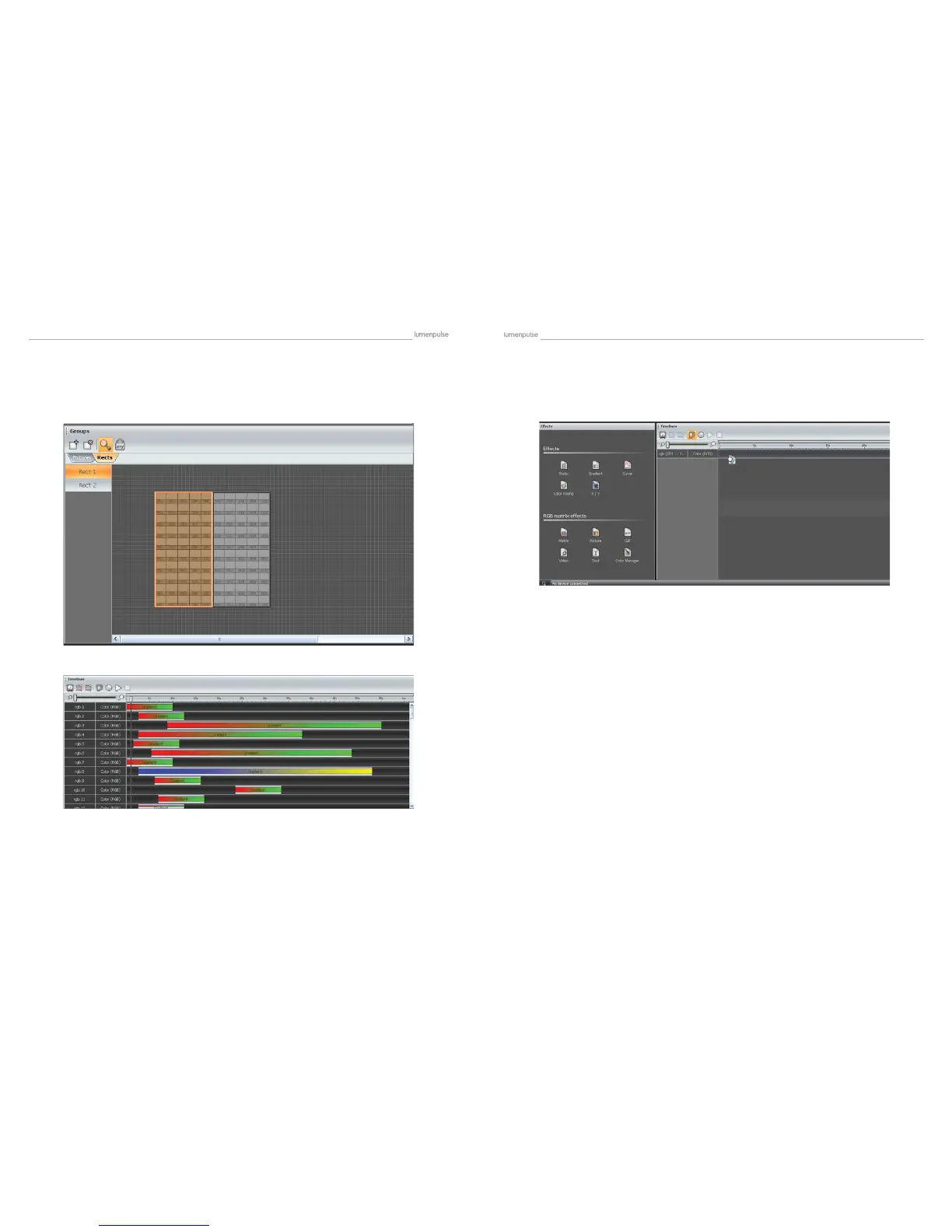
A rect is a virtual zone where a sequence can be played. You can for instance, play several sequences on the same LED
screen at different positions using several rects. From the Rects window, click on the “Add rect” button to create a new rect,
this will highlight the button and activate the rect drawing function. Just click on the grid and hold the button to draw a new
rect. It is possible to modify its size and position with the mouse.
4.2.1.2. The Rects mode


 To Next Page