English - 34
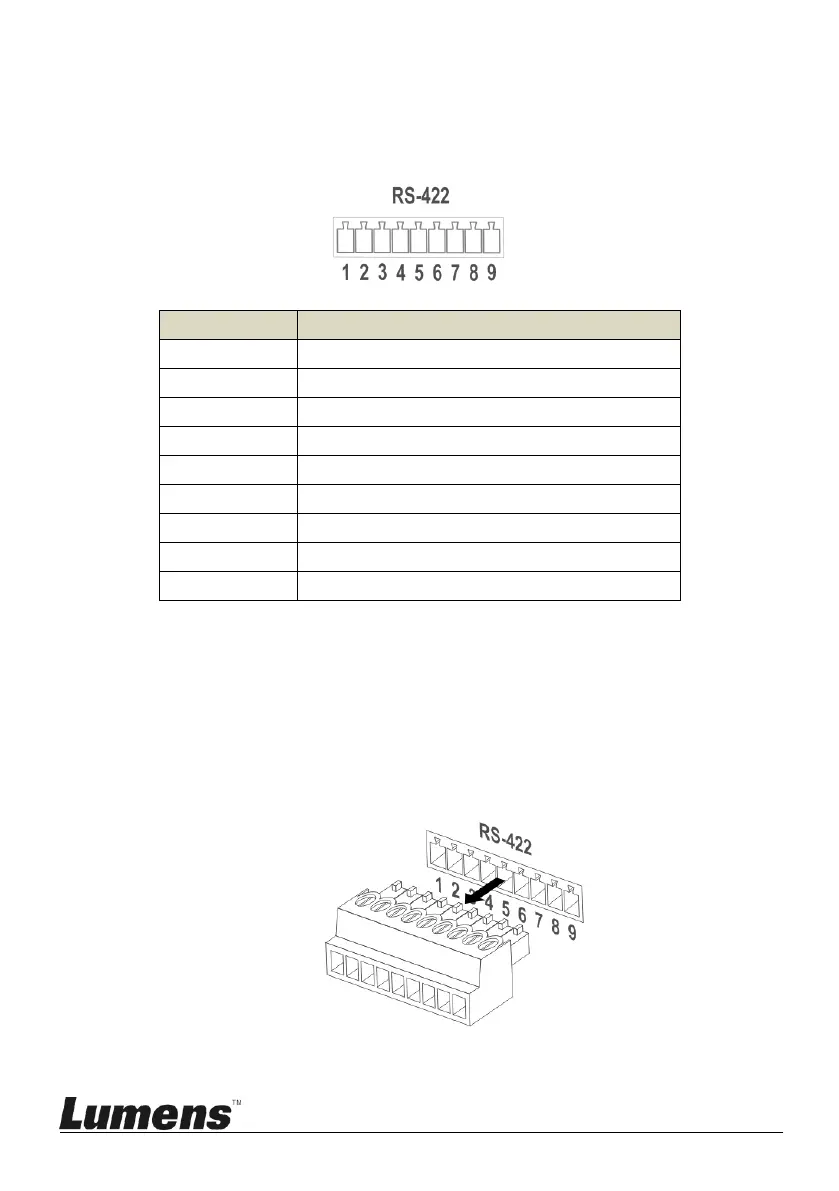
7.2 RS-422 Connection
7.2.1 RS-422 Pin Description
<Note>
Please connect IN+ to OUT+ when connecting to SONY products
For non-SONY products, it may be necessary to connect IN+ to OUT-
7.2.2 Use RS-422 Connection
1. Hold the two sides of RS-422 connector and pull out in the direction
shown by the arrow in the figure below



 To Next Page
 Loading...









