In the Input/Output interface:
Enter the IP address you wish to use (C).
Enter the subnet you wish to use.
Enter a gateway IP address if required.
Enable/Disable Allow cong (D). When disabled, users will not be able to reach the web-UI on this IP
address.
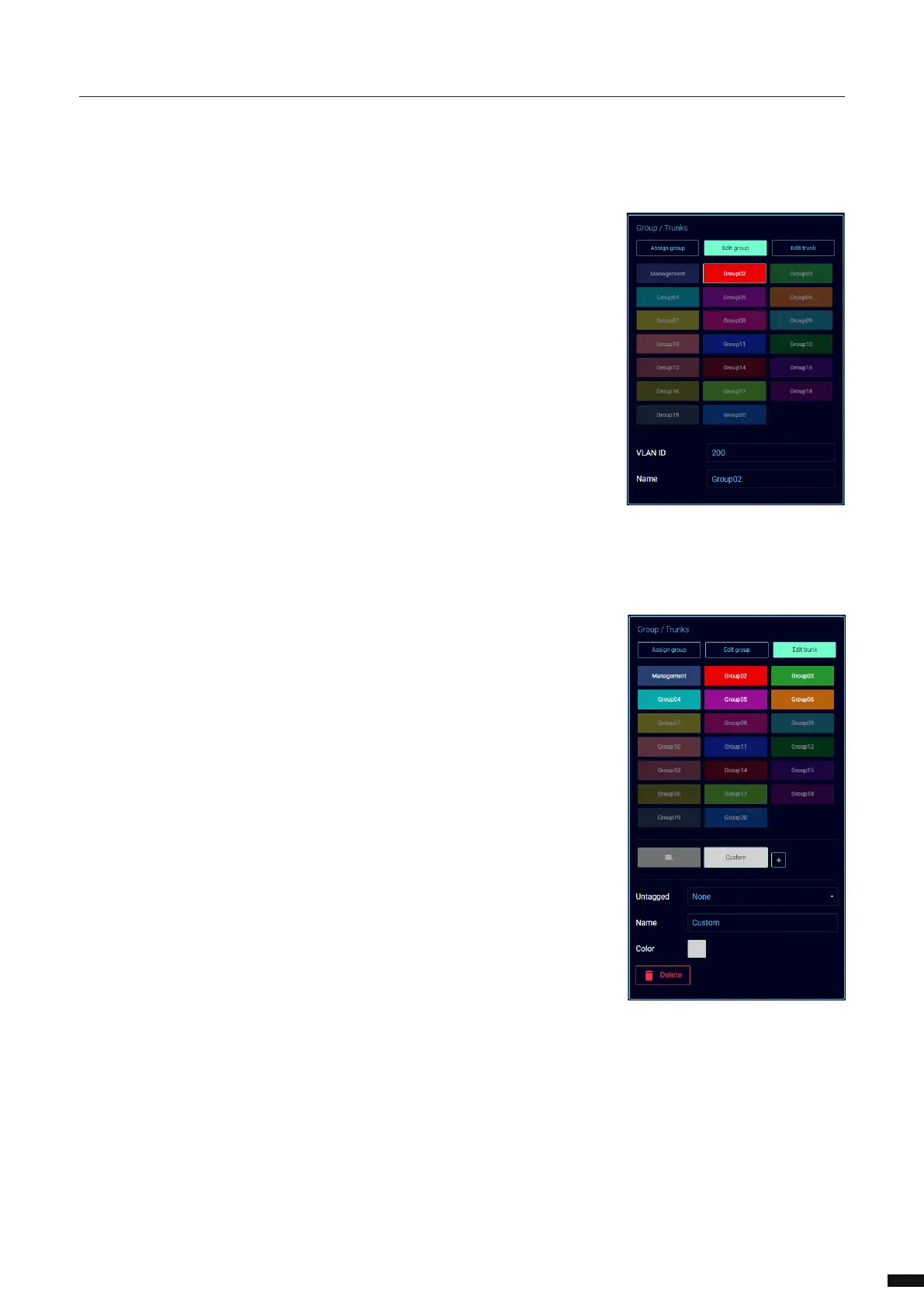
In the Group/Trunks window (E) select the group for the lighting data you wish to use.
With the group selected, click the group assignment on the input/output interface (F).
In the System interface:
At the bottom-right of the System interface, use the slider to enable the interface.
Enter the IP address you wish to use (G).
Enter the subnet you wish to use.
Enter a gateway IP address if required.
Enable/Disable Allow cong (H). When disabled, users will not be able to reach the web-UI on this IP
address.
In the Group/Trunks window (E) select the group for the system interface you wish to use.
With the group selected, click the group assignment on the system interface (I).
Network ports:
Depending on the conguration chosen for the interfaces we now need to assign the correct groups/trunks
to the Ethernet ports of the LumiNode.
Select the group or trunk you wish to assign in the Group/Trunks window (E).
With the group selected, click the Ethernet port you wish to assign this group to.
Repeat these steps for the second Ethernet port if required.
In the image above, the example shows that we have assigned an ISL to ETH2, we used the management
group for the system interface, and we used group 4 for the input/output interface. Finally, we assigned
group 2 to ETH1 to give the user access to this group on the front of the LumiNode.
When all the settings are done, click Save (J) to apply the conguration.
Enter the new IP address in your web browser to refresh the page.
19



 To Next Page