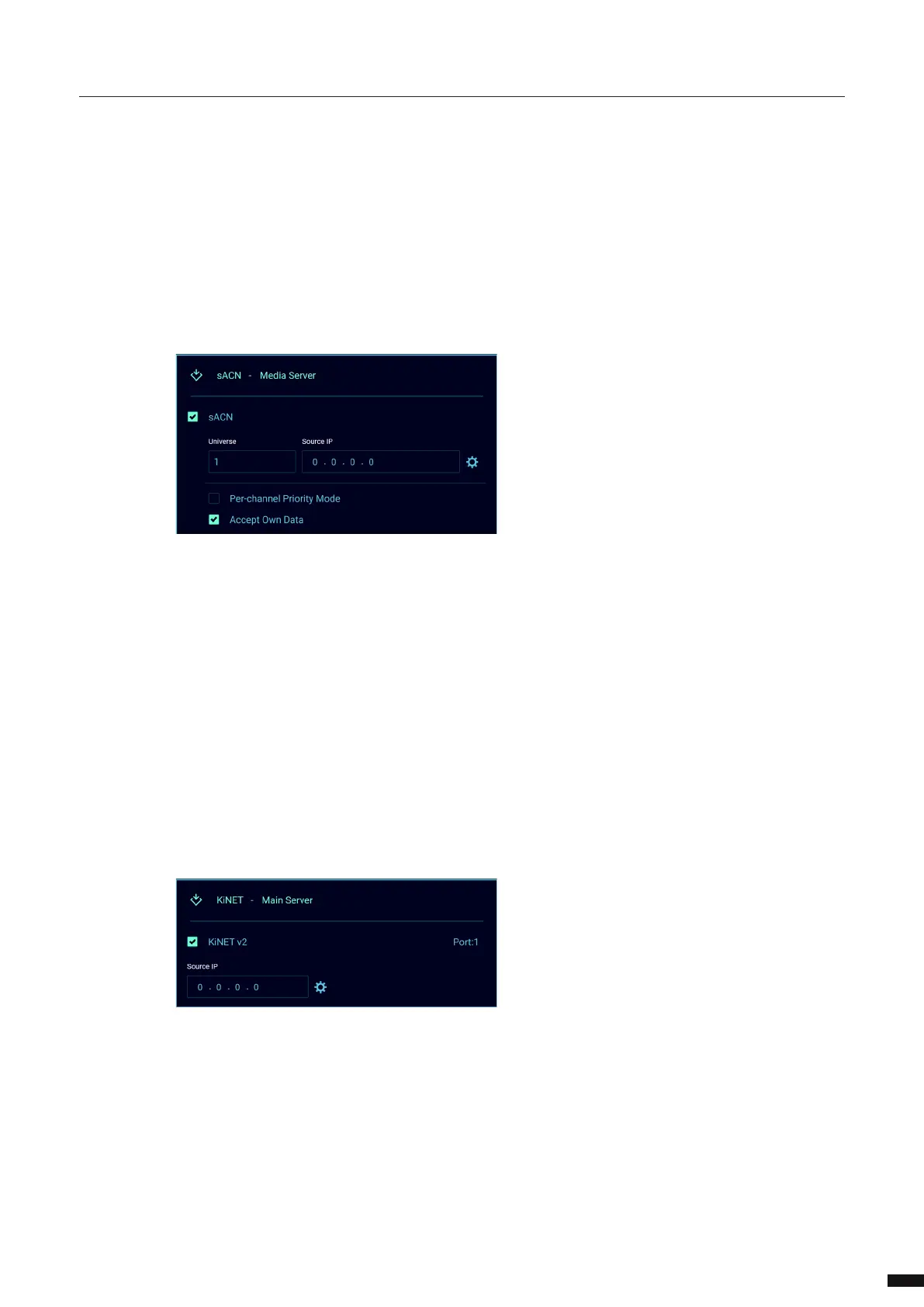
To clear to warnings, scroll to the following display and press the jog wheel. This screen can be found when
scrolling left once when ports 1-4 are shown or to scroll all the way to past the last detailed port info.
If the advanced network has been congured and the user is accessing the network setting via the display,
the following popup will appear to warn the user.
If the port is in DMX redundant mode and idle the output icon has a magenta outline:
If the port is in DMX redundant mode and active the output icon is solid magenta:
25



 To Next Page