Luowice Wireless Security Camera User ManualLuowice Wireless Security Camera User Manual
Camera Installation
1
1.1 Precautions
a)Please avoid using the device in water, under high temperature or dusty
environment.
b)Please use SD card, USB devices and hard devices purchased from
authentic sources only.
c)Please use only 12V power adapter to plug the camera in power.
d)Note: The camera cannot recognize Wi-Fi user name or password that
include special characters (e.g. &, #, =, etc). Nor can the camera connect
to hidden Wi-Fi. The password of your local Wi-Fi shall be within 15
letters and avoid using special characters (e.g. &, #, =, etc). The camera
does not support 5G Wi-Fi.
e)Please avoid installing the camera in places where night vision can be
affected. Make sure that the lens of the camera does not face to walls,
trees, glasses and other stuff that can reflect the IR light back to the
camera. Otherwise the night vision of the camera will have many bright
spots.
0201
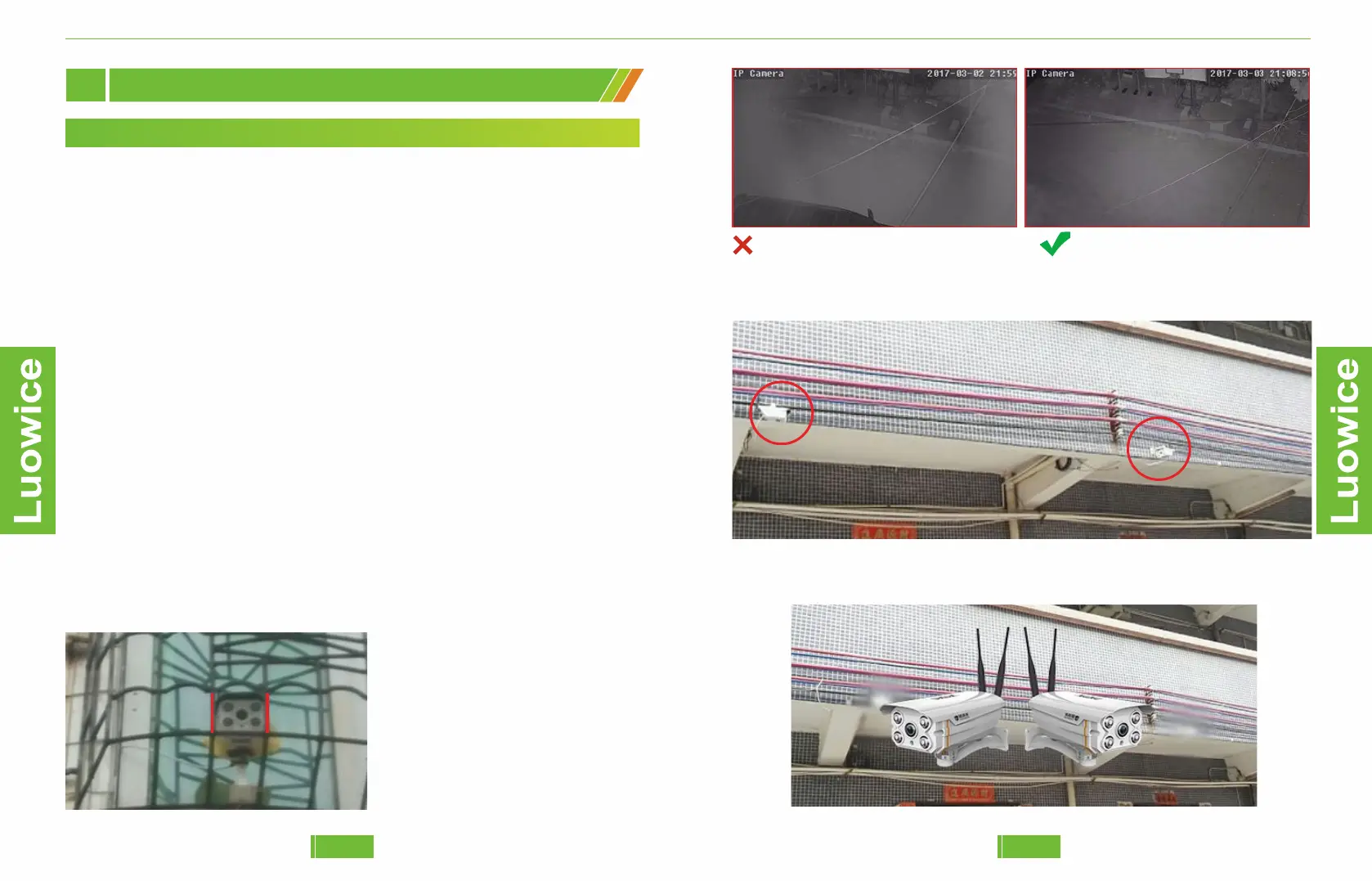
1. Avoid having obstacles in front of the camera
As the image shows, the guard
bars block the infared light,
which makes the sides of the view
blurred.
Solution: Install the camera in
where there is no obstacles.
Before: Obstacles make the imageblurred. After: Clear black/white image.
2. Avoid installing two cameras face to face
When two cameras face to face, they will affect each other and
causeinfared light exposure.


 To Next Page