Luowice Wireless Security Camera User ManualLuowice Wireless Security Camera User Manual
1.4 Screw the Antenna
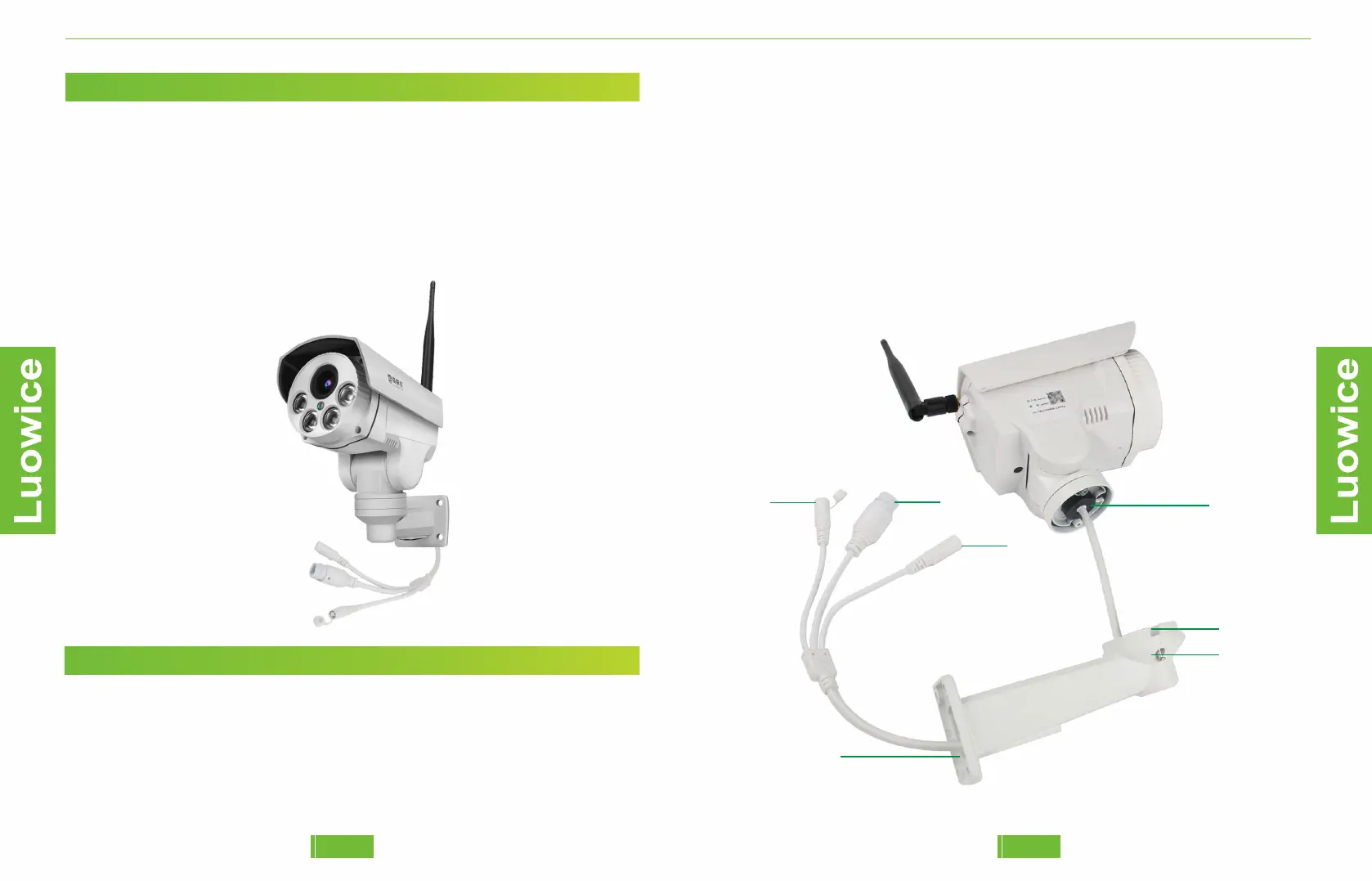
As the below images shown, please adjust the Antenna till it is at an angle
of 90 degrees to the camera. Please avoid the Antenna and the camera to
be in a straight line.
Note:Please screw the antenna on till it is in 90 degree to the camera.
Please avoid screwing the antenna too harsh after it is screwed firmly to
the camera. Otherwise the screw interface will be damaged.
1.5 Assemble the Camera and the Bracket
Please avoid adjusting the angles of the camera bracket directly by hand.
The angles of camera shall be adjusted via the PTZ function on the
mobile APP or PC Client. Adjusting the bracket manually can cause
damage to the PTZ function.
Please put the wires (5, 6, 7) through the bracket (4) one by one. Put all the
three wires through the bracket at the same time can make them be stuffed in
the middle and fail to get through.
Please place the screw (3) to the right interface (2, 1) to assemble the camera.
1
2
3
4
5
6
7
0605


 To Next Page