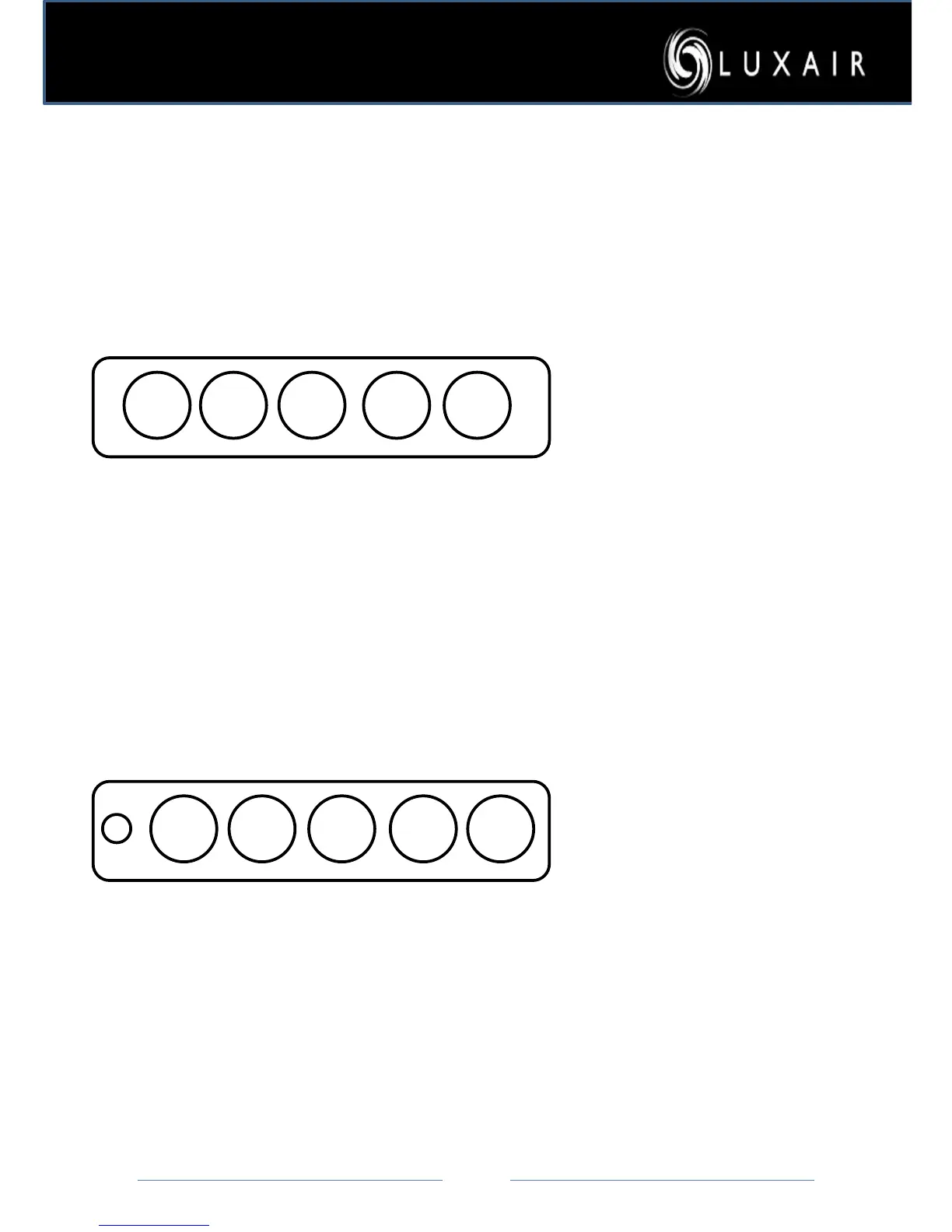
1: Select speed one to activate your
fan, then
2: To turn on the lights press the light
switch.
3: The T button is a timer switch, when
pressing the T button it will start to
flash! This
turn its self off after 20mins, to cancel
this simply press the T button again.
4: If the light button starts to flash,
simply
press and hold it for 3 seconds
5. If The 1 and * button is flashing this
needs resetting by turning the * on,
then turn the * off then hold * for 10
seconds
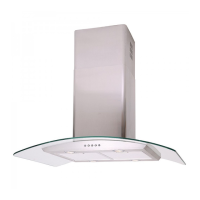
1: select speed I to activate your fan,
then
2: to turn on the lights press the light
switch.
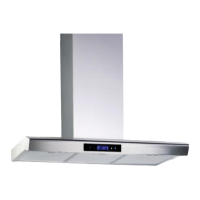
3: To Turn off your hood press 0
button


 To Next Page