Technical Service: tech.support@malighting.com; +49.5251.688865-30 Emergency Line: +49.5251.688865-99 2-Port Node Version 1.1
1313
1313
13
In stand-alone mode, only the 2-Port Nodes must have the same session number –
the consoles will only transmit via DMX outputs and must not be involved in the
session (over the network).
Settings for Port 1 and/or Port 2
For both ports, you can define different settings.
NOTE: You can configure the ports as IN or OUT independently form the port features
(DMX-in plug or DMX-out sockets). The appropriate adapters and cables are available
from MA LIGHTING.
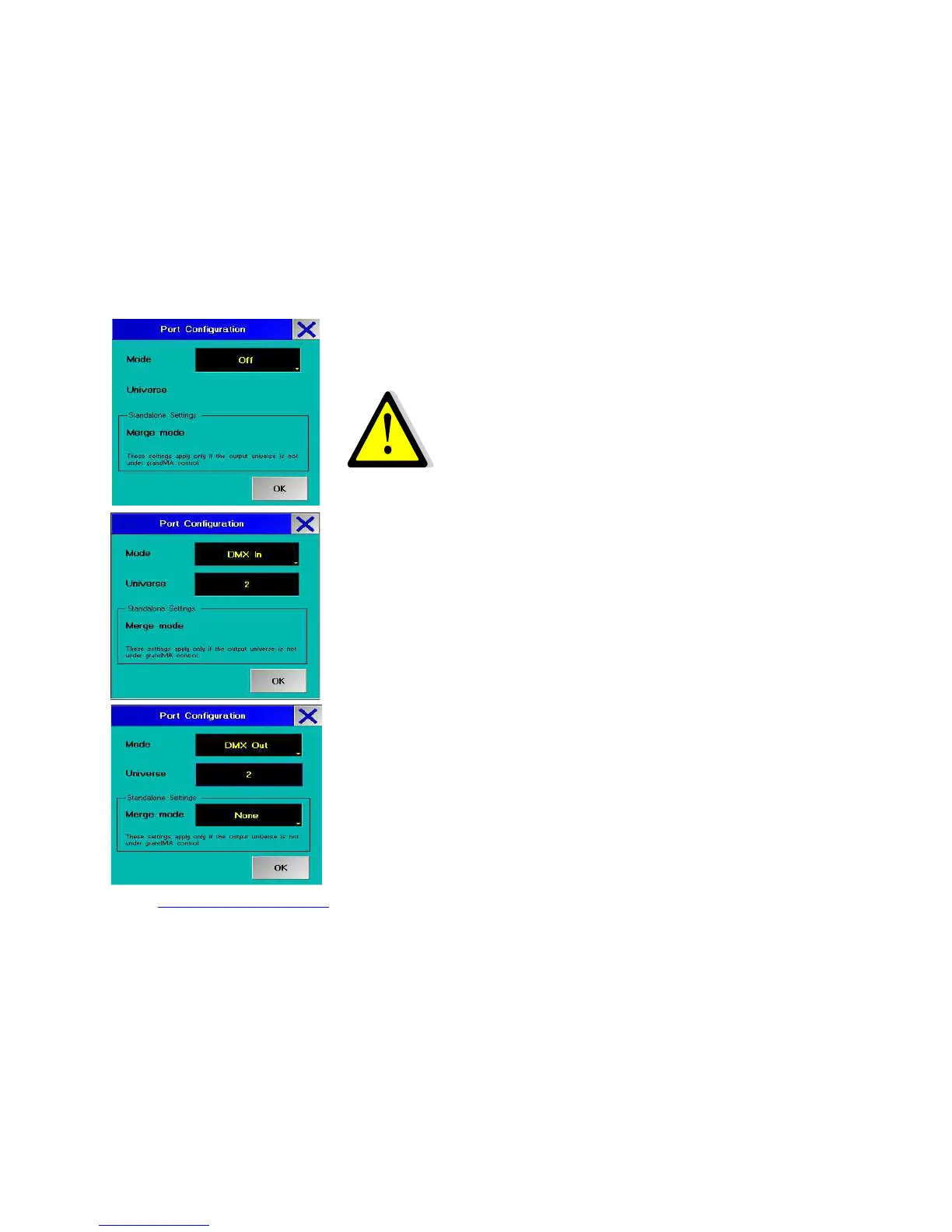
Mode:
OFF
When selecting OFF as setting, no DMX signal will be output. With this setting, the
Merge mode will not be available.
DMX IN
For DMX-Input. Can be connected with any DMX-512-producing console.
Use DMX IN:
- for output at another 2-port (DMX OUT)
or
- as remote of another console
or
- for mixing (merge) of 2 universe
NOTE: Input one universe maximum 2 times with DMX IN (must have the same
universe number - see example of use 6) and set DMX OUT in merge mode (HTP / LTP
or LoTP). The setting of the outputting port must be on DMX OUT with the same



 To Next Page