OPERATOR’S STATION
Form 169017 / 169087 / 169095 46 Revision C
(continued next page)
L1 Cxxx
EXIT ENGINE ISC?
L2 Mxxx
||
NO/
ES PRESS H
Z
RD TO SET
L1 Cxxx
||
SET CONTROL LOCKS?
L2 Mxxx
NO /
ES
I EW CONTROL LOCKS?
L1 Cxxx
HE
DER T I LT
L2 Mxxx
EN
BL ED / LOCKED
L1 Cxxx
HE
DER FLO
T
L2 Mxxx
||
EN
BL ED / LOCKED
L1 Cxxx
||
REEL FORE /
FT
L2 Mxxx
EN
BL ED / LOCKED
L1 Cxxx
DR
PER SPEED
L2 Mxxx
EN
BL ED / LOCKED
L1 Cxxx
UGER SPEED
L2 Mxxx
||
EN
BL ED / LOCKED
L1 Cxxx
||
KN I FE SPEED
L2 Mxxx
EN
BL ED / LOCKED
o
L1 Cxxx
||
D I SK SPEED
L2 Mxxx
EN
BL ED / LOCKED
L1 Cxxx
REEL SPEED
L2 Mxxx
||
EN
BL ED / LOCKED
L1 Cxxx
||
EX I T CONTROL LOCKS?
L2 Mxxx
NO /
ES HE
DER TILT
L1 Cxxx
||
I EW CONTROL LOCKS?
L2 Mxxx
NO /
ES E
IT TR
CTOR SETUP?
L1 Cxxx
HE
DER T I LT
L2 Mxxx
||
575. 1 HRS EN
BLED
L2 Mxxx
648. 6 HRS LOCKED
L1 Cxxx
||
HE
DER FLO
T
L2 Mxxx
575. 1 HRS EN
BLED
L2 Mxxx
||
648. 6 HRS LOCKED
L1 Cxxx
||
REEL FORE /
FT
L2 Mxxx
575. 1 HRS EN
BLED
L2 Mxxx
648. 6 HRS LOCKED
L1 Cxxx
DR
PER SPEED
L2 Mxxx
||
575. 1 HRS EN
BLED
L2 Mxxx
648. 6 HRS LOCKED
L1 Cxxx
UGER SPEED
L2 Mxxx
575. 1 HRS EN
BLED
L2 Mxxx
||
648. 6 HRS LOCKED
L1 Cxxx
||
KN I FE SPEED
L2 Mxxx
575. 1 HRS EN
BLED
L2 Mxxx
648. 6 HRS LOCKED
L1 Cxxx
D I SK SPEED
L2 Mxxx
||
575. 1 HRS EN
BLED
L2 Mxxx
648. 6 HRS LOCKED
L1 Cxxx
REEL SPEED
L2 Mxxx
575. 1 HRS EN
BLED
L2 Mxxx
||
648. 6 HRS LOCKED
L1 Cxxx
||
EX I T
I EW LOCKOUT S?
L2 Mxxx
NO/
ES HE
DER TILT
L1 Cxxx
EXIT TR
CTOR SETUP?
L2 Mxxx
NO /
ES SET KN I FE SPEED?
If "NO" then
um
to:
If "NO" then
um
to:
If "NO" then
um
to:
If "NO" then
um
to:
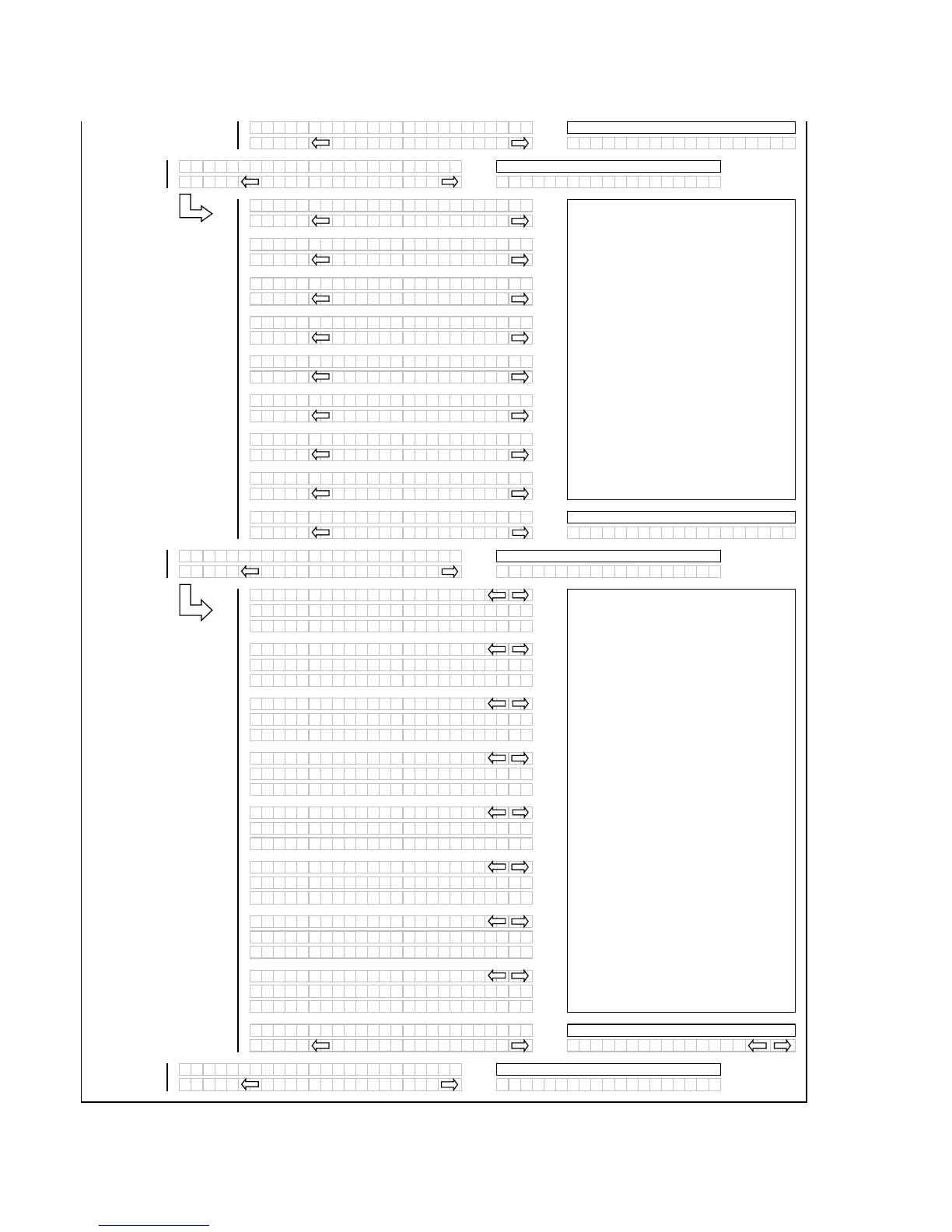
When the control lock outs are viewed the
lower display line (L2) will show the engine
hours and either ENABLED or LOCKED to
indicate the present status along with the
engine hours at which time the function was
either ENABLED or LOCKED.
Using the "arrow" keys allows the operator to
select the various functions. Pressing
"SELECT" will go to the EXIT VIEW
LOCKOUTS? menu selection.
If "NO" then
um
to:
The "arrow" keys are used to ENABLE or
LOCK OUT each function. Pressing "SELECT"
will go to the next L1 menu item.
This menu allows the operator to selectably
"lock out" the control functions for the various
header functions. The default or selected
"status" for each item will flash.
If "NO" then
um
to:



 To Next Page