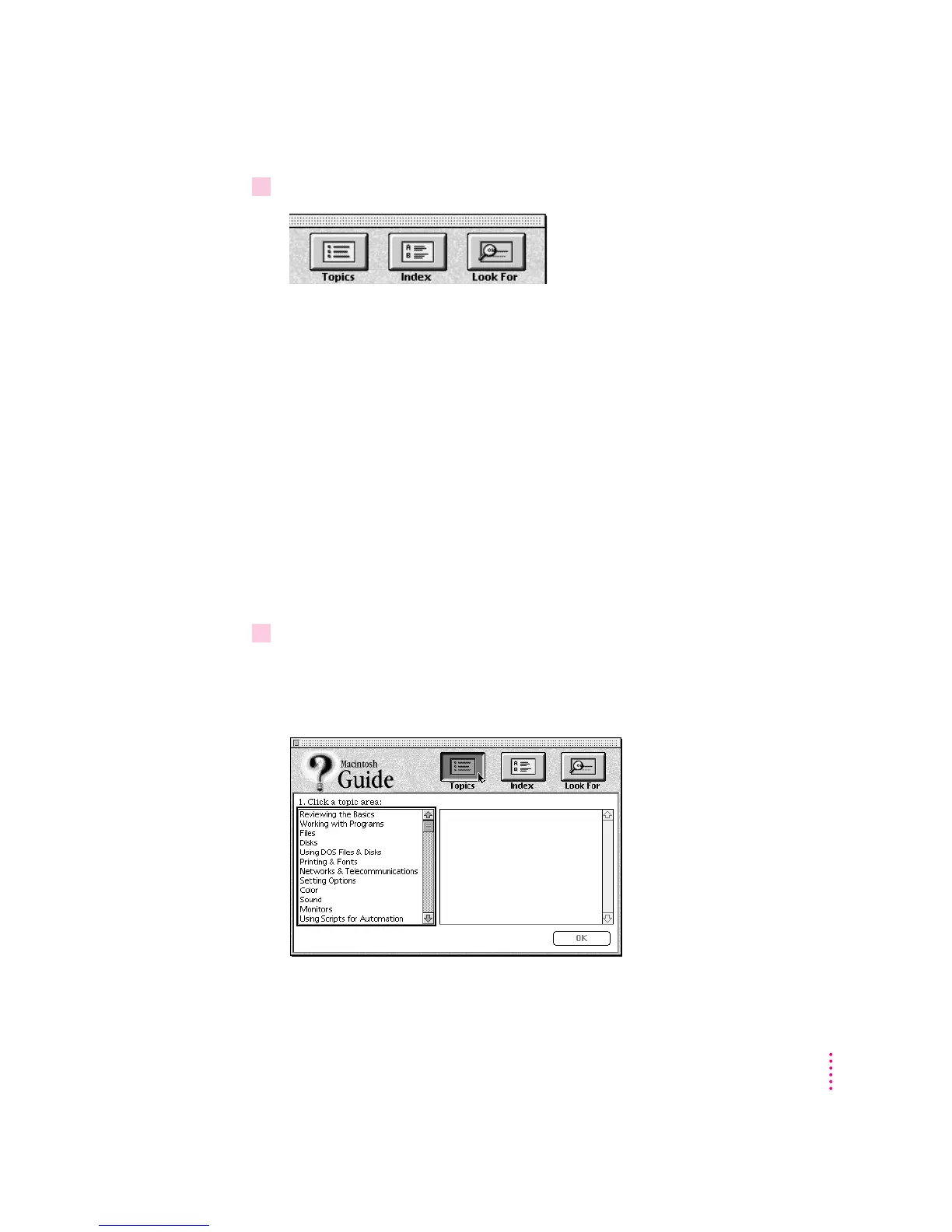
3Notice the three buttons at the top of the window: Topics, Index, and Look For.
Macintosh Guide gives you three ways of finding information:
m
Topics
lets you choose from a list of general subjects; it is like the table of
contents in a book.
m
Index
lets you choose from an alphabetical list of more specific subjects; it
is like the index in a book.
m
Look For
lets you search for information related to a specific word or phrase
that you type.
In the following sections you will practice using each method.
If you have problems while using Macintosh Guide, see “Tips for Using
Macintosh Guide” later in this chapter.
Getting answers with the Topics button
1 In the Macintosh Guide window, click the Topics button.
A list of general topics appears on the left side of the Macintosh Guide
window. (Depending on the hardware and software you have, the list of topics
may look different.)
19
Getting Help



 To Next Page