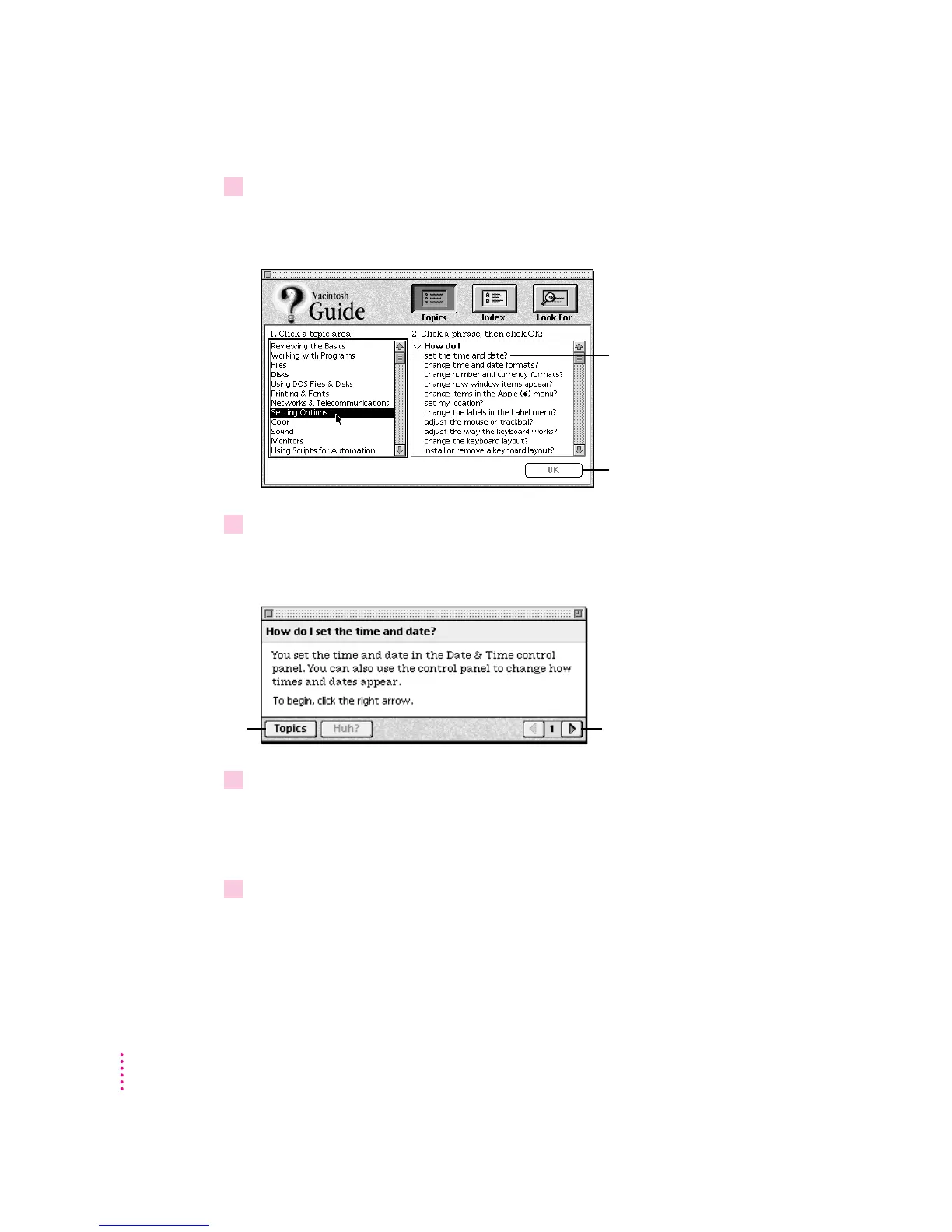
2Click “Setting Options” in the list of topics.
When you click any topic area, a list of related questions appears on the right
side of the Macintosh Guide window.
3Click the question “How do I set the time and date?” and then click OK. Or double-click
the question.
A small window appears with instructions for you to follow.
4 Read and follow the instructions in this window.
Macintosh Guide provides step-by-step instructions to answer the question
you selected. When you have completed each step, click the right arrow in the
lower-right corner to see the next step.
5When you have completed all the steps, click the Topics button in the lower-left corner to
return to the main Macintosh Guide window.
Now continue with the next section.
20
Chapter 2
Click here to see the next
step (if there is one).
To get instructions,
click a question…
…and then click OK.
If you want to
return to the main
Macintosh Guide
window, click here.



 To Next Page