Page 12 of 31
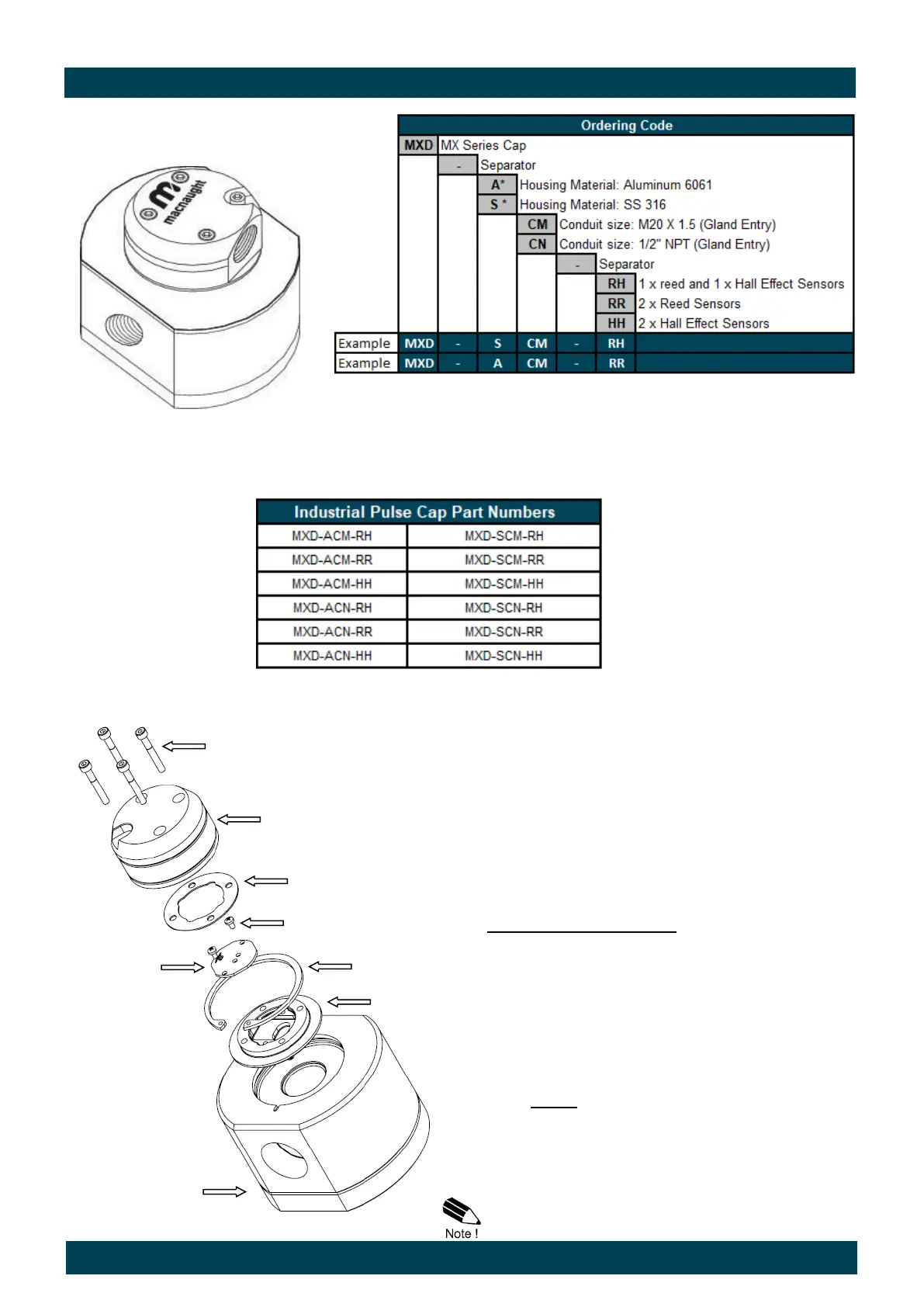
Industrial Pulse Cap Output Type (MXD-xCx-xx)
Pulser Cap Screws
Pulser Cap
Pulser Cap Gasket
PCB screws
PCB
Circlip
Base Plate
Flowmeter
The Industrial Pulse Cap comprises of 3 major
components.
1. Industrial Pulse Cap
2. PCB (sensor board)
3. Secure Base Plate
In order to access the PCB, or for the removal/
replacement of the complete Pulser Module, the
Following procedure applies.
Disassembly/Reassembly
Remove the 4 socket head cap screws holding
the Industrial Pulse Cap to the Base Plate.
Take care not to lose the gasket.
Lift the Pulse Cap to expose the terminal block
for the connection/disconnection of the signal
cables.
The PCB can be removed by loosening the
two screws securing it to the Base Plate.
Note: It is not necessary to remove the PCB if
the objective is to remove the complete base
plate (see next step)
To separate the Base Plate from the Flow
meter body, remove the stainless steel Cir-
clip.
Reassemble by reversing the above sequence.
* Industrial Pulse Cap Housing material “Aluminium” to be fitted to flow meter having Aluminium Body
* Industrial Pulse Cap Housing material “SS 316” to be fitted to flow meter having SS 316 Body
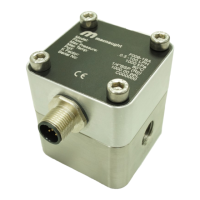
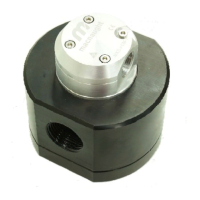
Illustration
Industrial Pulse Cap fitted to 1” meter


 To Next Page