OPERATION
OPERATING PANEL FOR AUTOMATIC TRANSMISSION
68 Operating Manual MT 25 / 30 YT
Driving gear Drive
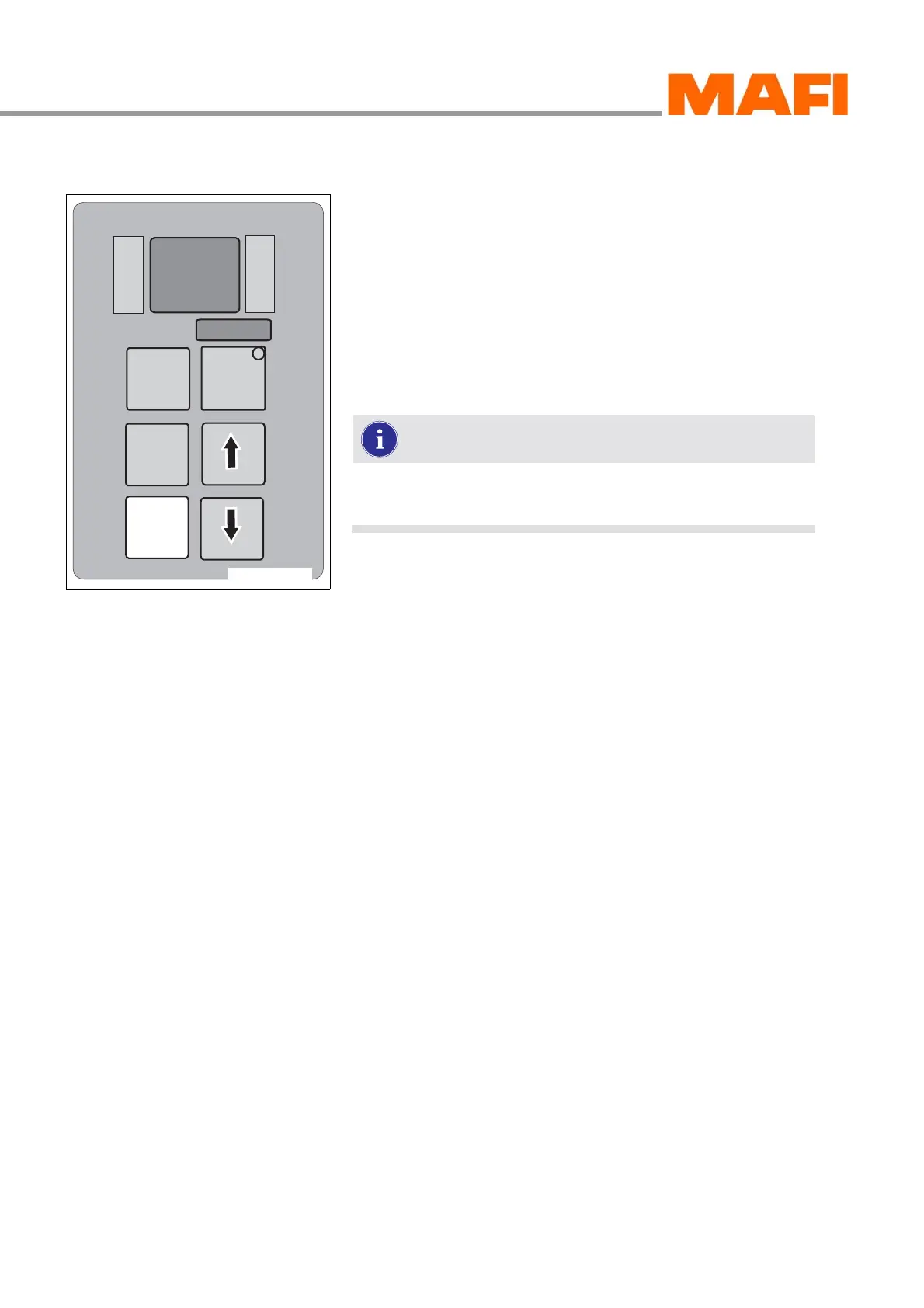
Fig. 58: Driving gear Drive (normal operation)
To drive forwards, select the driving gear “Drive”.
X Select the driving gear “Drive” by pressing the button D.
In the driving gear D, the transmission shifts automatically
from the first to the fourth gear.
After selecting the driving gear D, the lowest programmed
gear (start-up gear) is inserted for this driving gear.
The shifting procedure depends on the motor speed and the
load of the MT.
Always shift from the neutral position and with wheels
standing still into the driving gear D.
M
O
N
I
T
O
R
R
N
D
S
E
L
E
C
T
MODE
11-C25-067-084A-5



 To Next Page