9
www.rbcbioscience.com
━ Installation ━ Installation Settings And Test
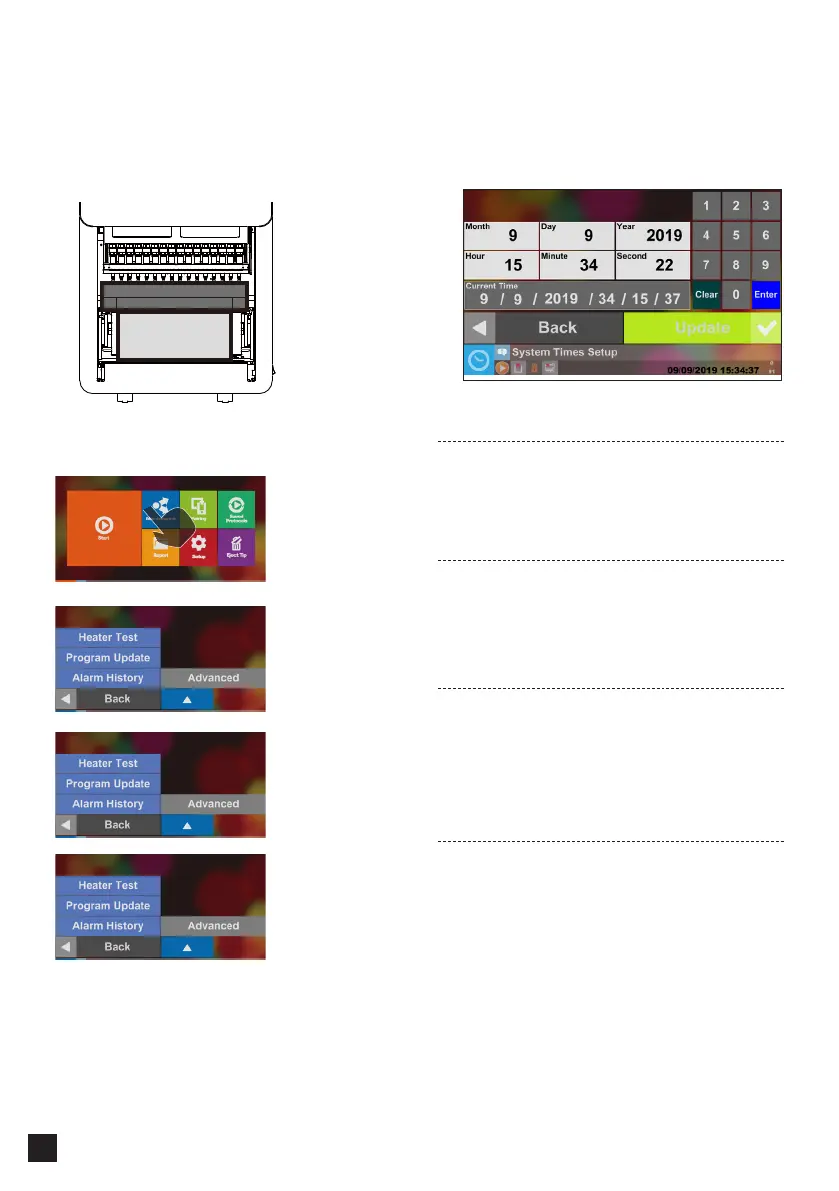
Step 1.
Please Set Up the Local Time.
Please refer to System Status chapter for the information
about the operation.
Step 2.
Set the Instrument Nickname
Go to Page 17
Step 3.
Network Connection Settings
Go to Page 17
Step 4.
Test Piston
Please refer to Piston Test chapter for information
about the operation.
Step 5.
Test Heater
Please refer to Heater Test chapter for information
about the operation.
Step 1.
1. Open the Front Door
2. Turn on the machine
Step 2.
This step requires to keep the front door open.
Press Maintenance
Press Advanced
Accessory Box
Cushioning Material



 To Next Page