33
www.rbcbioscience.com
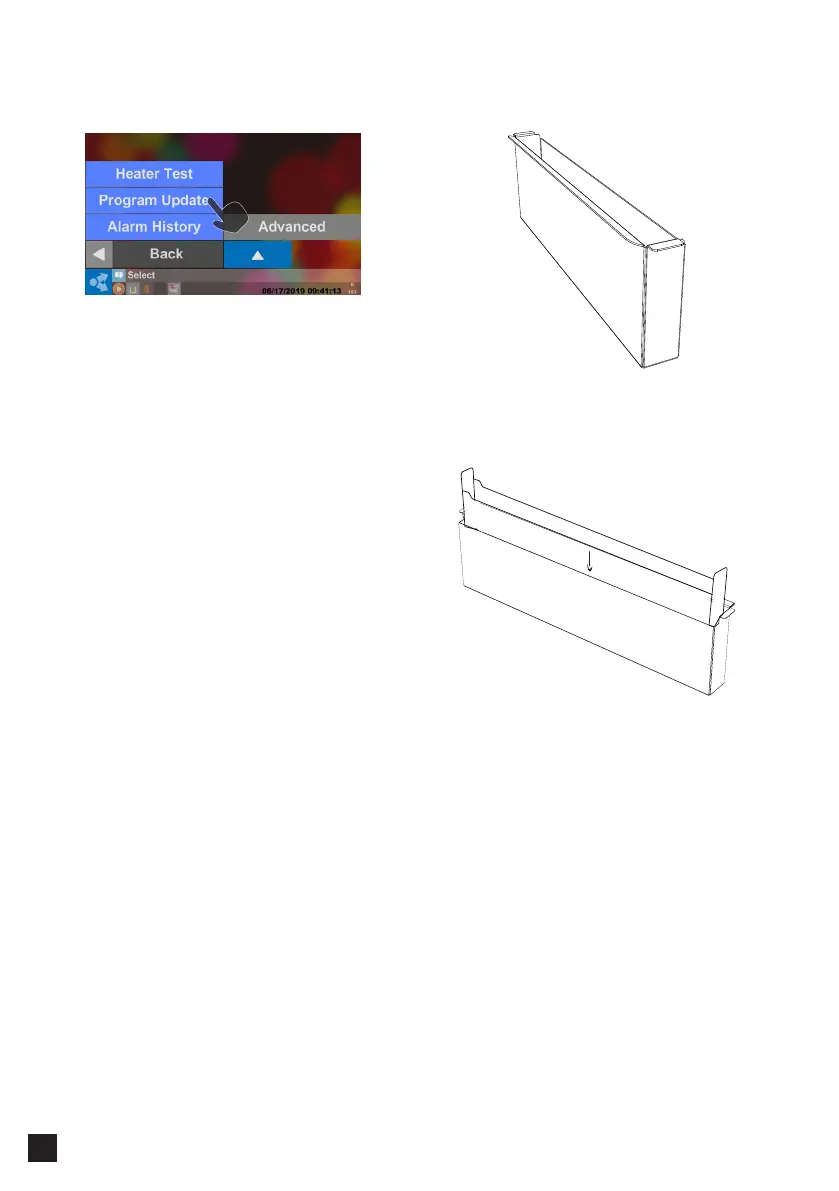
━ Program Update ━ Clean the Waste Box
Please dump the waste when the program is
completed, and wash the waste box every time.
*You can buy disposable Waste Box paper bags
(Bin Bags).
You can use the USB to update the system.
Please copy the downloaded program to the root
directory of the USB Flash Drive.(Not provided)
Then insert the USB Flash Drive into the USB Port
of the machine.
Please press "Program Update" after the USB icon
appears in the status list.
* Format USB Flash Drive to FAT32
* USB Flash Drive available capacities <= 32GB.



 To Next Page