10
EN
Car’s indoor temperature indication:
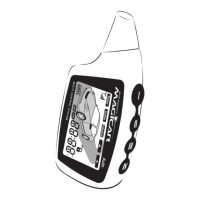
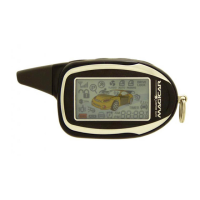
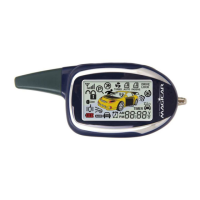
If you have connected the temperature sensor with your alarm, the remote will display the
actual temperature inside the vehicle (°C/°F). However, if you haven’t connected it, the
remote will display “FAIL”. The temperature sensor can be placed at any place of car interior.
Car battery voltage check:
If you press button lV one more time, the remote will display car battery voltage (for example
“12,6 V”)
The remote battery check:
If you press button lV once again, the remote will display remote battery voltage (for example
“1,4 V”)
AUX 1, 2 output display:
In case that you have activated the AUX 1,2 outputs, after pressing button lV the remote will
display only status of AUX 1 followed by AUX 2 (example: „1-on“ „2-of“ )
Changes of the menu:
The menu will change from “indoor temperature check” > ”battery voltage check” > ”the
remainder of a remote control battery check” in this order, if a IV button is pressed within 2
seconds in a row.
4.7. Parking t
Button IV - 2x
imer
You can use the parking timer to check the time of parking or driving your car.
Press button lV shortly twice in a row.
Remote will beep once.
Timer is on.
You will turn it off by pressing button lV twice again.
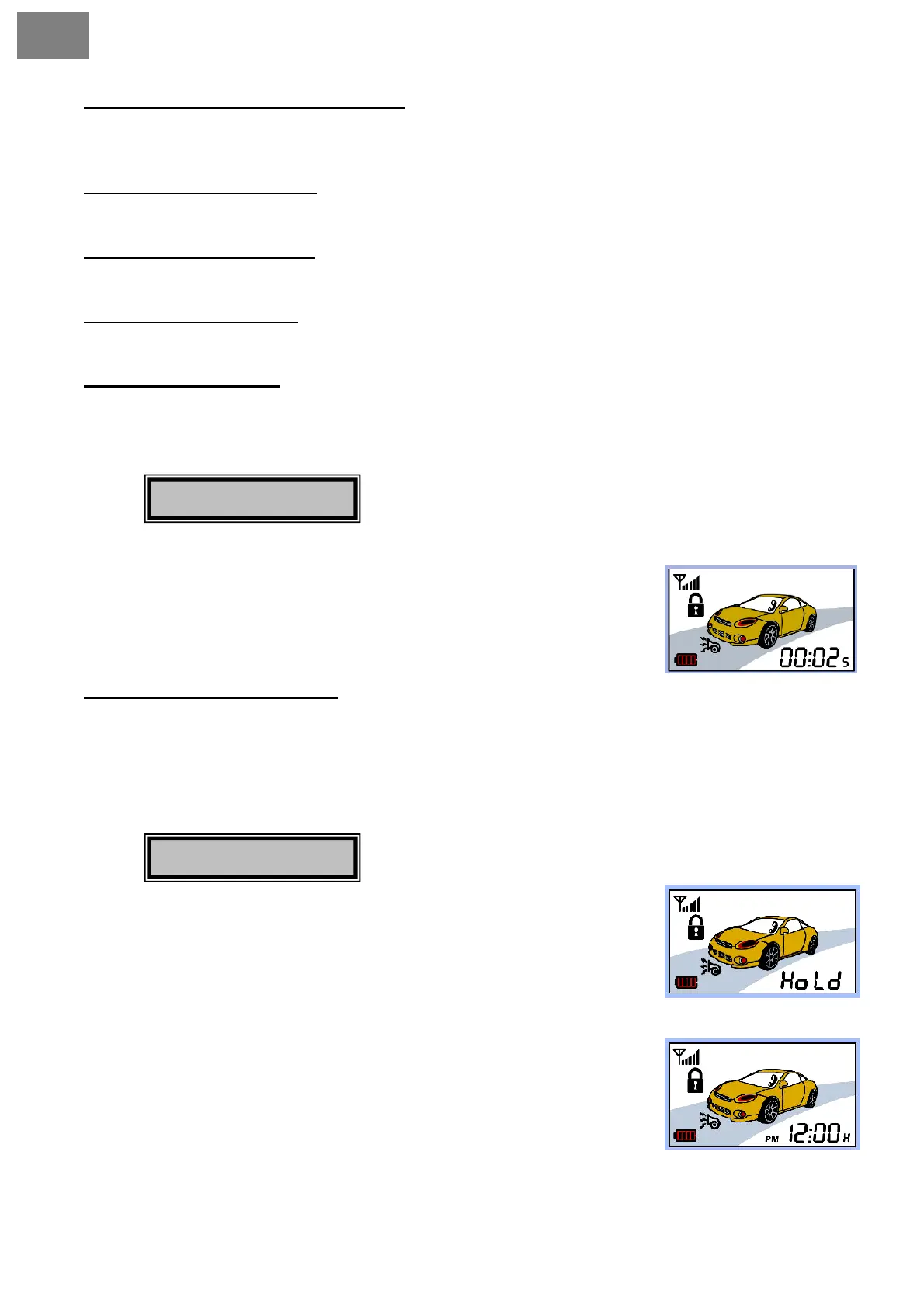
Parking timer on the remote:
After starting the parking timer, the display will alternate between the present time and
the parking time every second.
The parking time will also show the tenths of a minute “0-9 ( one tenth of 60 sec)”
For example: if the time on display will show 00:02
5
– that means 2 minutes and 30
seconds have passed
The maximum display time of the parking timer is 99 hours 59 minutes.
4.8. Button hold function
Button IV ––
This function prevents accidental button presses while carrying your
remote.
• Keep button IV pressed for 2 seconds.
• Remote will beep once and will display „Hold“.
• You will turn this function off by pressing button IV again for 2
seconds.
You will also unlock the buttons by activating PANIC mode– keep
button lV pressed for 4 sec. When the buttons are blocked, the
remote displays letter „H“ in the bottom right corner.


 To Next Page