18
EN
There is no code programmed in the alarm by a manufacturer. We recommend you set your own code
immediately after taking your car from the garage!
7.5. Remote options set-u
Buttons (II + III) –-
p
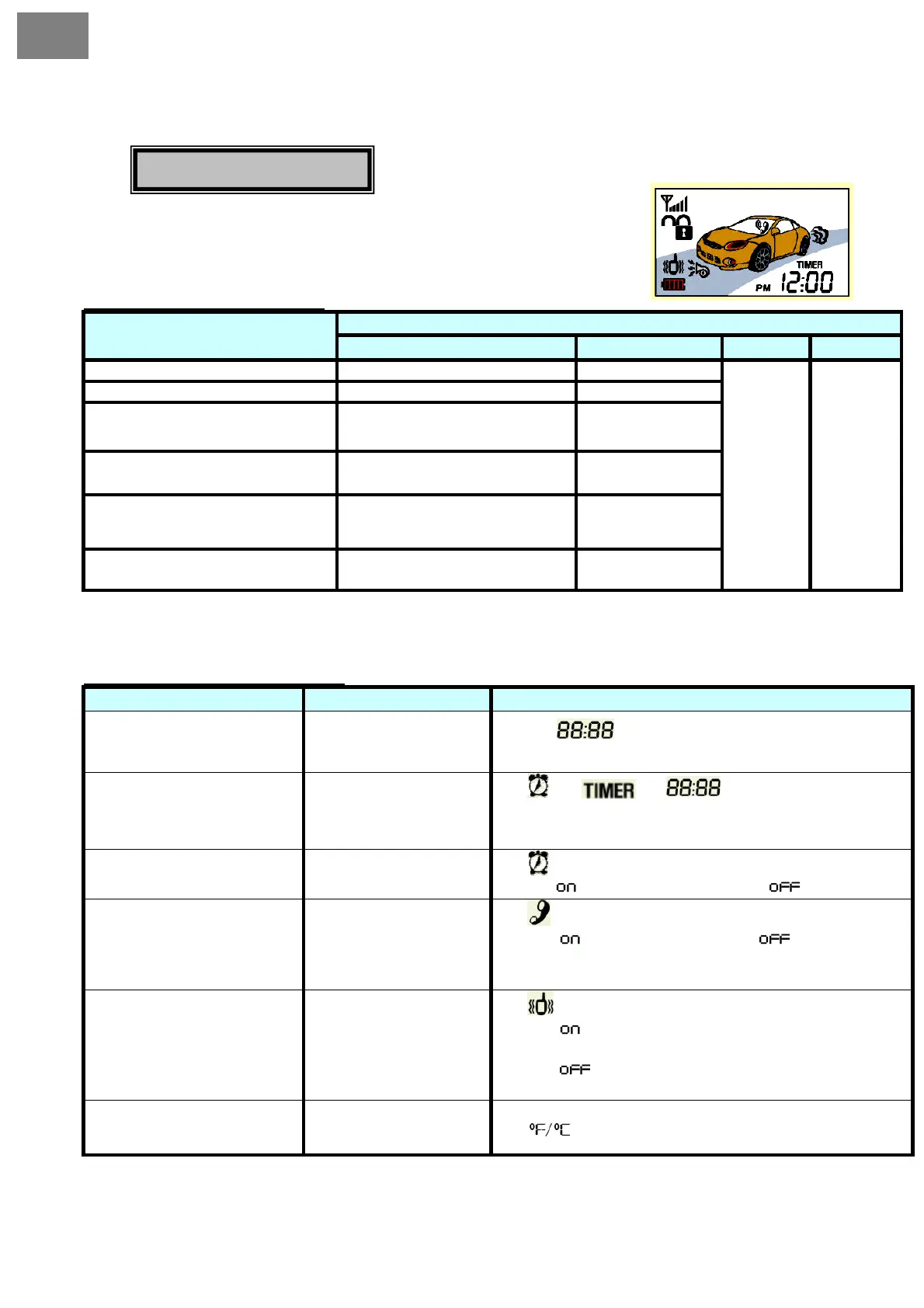
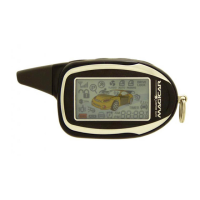
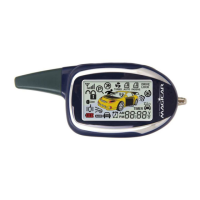
Using the remote control you can set-up basic user’s functions.
Keep buttons II and III pressed at the same time.
Button control procedures:
ButtonFunction
I. II. III. IV.
Present time set-u
Hours Minutes
Alarm clock set-u
Hours Minutes
Alarm clock on/off
Change
Basic set-up :cancellation
RPS Set-up/cancellation
Change
Basic set-up :cancellation
Vibrating mode set-up
/cancellation
Change
Basic set-up :cancellation
Change of the temperature
unit
Change –Basic set-up : °F Change °F or °C
Back to the previous
menu
To the next menu
• You will finish programming by pressing buttons ll and lll for more than 2 seconds.
• Programming will end automatically if you do not carry out any changes in 15 seconds.
Remote programming menu::
Function Button Description
Present time set-up
Hours – button I
Minutes – button II
The icon flashes. At this moment the button l will
control the hour, and the button ll will control the minute.
Alarm clock set-up
Hours – button I
Minutes – button II
The , icon and flashes.
At this moment the button l will control the hour, and the button ll
will control the minute.
Alarm clock on/off
On/off button I
The icon flashes. Alarm On/off by pressing button I.
Display -
- alarm is on Display - - alarm is off.
RPS on/off
On/off button I
The icon flashes. RPS On/off by pressing button I.
Display -
- RPS is on Display - - RPS is off.
RPS: will be activated only if armed and you knock twice on the
sensor.
Vibration mode on/off
On/off – button I
The icon flashes. Vibration mode on/off by pressing button l.
Display -
- vibration mode is on, remote will only vibrate,
there will be no acoustic sound when button is pressed.
Display -
- vibration mode is off, remote will beep when
buttons is pressed.
Temperature set-up
Change – button I
The
icon flashes. Change the units by pressing button l.


 To Next Page