6
EN
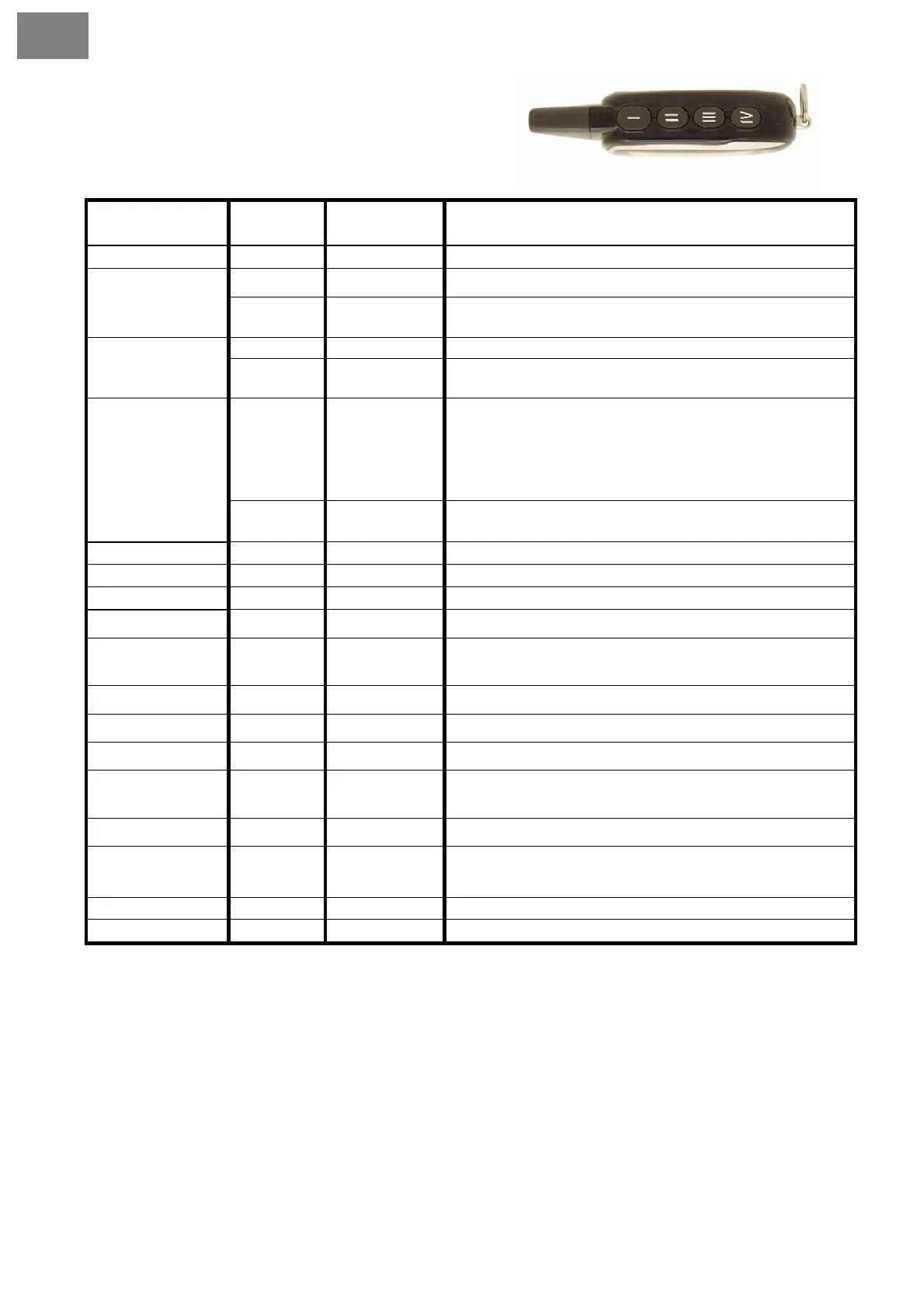
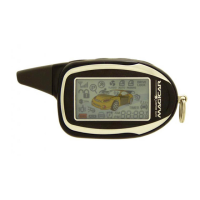
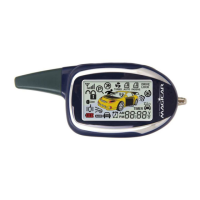
3.3. Button functions description
Button
Pressing
time
Description Function
I
0,5 s Page 7 Arming/disarming
0,5 s Page 9
AUX 1 on/off
II
2x short
presses
Page 8
Remote vibrating on/off
0,5 s Page 9 AUX 2 on/off
III
2x short
presses
Page 9
Backlight of remote is turned on for 10 Sec.
0,5 s Page 9
Check car function
1
st
tap – vehicle temperature
2
nd
tap – voltage of vehicle battery
3
rd
tap – voltage of remote battery
IV
2x short
presses
Page 10
Parking timer on/off
III ––
2 s Page 9 Trunk open
IV ––
2 s Page 10
Buttons lock
IV –––––
4 s Page 1
Panic mode
( I + II )
0,5 s Page 1
Siren beeps on/off when locking/unlocking the car
( I + II ) ––
2 s X
Programming menu 1. Only for professional installation
service!!!
( I + III )
0,5 s Page 11
Valet mode on/off
( I + III ) ––
2 s Page 12
Shock and additional sensor on/off
( I + IV )
0,5 s Page 12
Lock/unlock the drive lock
( I + IV ) ––
2 s X
Programming menu 2. Only for professional installation
service!!!
( II + III )
0,5 s Page 12
Passive arming on/off
( II + III ) ––
2 s Page 18
Programming remote menu. The time, timer time, alarm clock,
RPS and vibrating mode settings.
( II + IV ) ––
2 s Page 13 Automatic alarm on/off (AUTO mode)
( III + IV )––
2 s Page 8 AUX 1,2 on/off
Note:
–– represents long press for 2 seconds.
––––– represents long press for 4 seconds.
( + ) represents pressing two buttons at the same time
( + ) –– represents pressing two buttons at the same time for more than 2 seconds.


 To Next Page