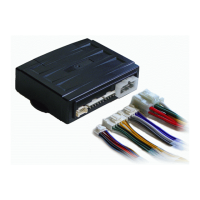
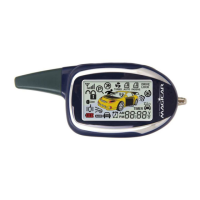
Transmitter Learning Routine
18
17
CN7
CN8
No 1 (Yellow) : RX
No 2 (White) : TX
No 3 (Red) : (+)
No 4 (Net wire) : (-)
The antenna have been calibrated for
horizontal installation at the top corner of
the windshield. Different installation may
affect the transmitting distance quite seriously.
}
Antenna Ass y
▼Pager Location
Antenna Location
▶
1 . Most vehicles
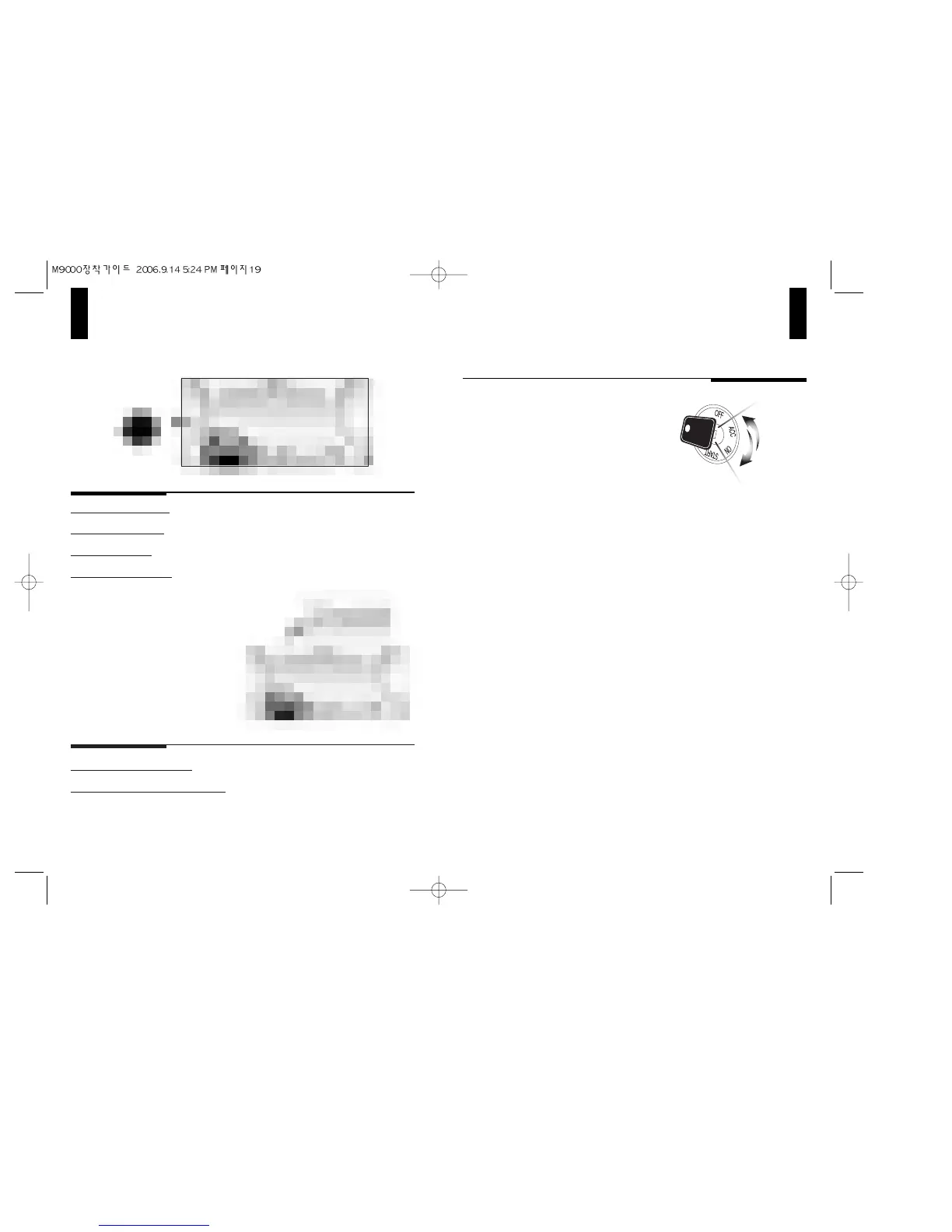
Step #1:
● Cycle the ignition key from the off
position to the on position and back 3 times
WITHIN 3 SECONDS thus giving the Green
wire (harness #1) 12V 3 times.
When this procedure is done the signal lights will flash one time to confirm
that you are in the valet/programming mode.
Step #2:
● Once in the valet/programming mode and within 6 seconds, press Button
I for a ½ second. The parking lights will flash once (and the relay inside
the Controller will click once) to confirm that step #2 was completed.
Step #3:
● Press button I on the new remote to teach it to the unit within 3 seconds
of Step #2. The unit will accept up to 3 remotes. Each time when the unit
has learned a remote, the parking lights will flash once (and the relay
inside the Controller will click once) to confirm the programming of the
remotes.
● If you learn only 1 remote, Press button I of one remote for three times so
that any of the previous learning is deleted.
If you learn 2 remotes, press button
I of the first remote two times and
press button
I of the second remote one time.
The parking lights will flash twice (and the relay inside will click twice) to
confirm the completion of the programming.
No 1 (Yellow) : AUX 1
No 2 (Yellow/White) : AUX 2
}
AUX Output
The Various exterior devices are controlled by using of AUX output.
A selection of four output types is available with option 2-4 & 2-5.



 To Next Page