360 NEO Card Printer – User Guide
8
THE PRINTER USER INTERFACE
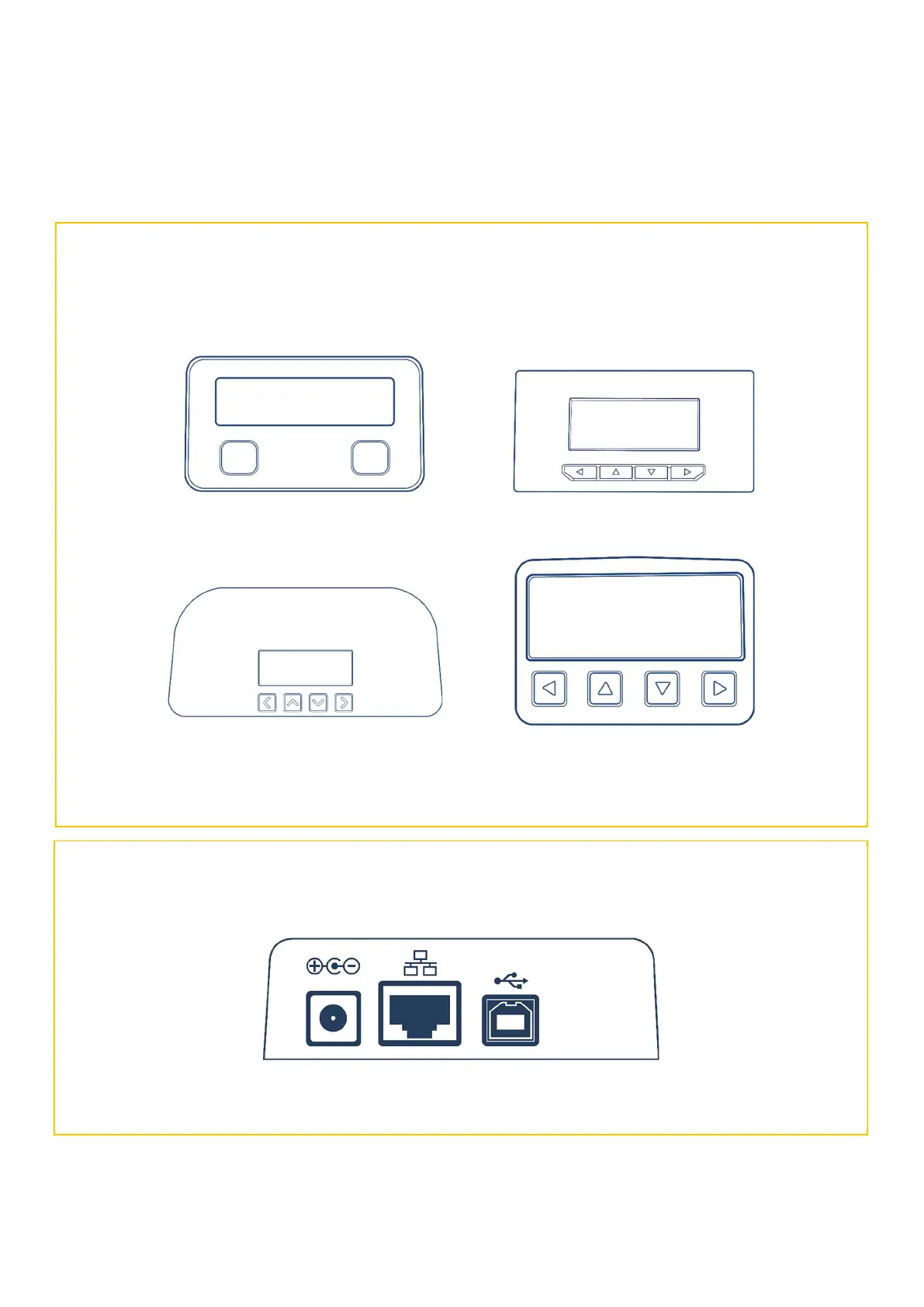
REAR USER INTERFACE PANEL
360 NEO
USB 2.0 24v DC Input
FRONT USER INTERFACE PANELS
In each case, the front panel buttons are used (in conjunction with the front panel display) to navigate through the
various printer User and Maintenance menu options (please see pages 8, 9 and 10 for details).
** NOTE: Printer menu options may differ depending on printer model.















 To Next Page