Ultra Electronics Card Systems
Magicard Prima Driver Manual
13
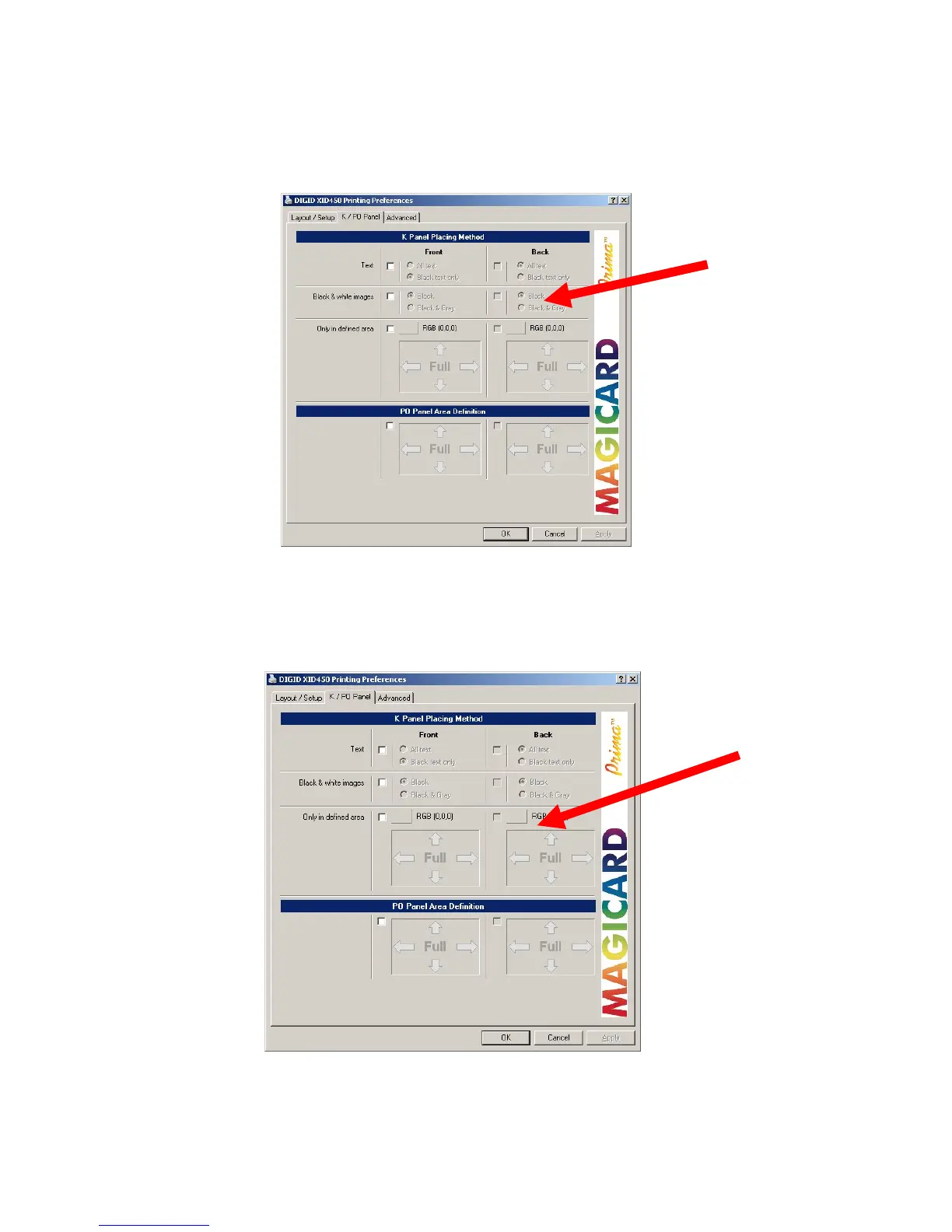
3.2.4 SELECTION OF BLACK & WHITE IMAGES TO PRINT ON K-PLANE
By enabling of “Black and White Images” you can specify if black or black & grey
images shall be printed on the K plane.
3.2.5 DEFINITION OF SPECIAL COLOURS TO BE PRINTED ON THE K-
PLANE
If you use special colors which match existing ones of your layout they will be printed
on K-plane.
After clicking on the color button pick up or define a new color as you need.















 To Next Page