Ultra Electronics Card Systems
Magicard Prima Driver Manual
29
2
1
SECTION 4.6 DELETION OF PRINTER GROUPS
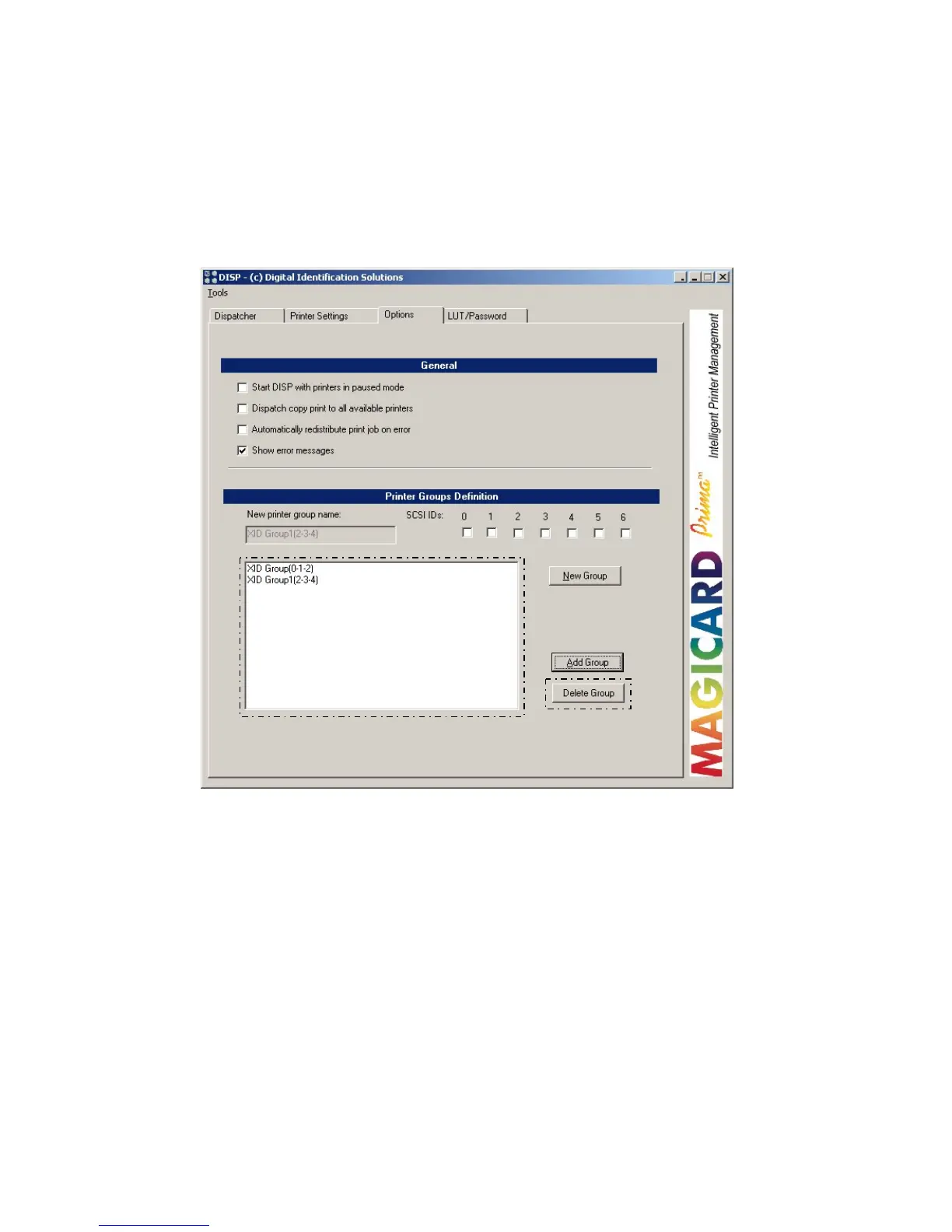
There are two different ways of deleting groups:
• Highlight the virtual printer group within Windows.
• Right click and then select “Delete”.
• Referring to the printer group in the dialogue box, highlight the printer group
you want to delete.
• Press the button “Delete Group”.
NOTE USING THE DISPATCHER PROGROM ENSURES THE PRINTER
GROUP IS DELETED FROM WINDOWS; THIS IS THE
RECOMMENDED WAY OF DELETING.















 To Next Page