Ultra Electronics Card Systems
Magicard Prima Driver Manual
12
3.2 K AND PEEL OFF PANEL
3.2.1 INTRODUCTION
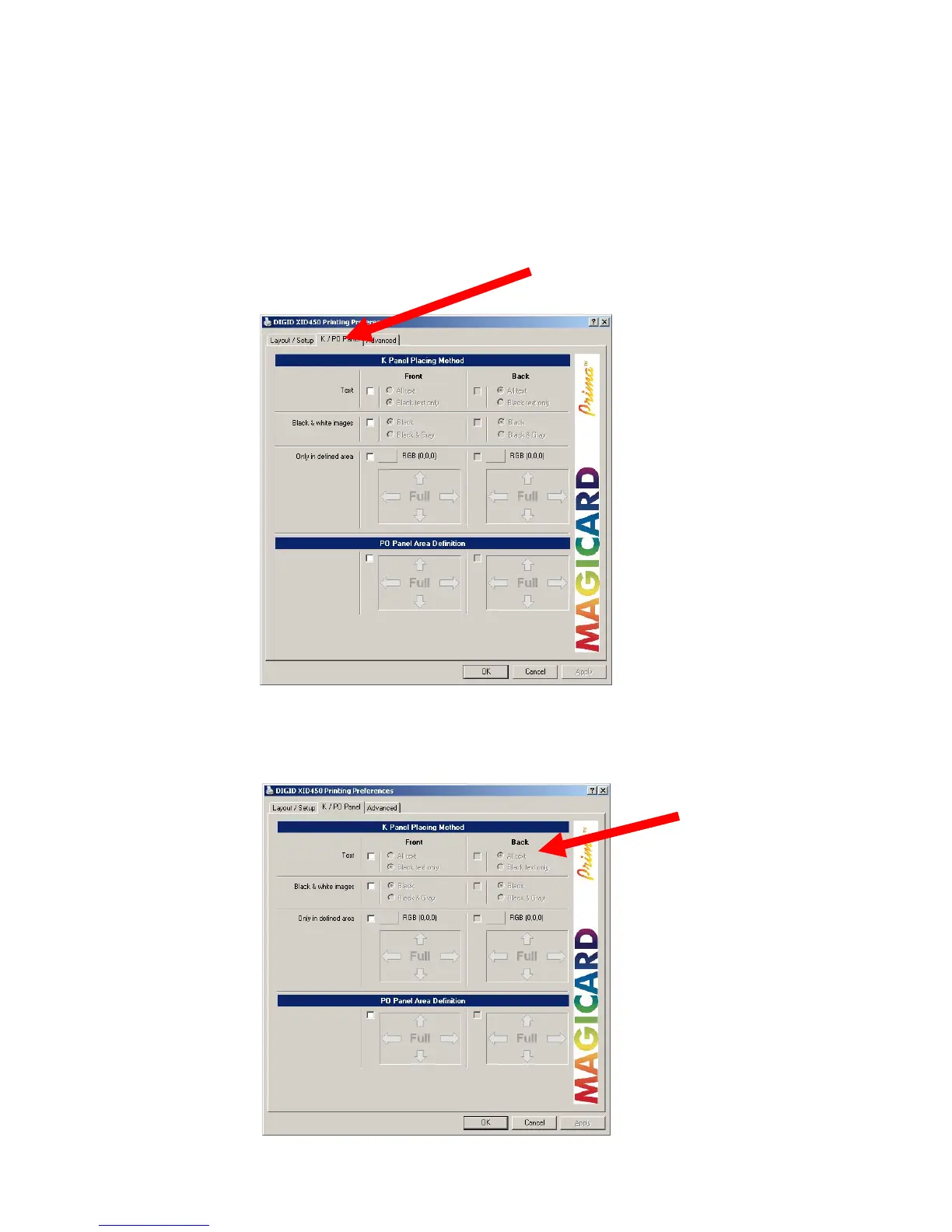
In this tab you can define the kind of extraction methods for placing different objects
to the K plane. You can define inclusion areas for peel-off (for front and reverse
separately), this can be done as a single or in combination setting.
3.2.2 DEFAULT SETTINGS
3.2.3 SELECTION OF TEXT OBJECTS TO PRINT ON K-PLANE
By enabling of “Text” you can specify if the whole text or black text only shall be
printed on the K plane.















 To Next Page