Ultra Electronics Card Systems
Magicard Prima Driver Manual
28
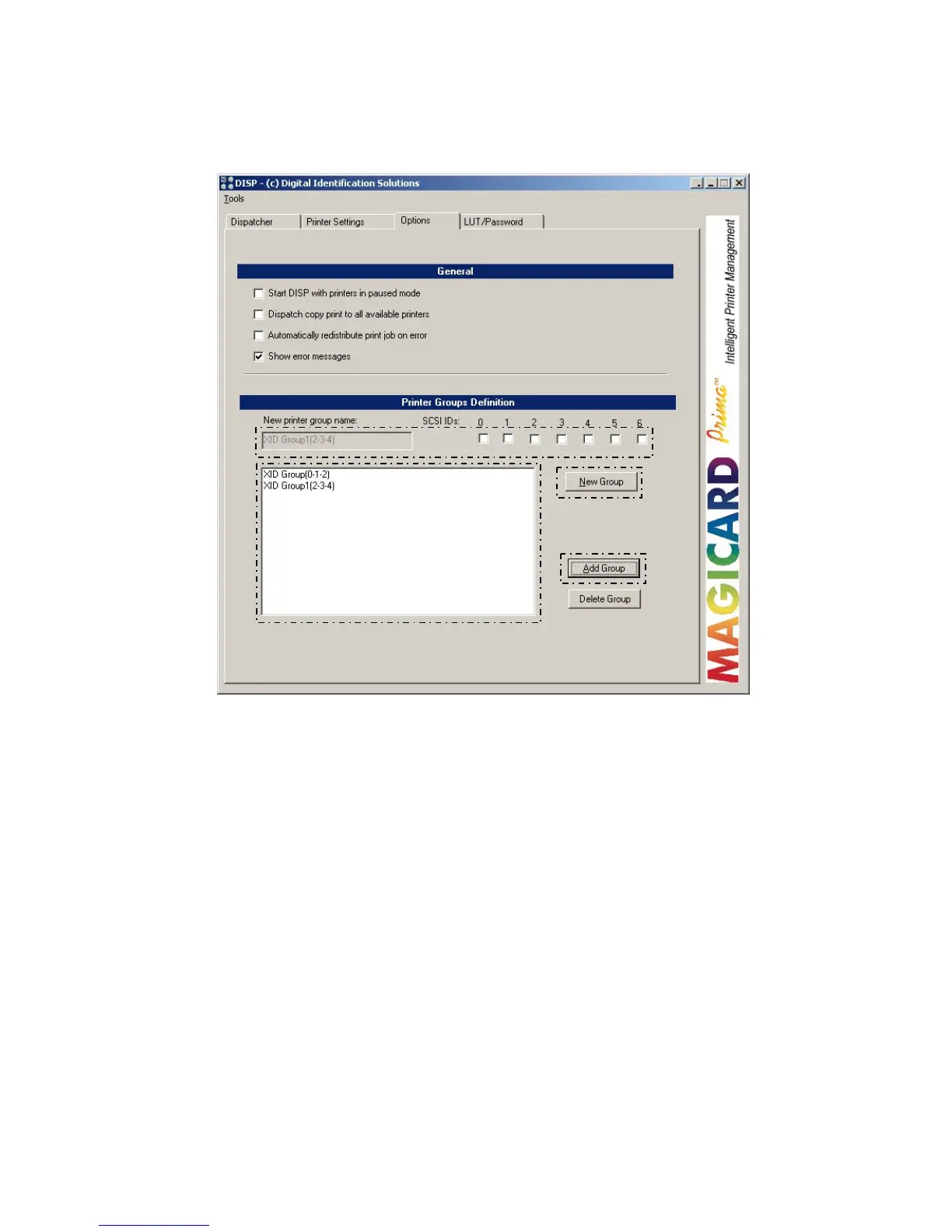
SECTION 4.5 CREATION OF PRINTER GROUPS
This section outlines how to create printer groups on your Windows system.
To create a new printer group:
1. Select new group.
2. Choose the SCSI ID’s of the printer you want in the group
3. Choose “add group”.
4. The virtual printer group appears within the dialogue box.
1
2
3
4















 To Next Page