Ultra Electronics Card Systems
Magicard Prima Driver Manual
19
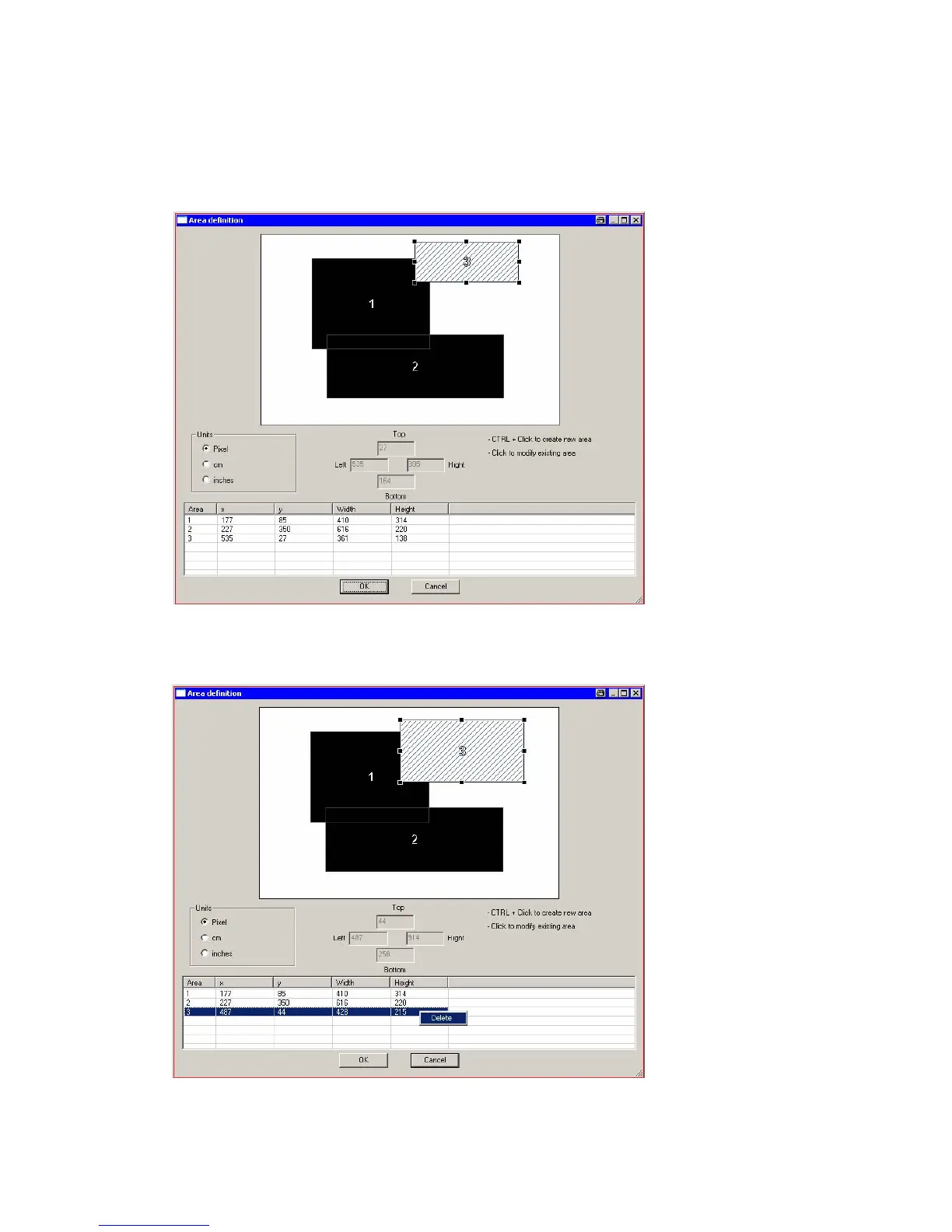
DEFINITION OF AREAS FOR USE OF PEEL OFF
Create new area:
Simply click and draw rectangle area while pressing CTRL button;
for later editing click on the field you want to resize and/or move.
Delete of area:
Choose the corresponding area from the list, right-click on mouse button and click on
delete.















 To Next Page