16 VIP User Manual
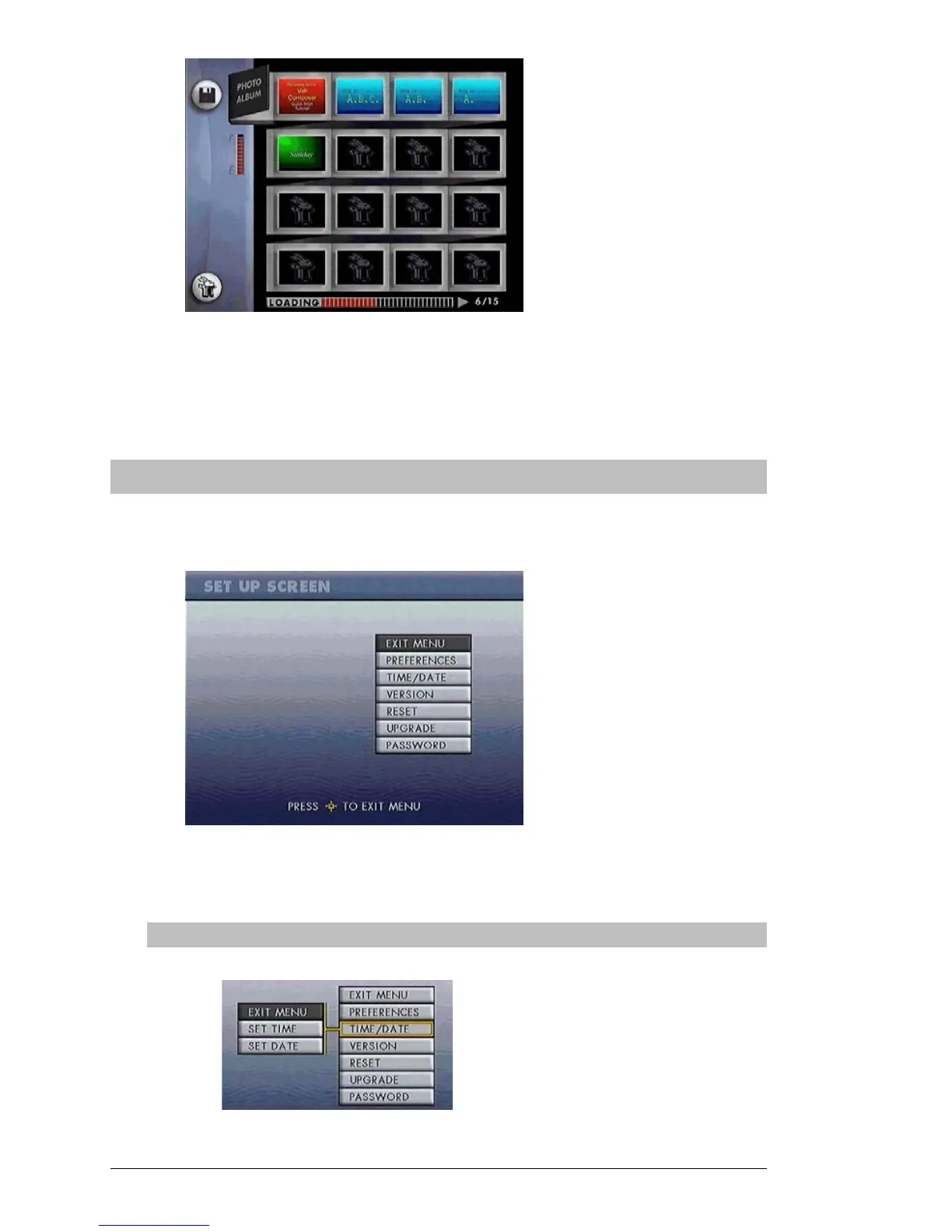
Once all of the demo pages have been loaded, they will begin playing
automatically. If you have successfully reached this stage, your unit is
ready to go into service. Be sure to follow the steps under “Configure
the VIP Unit”, on the next page.
Configure the VIP Unit
At any point you may press the “Menu” button on the remote control,
and the VIP unit will enter the Setup Screen:
If you have a VIP “Express” model, you will also see a “Network” option
above the “Preferences” option.
Set the Date



 To Next Page