40 VIP User Manual
E:\SETUP.EXE
If you do not know the drive letter of your CD-ROM, you can
click on “Browse…” and find the SETUP.EXE program using the
menus that appear.
Once you have entered/found the setup program, click “OK”
and it will be launched.
Using Setup
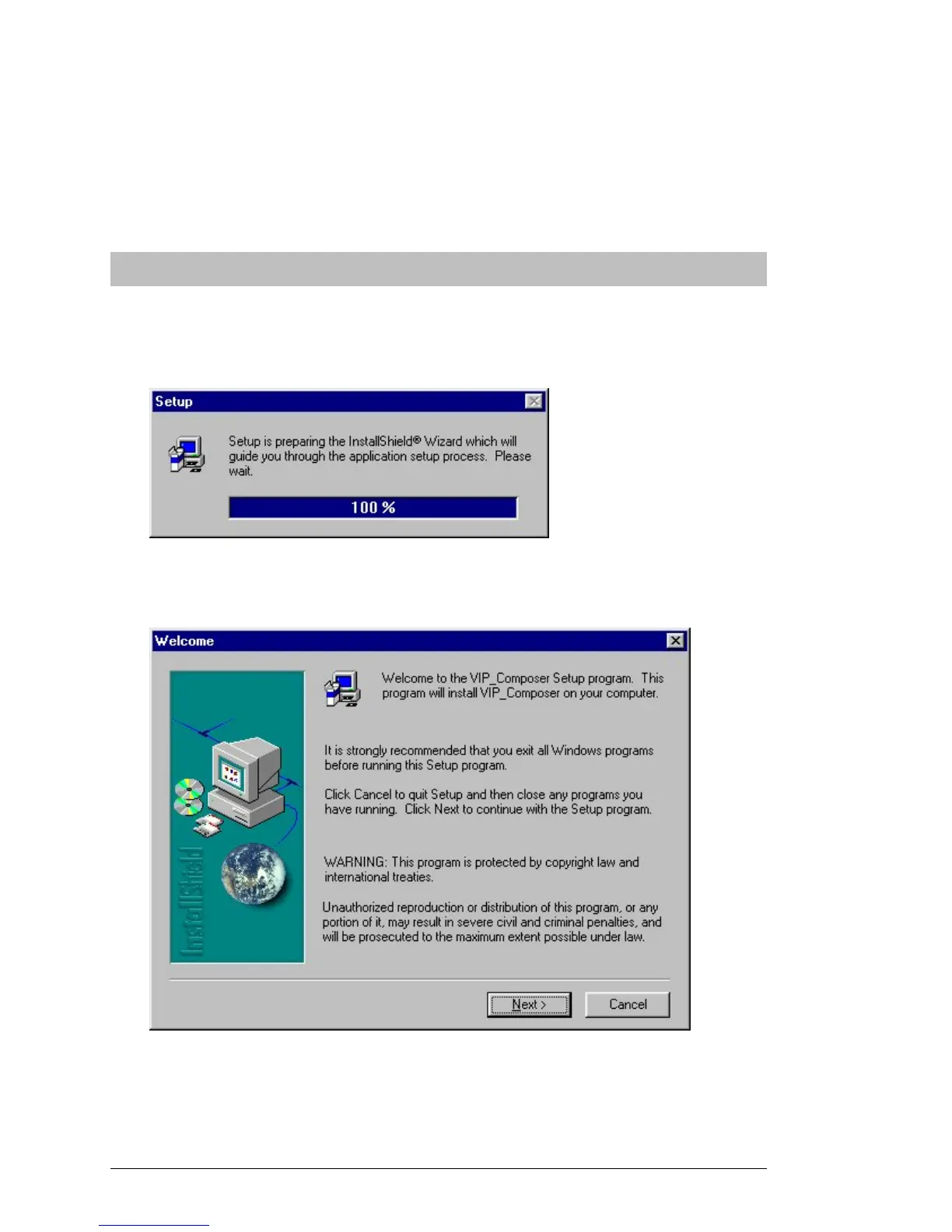
When the setup program first runs, it will take a few seconds to prepare
its files for installation. During this time, you will see the following
progress window:
After this is complete, the InstallShield® Wizard will be started. The
first InstallShield® Wizard page is shown below:
This page shows copyright information and also informs you that you
should shut down any Windows programs before continuing.
When you are ready to continue, click “Next >”.



 To Next Page