68 VIP User Manual
Page Properties
Every page in a project has what are called “Properties.” These are
settings other than those that control the actual contents of the page. For
example, the duration a page appears and the transition effect used are
page properties.
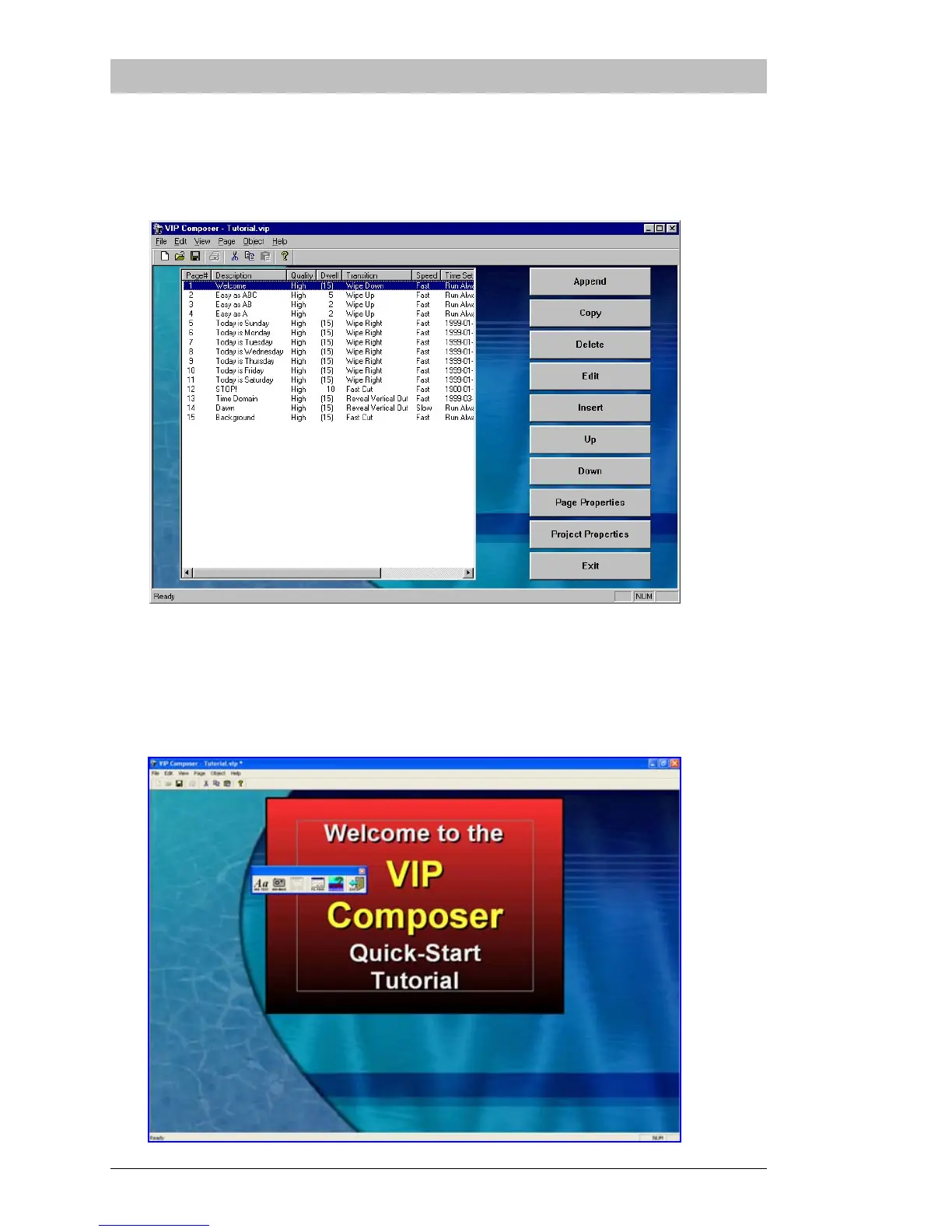
Click on the first page in the list – “Welcome” – and then click on “Edit”.
You will be taken to the Page Editor:



 To Next Page