50 VIP User Manual
Completing Site Setup
After you have setup your site’s name, preferences, and
connection method, click on “OK”. You will be returned to the
setup window with the Sites tab still selected. Now your site
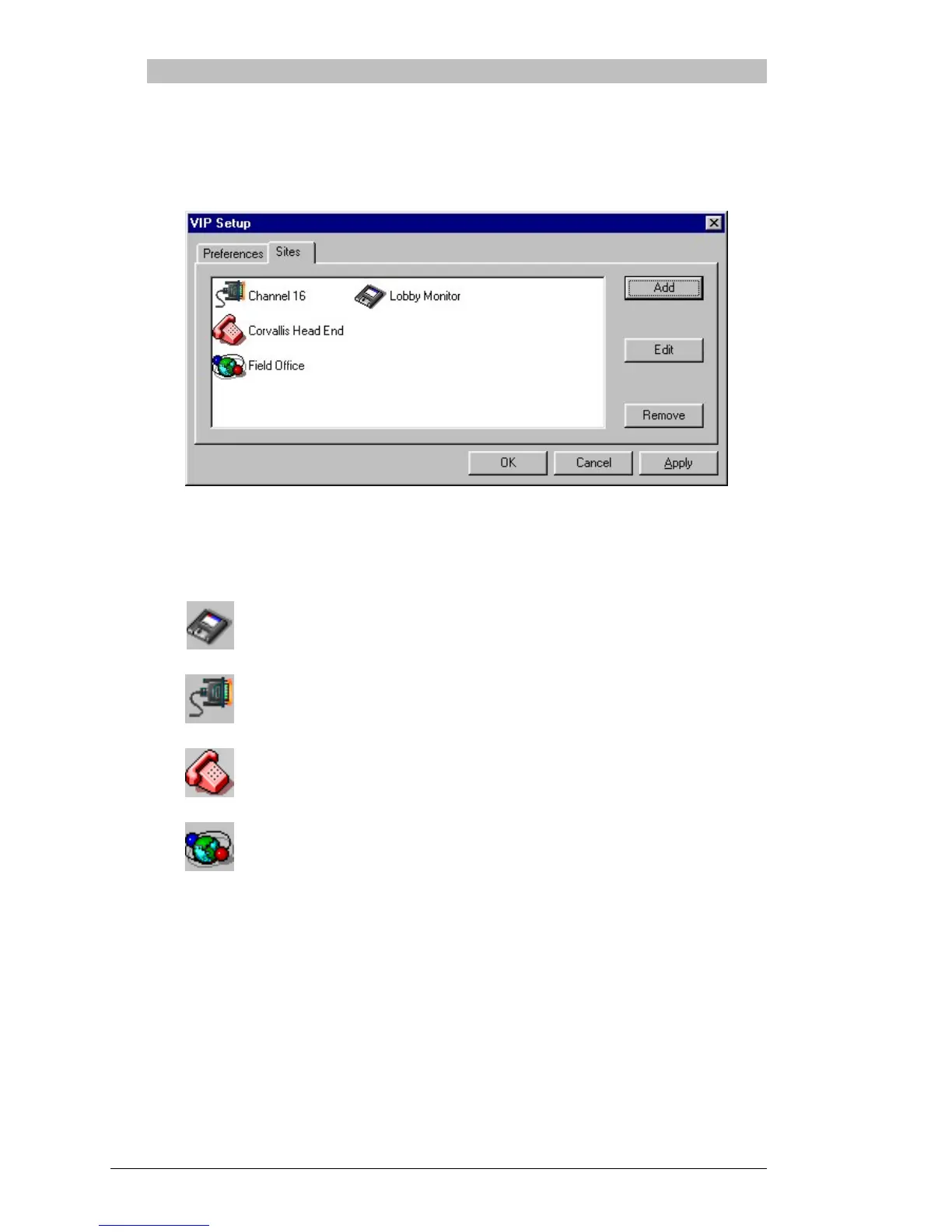
name(s) will appear in the list, similar to below:
The names of the sites will be listed in Alphabetical order, and
an icon will appear next to each site name indicating the
connection method selected:
Floppy
Serial
Modem
Network
Click on “OK” to save your setup changes and to return to the
main menu.



 To Next Page