42 VIP User Manual
Before you can continue with the installation, you must enter your VIP
Composer serial number. This number is printed on your CD-ROM and
your registration card. This number is not the serial number of your VIP
player unit itself. It should start with a “Z” and will be in the format
“ZXX-XXXX-XXXX”, where “X” can be either a digit or a letter.
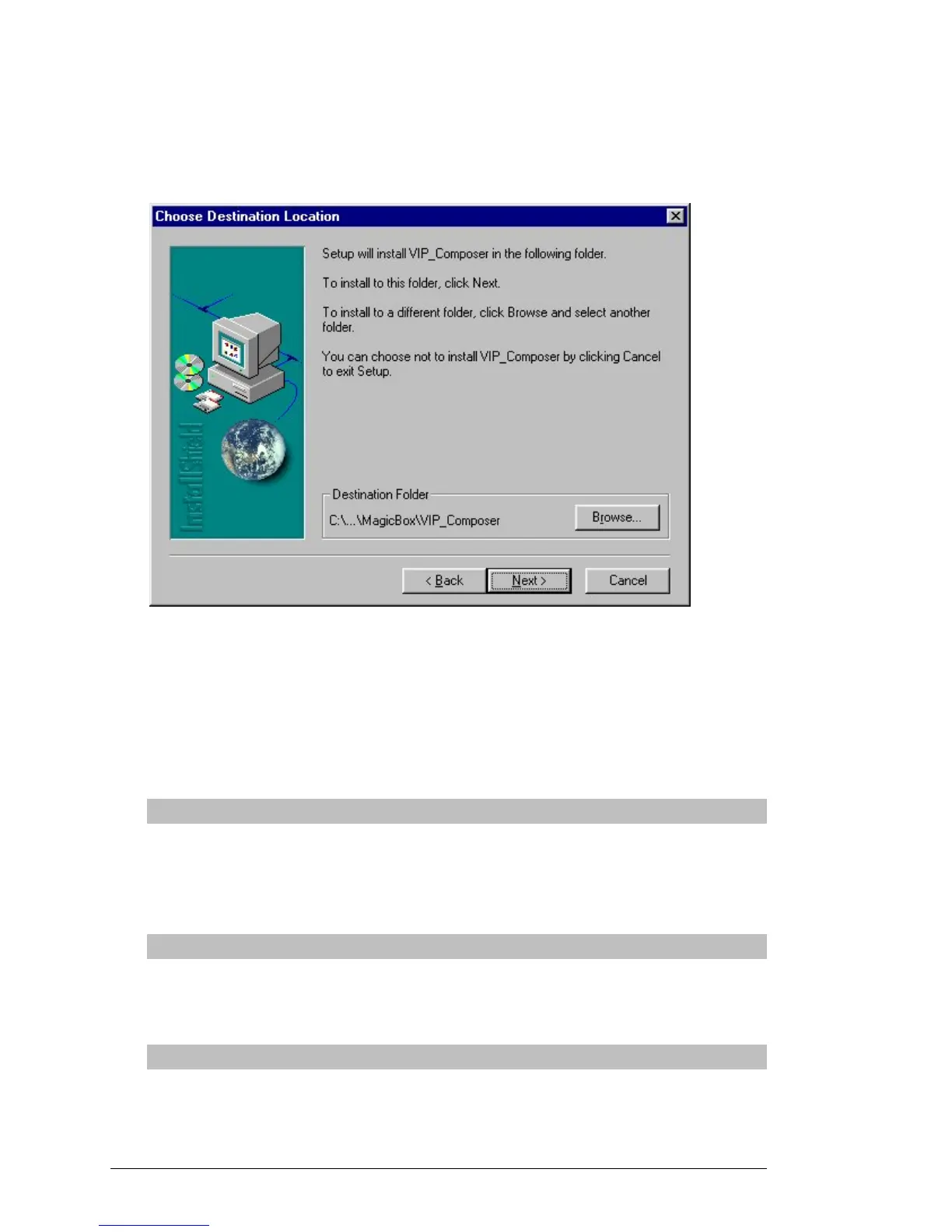
Once you have entered a valid serial number, you will be taken to the
above screen. Here you may choose an installation directory on your
hard drive for the VIP Composer software. Normally you do not need to
change this value and can click “Next >” to continue.
You will now be given three choices of how to install the software:
Typical
This option will install the VIP Composer program, high
resolution versions of the included backgrounds, and the
sample/tutorial projects.
Compact
This option will install the VIP Composer program and low
resolution versions of the included backgrounds.
Custom
This option will let you select individual components to install.



 To Next Page