VIP User Manual 43
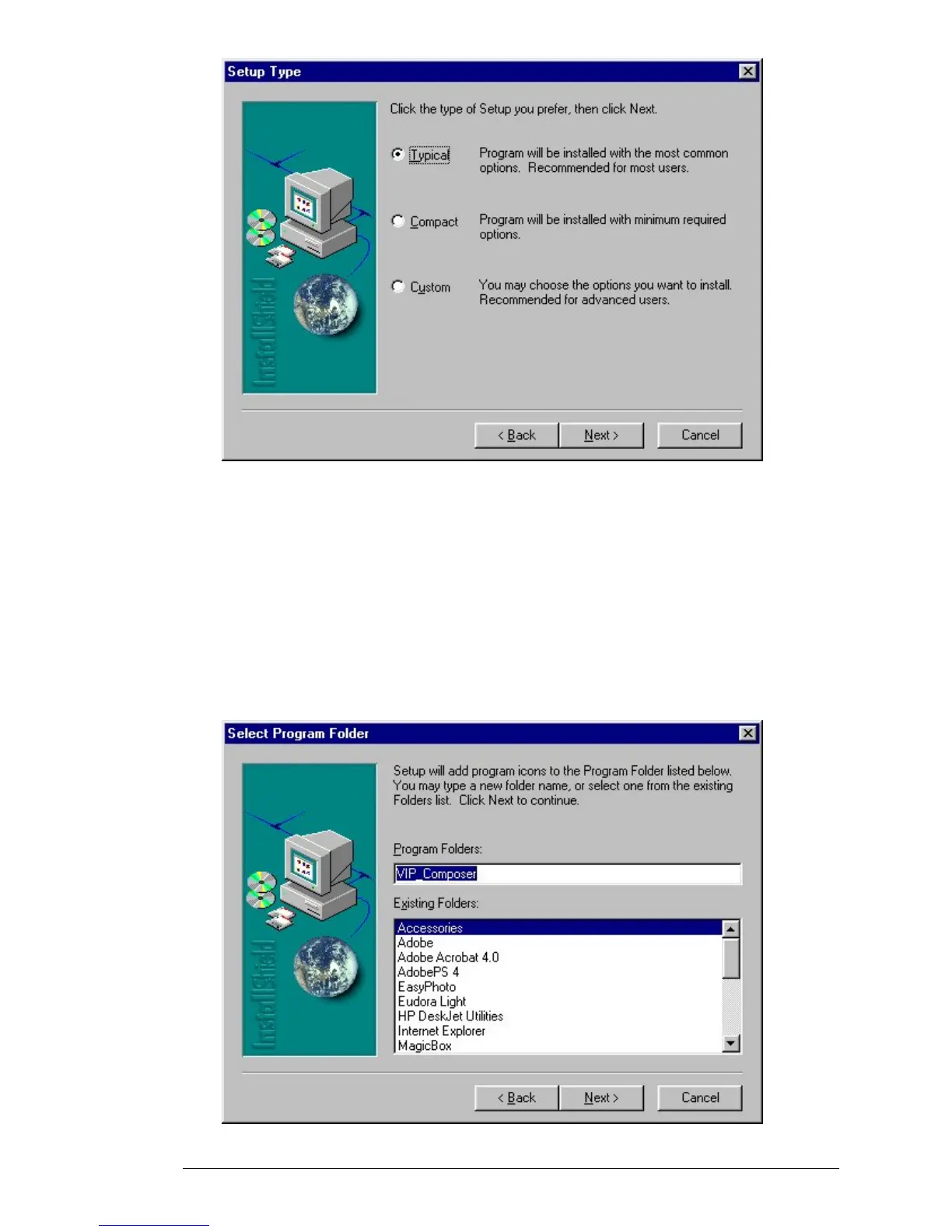
After you have selected “Typical”, “Compact”, or “Custom”, click on
“Next >” to continue with the installation. If you have selected
“Custom”, you will be given a menu of components to install.
Next, the Wizard will ask for the name to use for the Program Group
containing VIP Composer. This is normally called “VIP Composer”, and
will be placed inside the “MagicBox” Program Group – you only need to
change the selection if you want to use your own custom Program
Group. Click on “Next” to continue.



 To Next Page