44 VIP User Manual
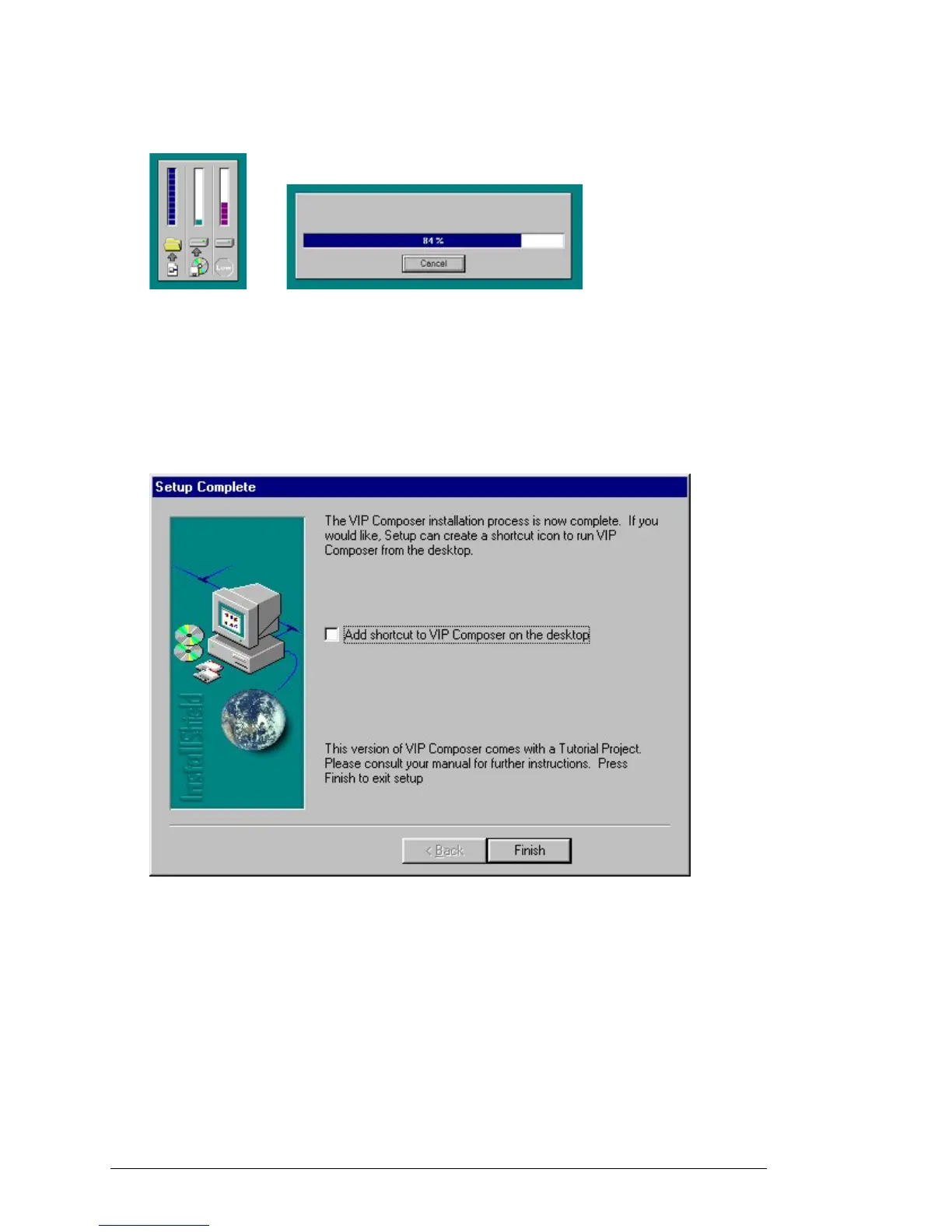
The InstallShield® Wizard will now begin copying files from the CD to
your computer. During this process, you will see progress information
displayed similar to the images below:
Depending on the speed of your computer and the installation options
you have selected, this process will take 15 seconds to a couple of
minutes to complete.
After all of the files have copied, you will see this final InstallShield®
Wizard screen:
Normally, the installation process just creates a Program Group entry
under the windows “Start” button. However, you can choose to have a
shortcut icon placed directly onto your desktop by clicking on the
checkbox in this menu. When you are done, click “Finish” and the
installation process will be complete.
See the next sections (“VIP Composer Setup” and “VIP Composer
Tutorial”) for information on how to launch, configure, and begin using
the VIP Composer software.



 To Next Page