VIP User Manual 91
More About Publishing
The Publish Wizard offers several different options for publishing your
projects to VIP units. Earlier in this chapter, the “Publish to Floppy”
method was explained. There are two additional methods, “Publish to
Single Site”, and “Publish to Multiple Sites” which are explained here.
Before continuing, if you have not done so already, configure your sites
(VIP units) using the instructions in the chapter titled “VIP Composer
Configuration”.
Publishing to a Single Site
From the first screen of the Publish Wizard, select “Publish to
Single Site”:
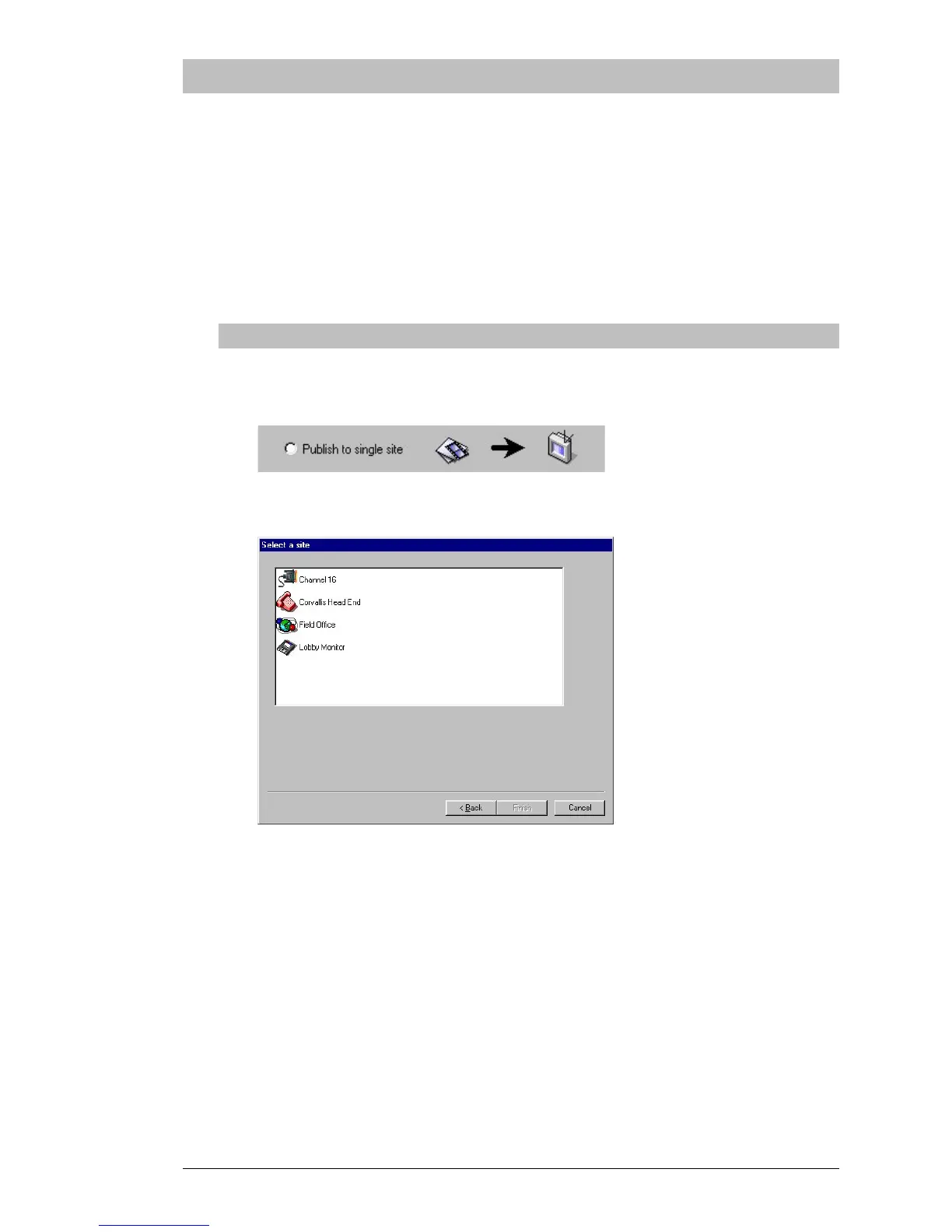
You will now be shown a list of your sites:
Click on the site to which you want to publish, then click on
“Finish”. Now skip ahead in this tutorial to the heading “Project
Selection”…



 To Next Page