30 VIP User Manual
Standard Res.
If you select “Standard Res.”, then the VIP unit will output 640x480
video. This is the mode to use if you intend to hook up the
composite video or S-Video outputs. Any graphics created in modes
other than 640x480 by VIP Composer Professional will be scaled
down to fit the 640x480 screen, which may cause an apparent
decrease in resolution or a change in overall proportion.
VGA HIRES/ Wide
If you select “VGA Hi-Res./Wide” then the VIP unit will output all
graphics in an 800x600 mode. Only the VGA output connector will
be active in this mode – you will be unable to use the composite
video or S-Video connectors. If you attempt to display a standard
640x480 project in this mode, the image will appear smaller,
surrounded by a black border.
** Used with VIP Plus Widescreen and VIP Plus Express Widescreen
units only**
Time / Date
The VIP unit uses the current time and date to determine when to
display pages from your project.
Setting the Date
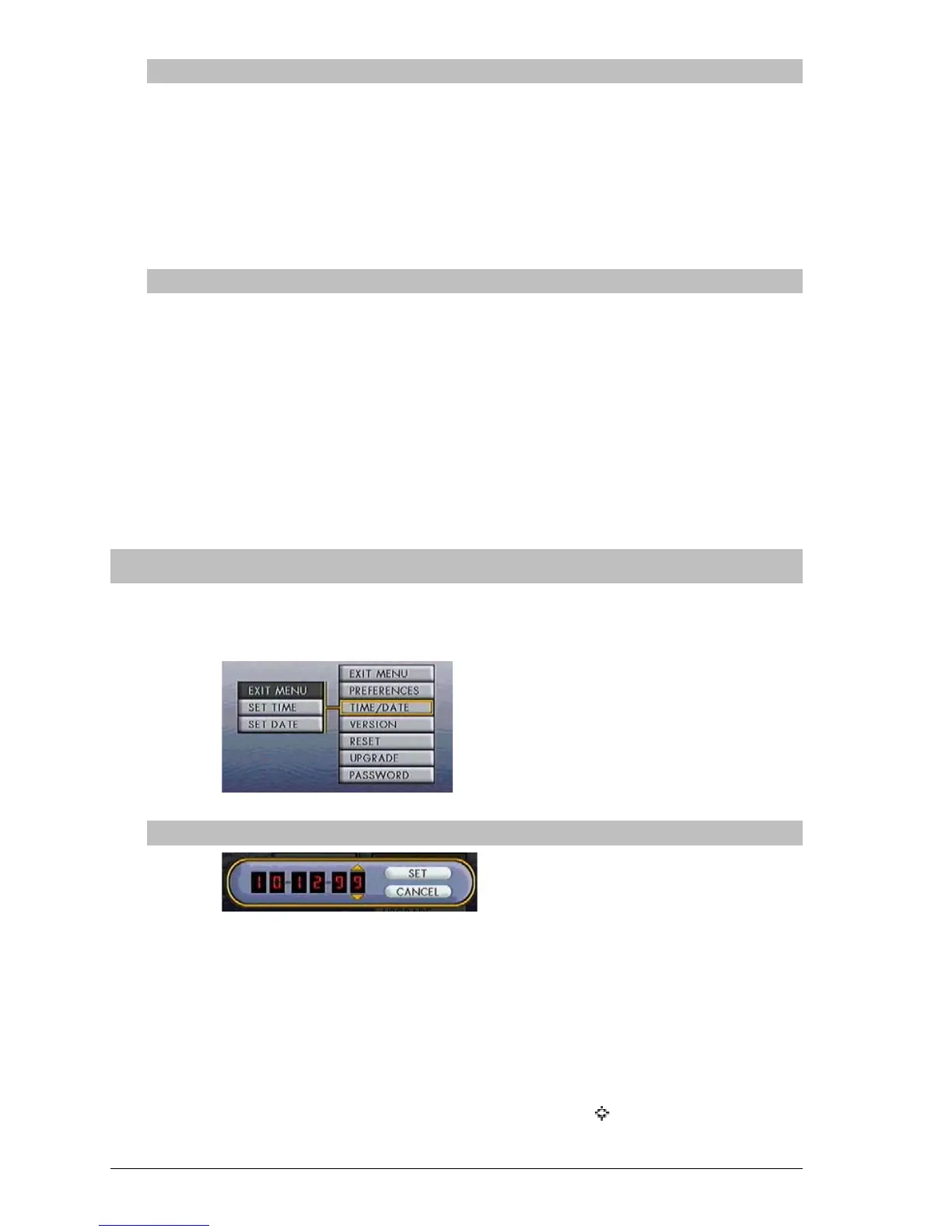
A 6-digit digital display showing the current Month, Day, and Year
will appear. Use the left and right arrow buttons to select which
digit you wish to modify, and use the up and down arrow buttons to
change the value of that digit. To enter years greater than 1999, use
“00” for 2000, “01” for 2001, etc.
Once you have adjusted the digits to reflect the current date, use the
arrow buttons to highlight “Set” and press Select (
). You will be
returned to the Setup Screen.



 To Next Page