VIP User Manual 59
Changing the Background
To modify the background, click on the Page Background icon on the
Tool Palette.
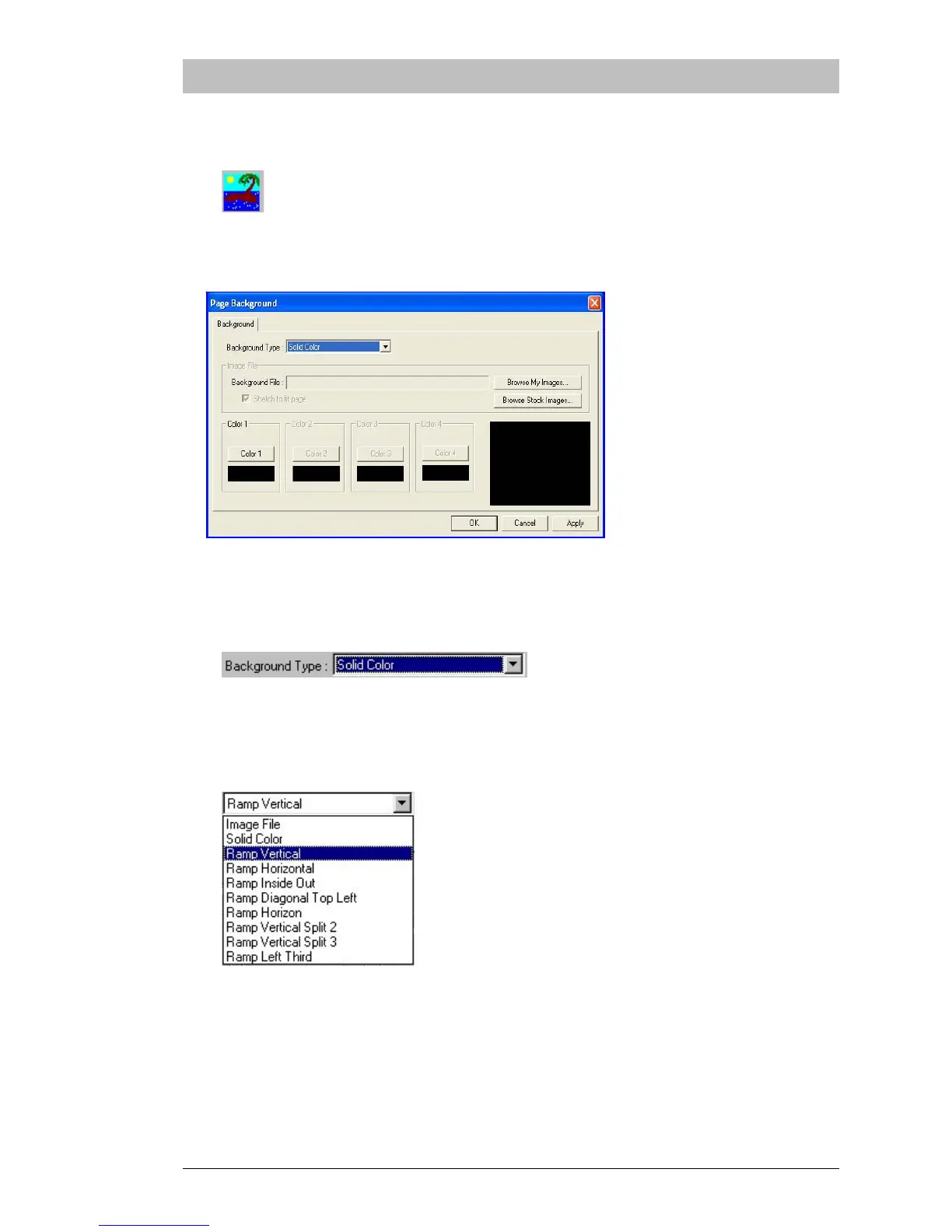
The Page Background dialog will now appear:
There are many types of backgrounds available. To see the list of
background types, click on the arrow of the pull-down menu:
A pull-down menu like the one below will appear. Click on the type
“Ramp Vertical”. A “Ramp” is a gradual change from one color to
another across the screen, in this case from top to bottom.
Notice that along the bottom of the Page Background dialog, there are
four sets of color buttons – “Color 1” through “Color 4”. These buttons
control which colors will be used to draw a ramp background.



 To Next Page