VIP User Manual 41
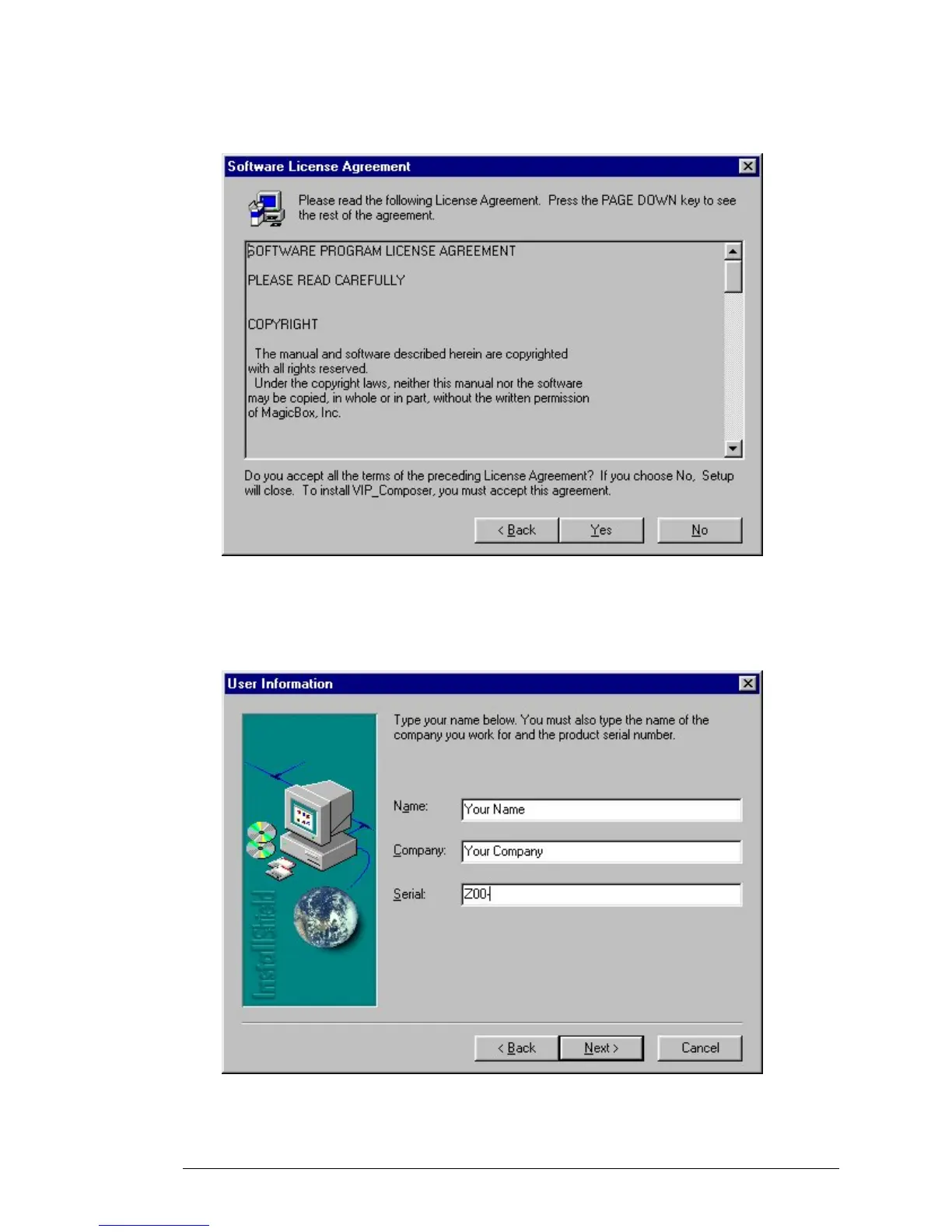
The Wizard will now display the software license agreement for VIP
Composer. This software license agreement is also printed in the
Introduction section of this manual.
After you have read the license agreement, click “Yes” if you want to
continue. Clicking on “Yes” constitutes your acceptance of the terms of
the license agreement. After you click “Yes”, the following will appear:
Enter your name and your company. If this installation is for personal
use and you do not have a company name, enter “Personal.”



 To Next Page